Page 8
ENGLISH
V. Installing USB Switch
(not included in 118-02)
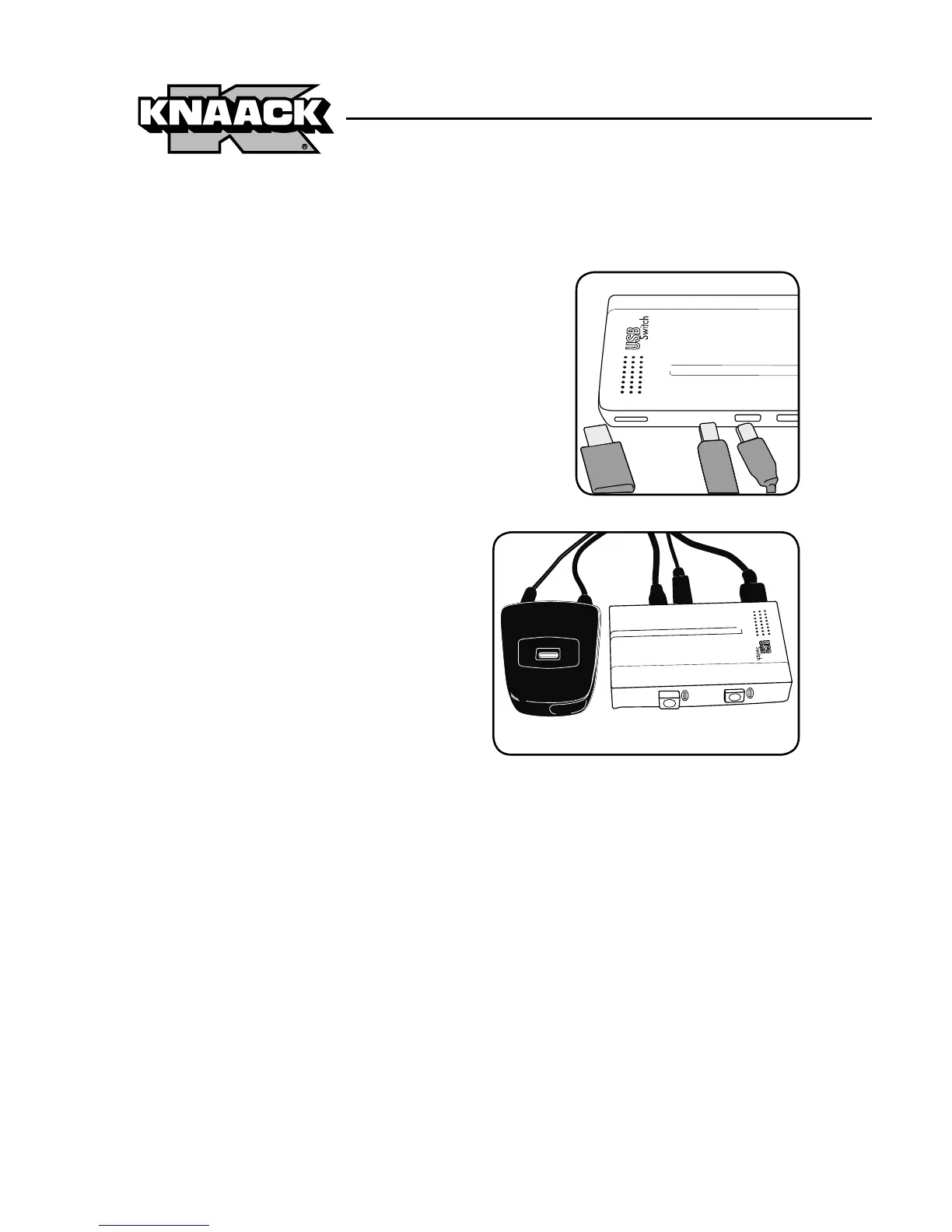
Install USB switch in central compartment.
Attach 2 USB-BM cables into switch.
a. Install USB hub, connecting USB hub
computer port/connector into USB
switch.
b. Plug USB-AM cable (from
printer) into USB hub.
c. Other computer USB devices
such as a keyboard and
mouse may be installed at
this time.



 To Next Page