Data Vault
USER INSTRUCTIONS
Page 5
ENGLISH
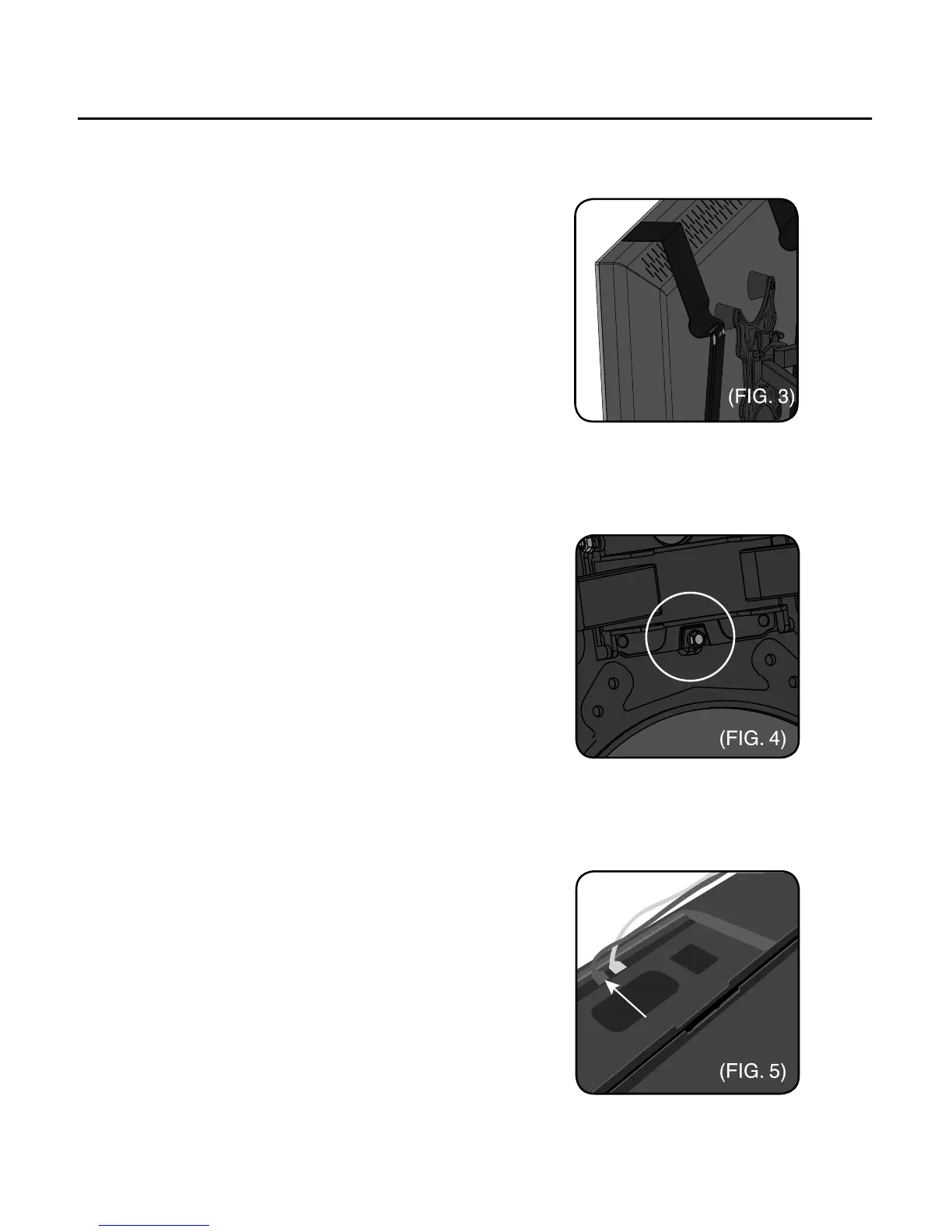
g. Remove the Velcro straps from the TV
protector
h. Slide the TV protector onto the TV
i. Tighten the Velcro straps down
(FIG. 3)
j. Lift the TV/Protector assembly
k. Place TV, mounting plate to mounting
plate holder
l. Assemble the bolt to the back of the
mount (FIG. 4)
m. Connect the HDMI cables, on the left
side of the TV (FIG. 5)
n. Connect the power cable, on the right
side of the TV



 To Next Page