MODEMAKER
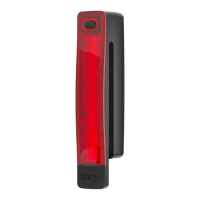
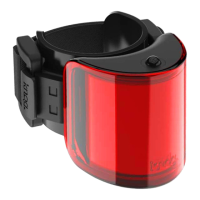
Knog’s ModeMaker app allows
you to update the modes for
Cobber bike lights. Simply
download the software from
knog.com.au, plug your light in,
using the supplied USB-A
extension cable*, then select and
tailor modes from the menu.
1. Download the app from
knog.com.au/modemaker
2. Plug the light in and follow
on-screen prompts to register
your product.
3. Follow tutorial to update your
modes.
* Cable included in Mid & Big Cobber pack only.


 To Next Page