Quick Set Up Guide
Antenna Digital Control Switch—
For Use with Tone and Antenna Telescope
Knoll Of ce Tables
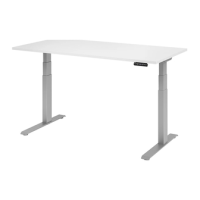
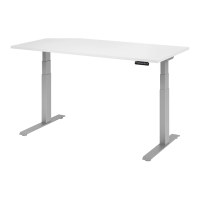
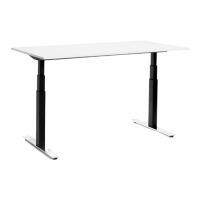
The Antenna Digital Control Switch is designed for use with Tone Height-Adjustable Tables and Antenna Telescope. The switch features
basic up and down buttons; programmable quick sit and quick stand buttons; and three additional programmable height settings.
This document will guide users through basic set up and programming the most commonly-used functions of this Switch. For more detailed
instructions, or for the full Antenna Digital Control Switch User Guide, visit the Tone or Telescope product pages at www.knoll.com.
Program a Quick Sit Height
1. Move the table to seated height.
2. Press and hold for 3 seconds.
3. Immediately press . Quick sit is programmed.
Program Quick Stand Height
1. Move the table to standing height.
2. Press and hold for 3 seconds.
3. Immediately press . Quick stand is programmed.
Operating the Table
Tone and Antenna Telescope feature press-and-hold adjustments
to prevent injury to users and damage to surrounding objects.
To adjust the table up or down or to move to any of the preset
heights, a user must press and hold the appropriate button.


 Need help?
 General