15
Using the projector keypad buttons
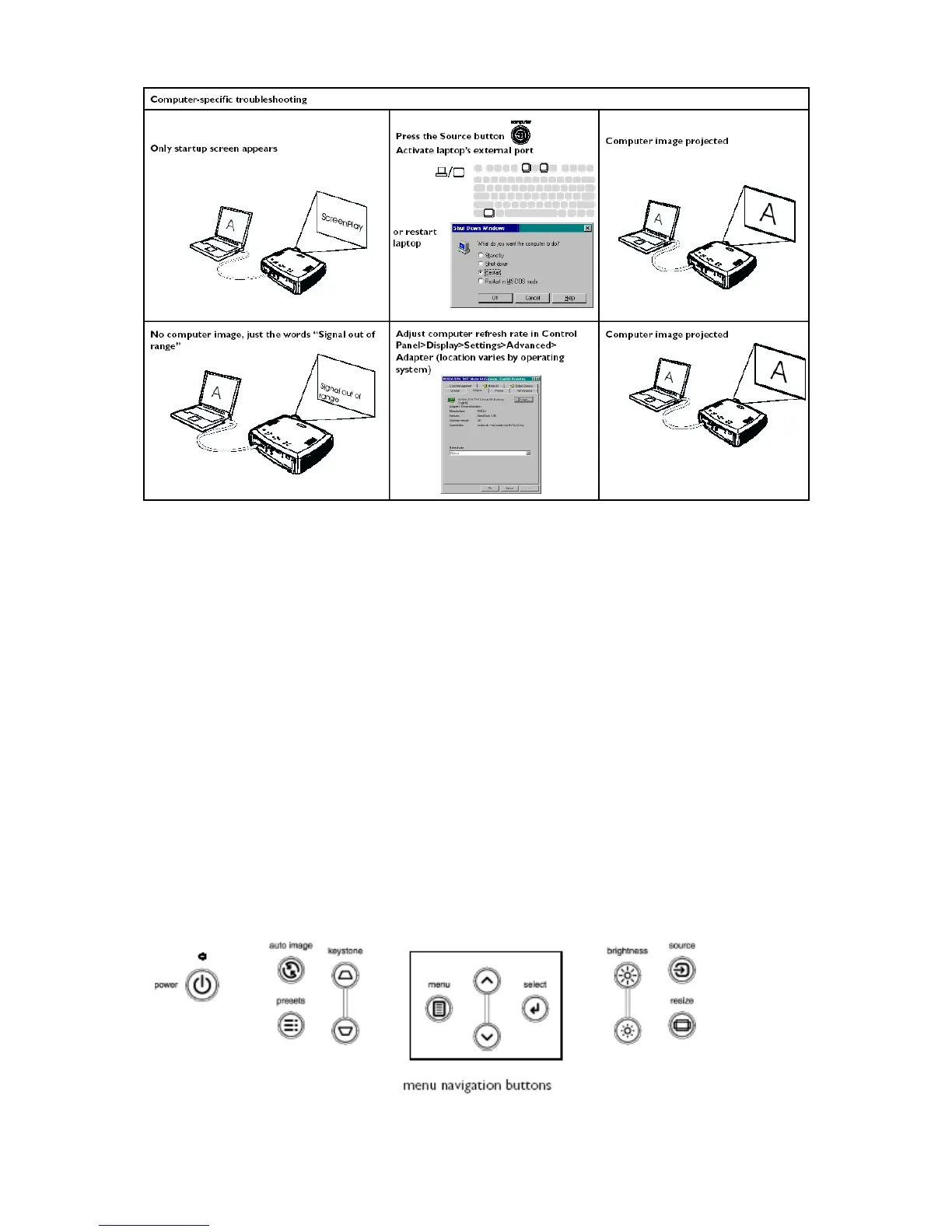
Most buttons are described in detail in other sections, but here is an overview of their functions:
Power–turns the projector on and off.
Menu–opens the on-screen menus.
Select–confirms choices made in the menus.
Up/down arrows–navigates to and adjusts settings in the menus.
Auto image–resets the projector to the source.
Presets–cycles through the three available user preset settings.
Keystone–adjusts squareness of the image.
Brightness–adjusts intensity of the image.
Resize–changes the aspect ratio.
Source–changes the active source.



 To Next Page