20
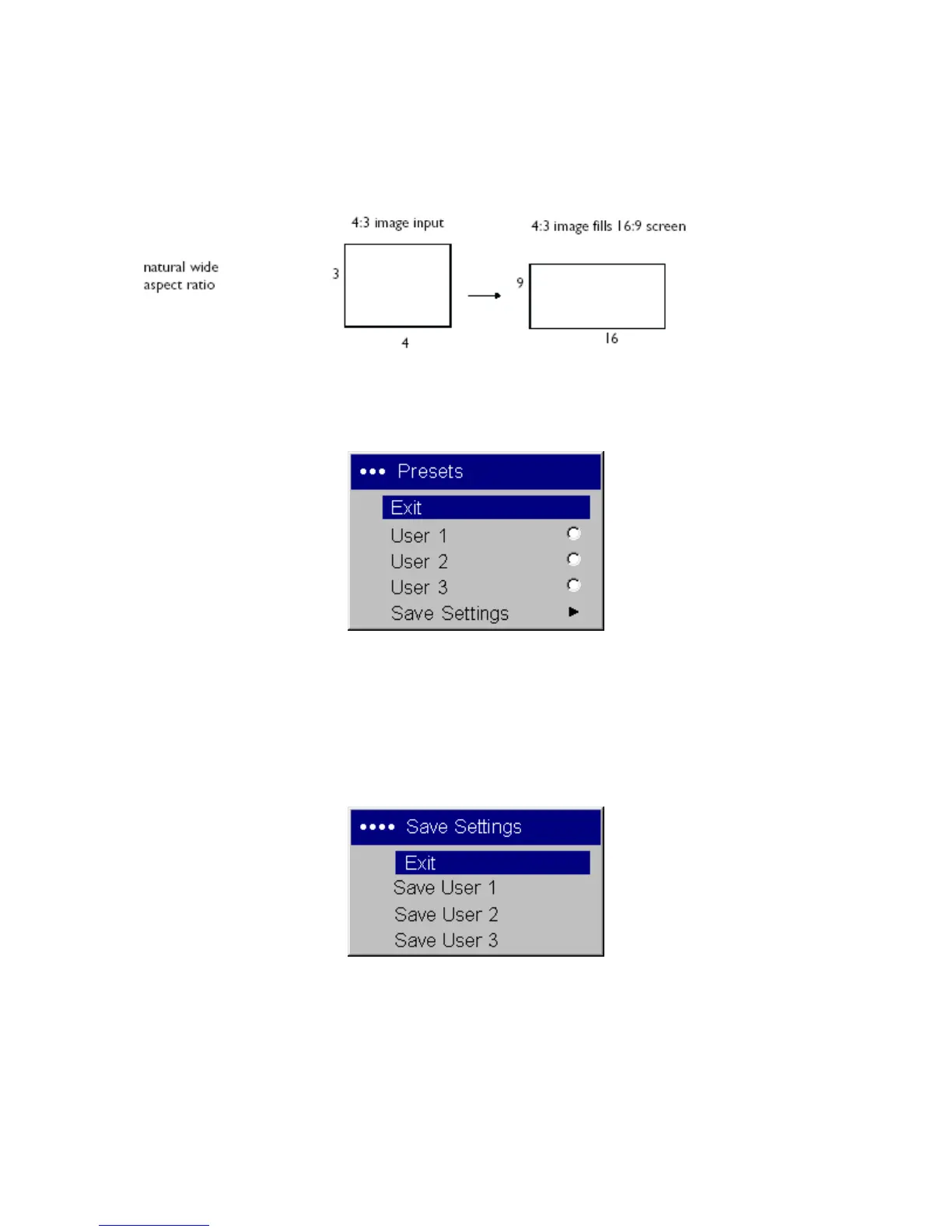
Natural Wide: this mode stretches a 4:3 image to fill the entire 16:9 screen. The center
two-thirds of the image is unchanged; the edges of the image are stretched.
Presets: This allows you to customize settings and save the settings to be restored later. To restore the
factory default settings, choose Factory Reset in the Settings>Service menu.
To set a preset for the current source, adjust the image, select Save Settings in the Presets menu, then
choose Save User 1, 2, or 3. You can recall these settings in the future by selecting the appropriate user
presets.



 To Next Page