33
HELP DESK
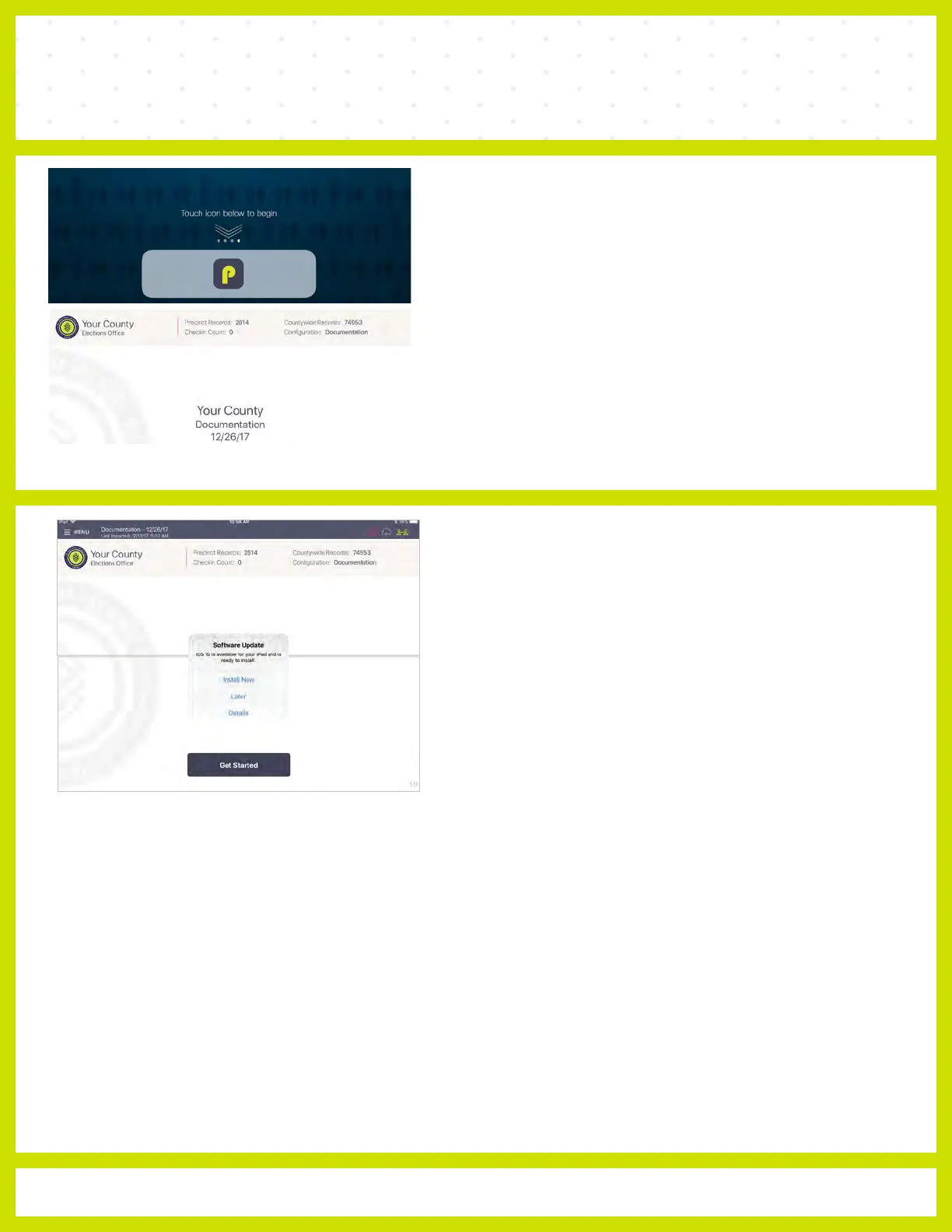
iOS SOFTWARE UPDATE
DO NOT perform a software update on the Poll
Pad. In the
unlikely event that an iOS update prompt displays on the device,
perform the following steps:
❶ Touch Later from the list of on screen options
❷ Press the Home button and verify Poll Pad app remains open
OPENING POLL
PAD
❶ If application does not automatically launch when powered on,
touch the Poll Pad App at the bottom of the Home Screen
❷ Verify the Texas homepage displays on screen



 To Next Page