34
HELP DESK
POLL PAD SCREEN IS
UNRESPONSIVE
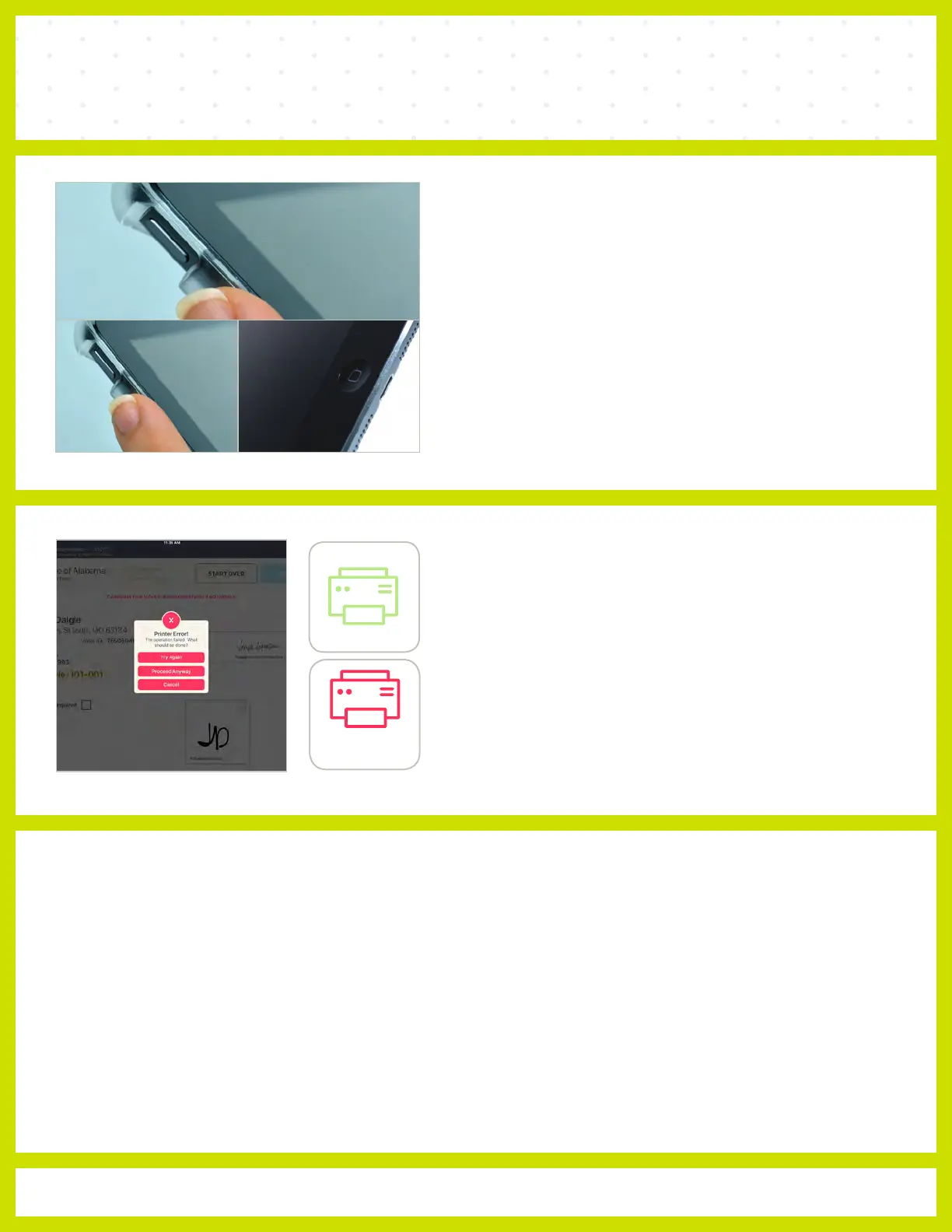
❶ Unplug unit from power source (electrical outlet, battery, etc.)
If the Poll Pad screen is unresponsive, perform the
following steps:
❷ Hold down the Sleep/Wake and Home buttons
simultaneously
❸ Release both buttons once the Apple logo displays on screen
❹ After application launches, return to previous activity.
NOT PRINTING / STOPS PRINTING
and cords are
1 Make sure the printer is turned ‘ON.’
2 Confirm the printer is plugged into outlet
securely connected.
3 Confirm connection with Poll Pad (green
icon).
Not
Connected
Connected



 To Previous Page