3
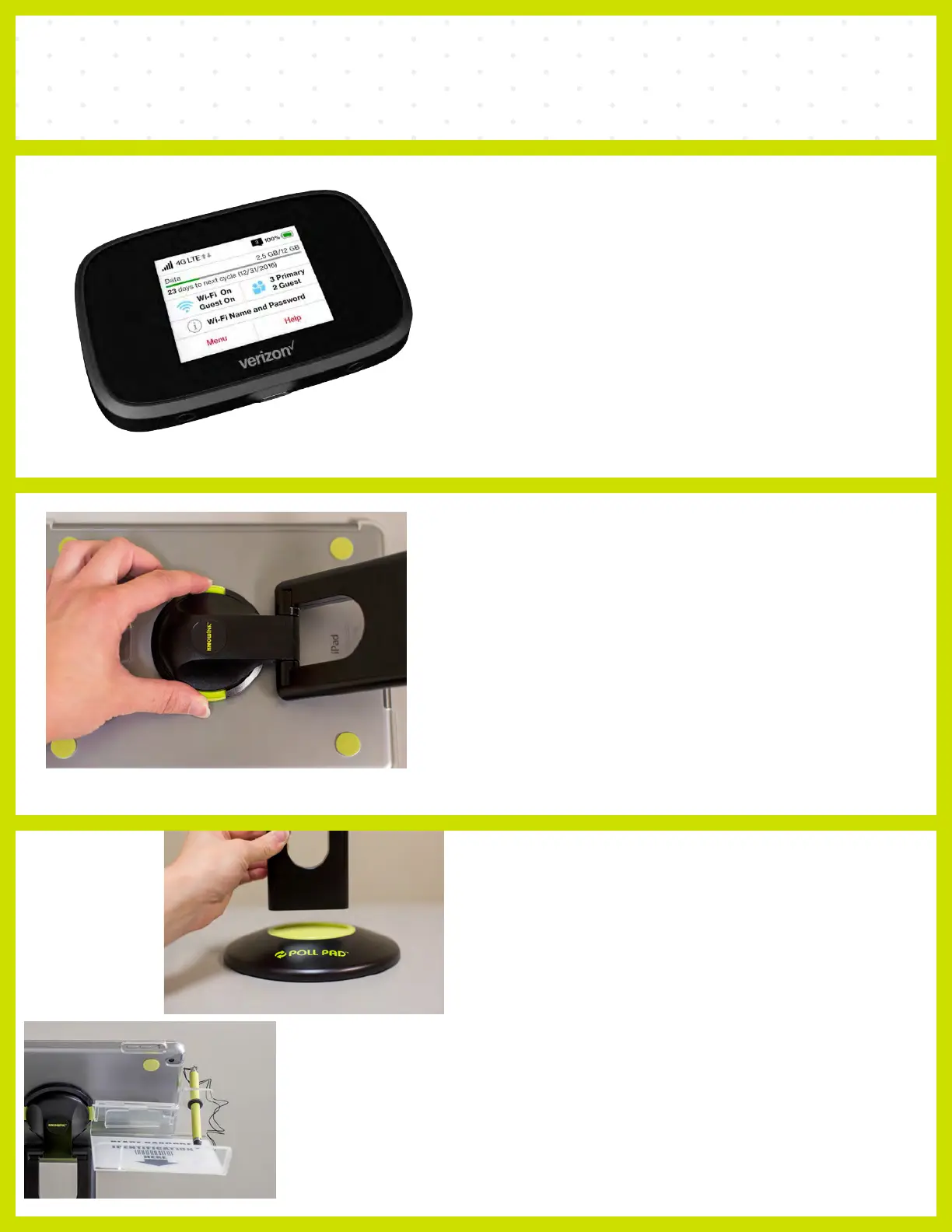
❶ POWER ON HOTSPOT
To attach the stand arm to the iPad shell, press
the buttons on the side of the arm, and place in
circular opening. Release buttons and rotate
the arm until you hear a click.
❷ ATTACH STAND ARM
❸ CONNECT ARM
TO BASE
OPENING PROCEDURES | POLL PAD SETUP
Attach the ID tray to the iPad using
the mounting clip. Once attached,
insert stylus into the holding slot.
❹ ATTACH PHOTO ID TRAY
Take arm and place into Poll
attached rotate iPad making
Pad Base. Once
sure the camera
is on top, oriented in a landscape position.
To POWER ON the Hotspot, press the
Power Button located on the top right hand
side. Press and hold the power button until
you see the Verizon logo appear. Allow the
hotpsot to completely power on and set aside.
(Hotspot will look exactly like the image on the
left when powered on.)



 To Next Page