5
OPENING PROCEDURES | POLL PAD SETUP
6
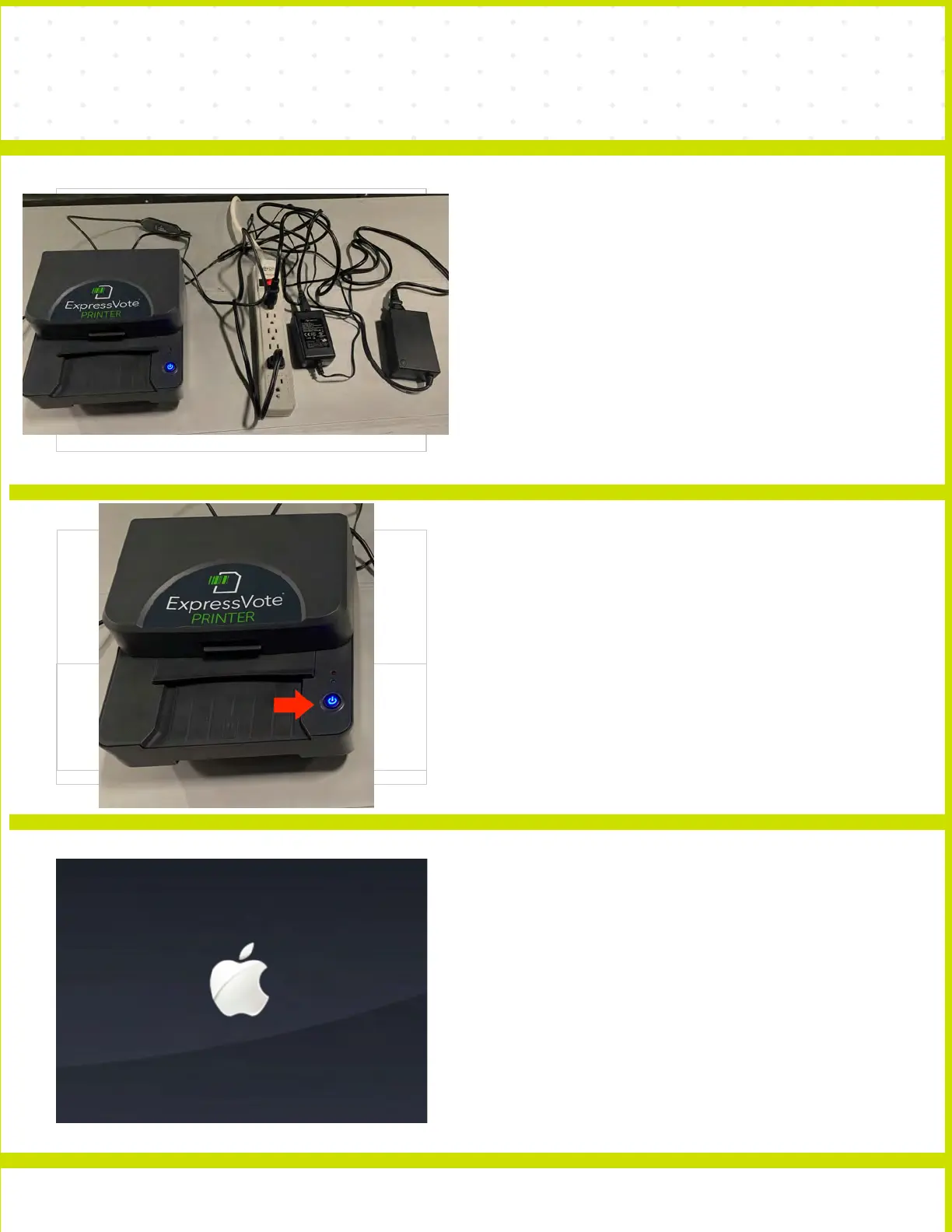
PLUG POLL PAD AND PRINTER
INTO SURGE PROTEPCTOR
Plug your POLL PAD and PRINTER into a
SURGE PROTECTOR.
NOTE: Make sure you check-in table is close to
extension cord the wall outlet or you have an
available.
7
TURN PRINTER ON
The ON/OFF button is on the front of the printer.
Press the ON/OFF button until the button turns
blue and you hear a beep sound. If you do not
see a blue power button light, check that the
connections are securely plugged into the
power adapter, and the surge proterctor is
turned on and the outlet has power.
8
POWER ON POLL PAD
Press of the power button on the top left edge
of the unit until you see the Apple icon, then
release. The iPad will power on.



 To Next Page