How to start
1.Device power ON / OFF
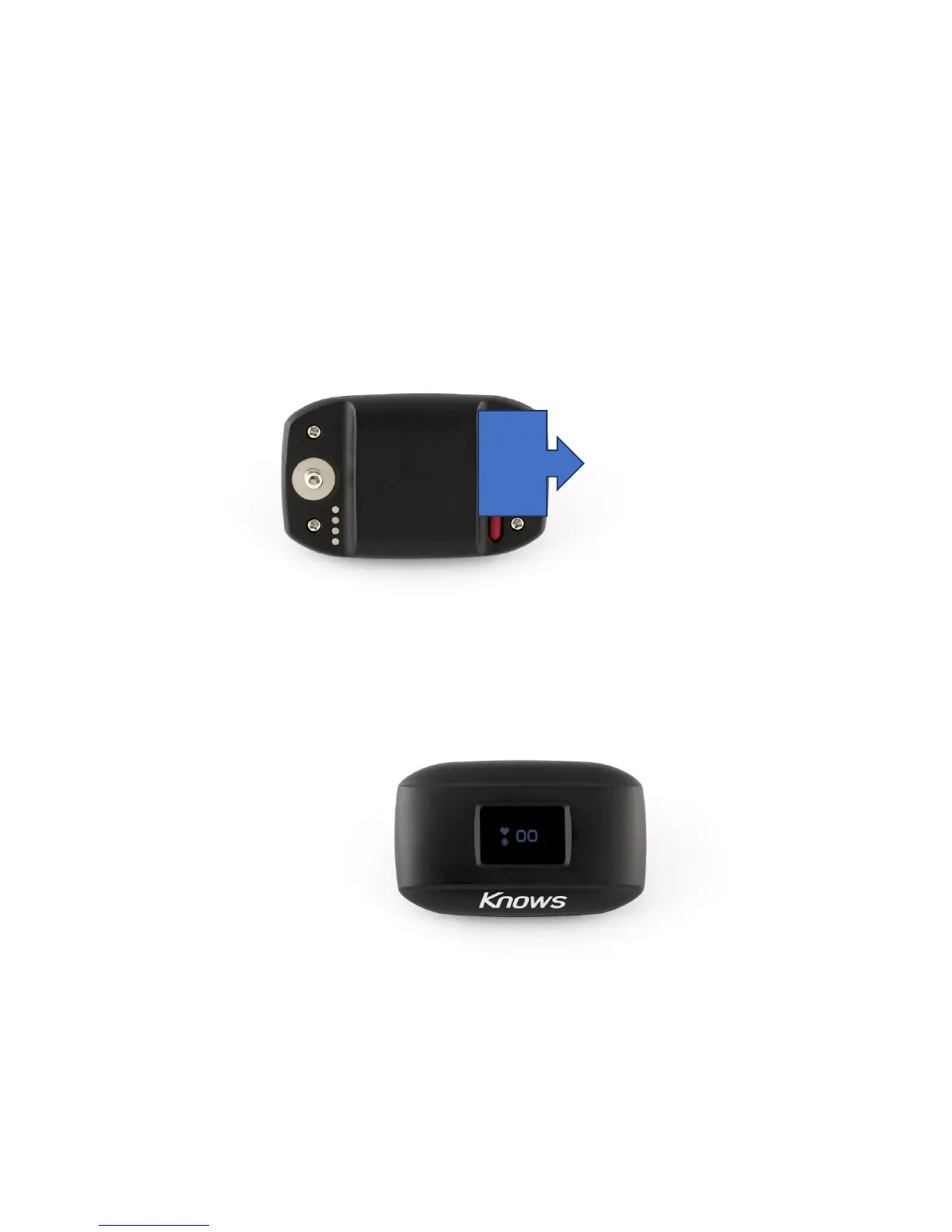
Power ON ····· Power on will be turned on by pushing the red switch on the back of the main
unit for about 1second.
Power off · · · · Main body reverse When you press and hold the red switch for about 3
seconds, the power turns OFF.
Back side of the KS-01
Device Top view(power ON state)
※
Battery level is below 10% Display, Device will notify you by warning sound that the
battery level is too low, Please to charge it.
Power
button



 To Next Page