EasyManua.ls Logo

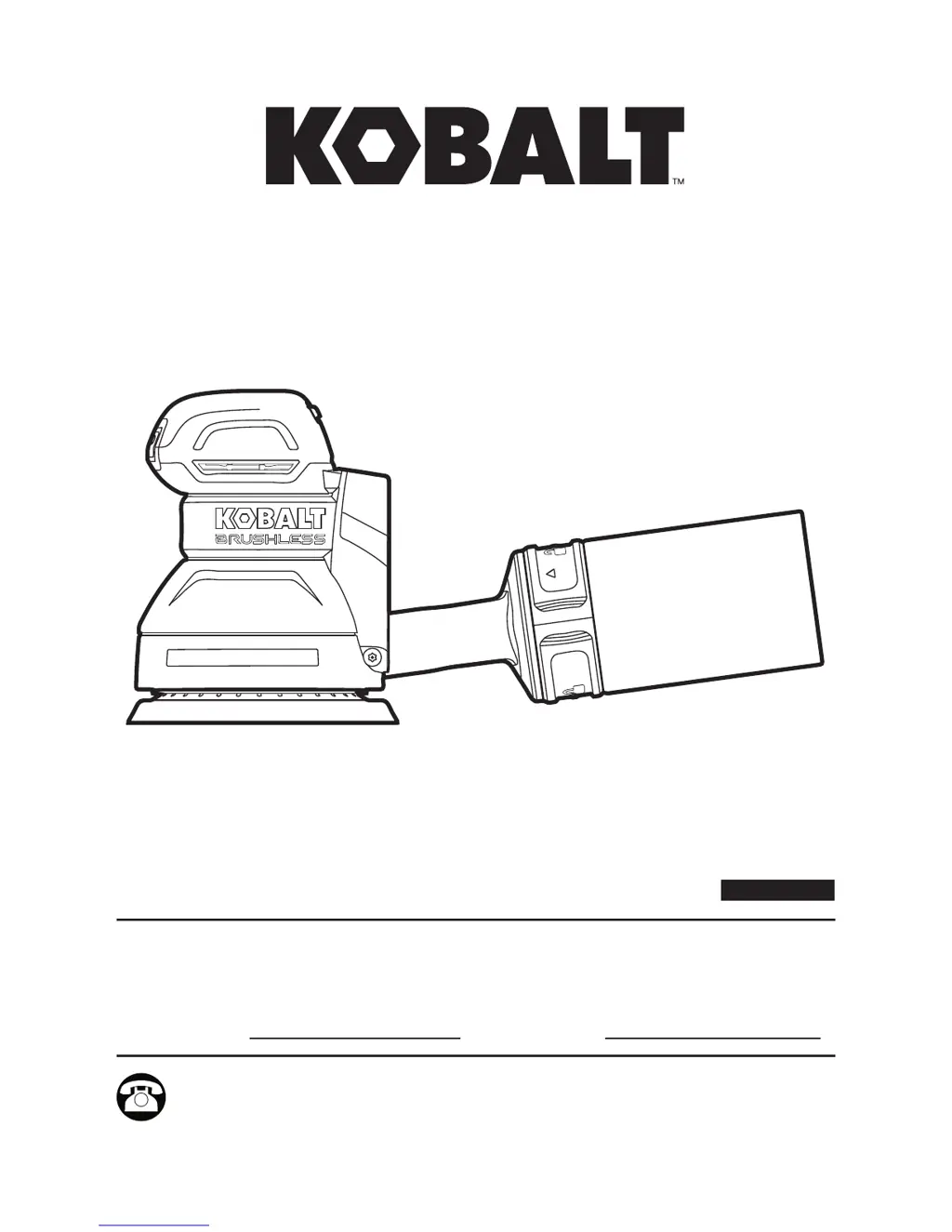
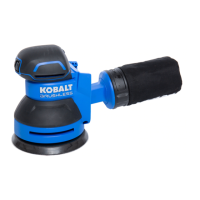
Kobalt 5 IN. BRUSHLESS RANDOM ORBIT SANDER - User Manual

Kobalt 5 IN. BRUSHLESS RANDOM ORBIT SANDER
28 pages
Print Icon
To Next Page IconTo Next Page
Loading...
AB16874
Questions, problems, missing parts? Before returning to your retailer, call our customer
service department at 1-888-3KOBALT (1-888-356-2258), 8 a.m. - 8 p.m., EST,
Monday - Friday.
ATTACH YOUR RECEIPT HERE
Serial Number Purchase Date
Español p. 13
ITEM #0836361/0854724
5 IN. BRUSHLESS
RANDOM ORBIT SANDER
MODEL #KOS 2450B-03

Questions and Answers

  • V
    Virginia JordanAug 11, 2025
    Why is dust not being collected by my Kobalt 5 IN. BRUSHLESS RANDOM ORBIT Sander?
    • M
      Melissa MyersAug 11, 2025
      If your Kobalt sander isn't collecting dust, it could be due to a full dust bag. Make sure to empty the dust bag. Also, check that the sandpaper is correctly installed, aligning the holes with the sanding pad; if not, reattach the sandpaper to the pad.
  • P
    Peter LeeAug 25, 2025
    What to do if sandpaper cannot attach to the sanding pad of Kobalt 5 IN. BRUSHLESS RANDOM ORBIT?
    • M
      Maria BarrAug 25, 2025
      If the sandpaper won't stick to the sanding pad on your Kobalt sander, it could be that the velcro on the sanding pad is worn. Alternatively, the fuzzy side on the sandpaper might be worn. Replace with new sandpaper.

Kobalt 5 IN. BRUSHLESS RANDOM ORBIT SANDER Specifications

General IconGeneral
Power TypeCordless
Motor TypeBrushless
Dust CollectionYes
SpeedVariable
Weight3.5 lbs
Voltage24V
Sander StyleRandom Orbit
Sanding Pad Size5 inch
Orbit Diameter3/32 inch
Dust Port Size1.25 in.

Related product manuals