EN KTFD-01
DIGITAL FANCOIL THERMOSTAT
31 / 34
8 CONFIGURATION
The configuration menu allows you to set certain thermostat operating characteristics to your system or
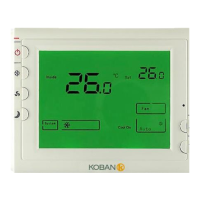
personal requirements. Switch off the thermostat and hold the sleep operation Button ④ for over 3 sec-
ond till power on again means you have entered the first configuration menu item. There are 10 menu
items. Press button ④ to change to the next item. To exit the menu and return to the normal operation,
switch off the thermostat and switch it on again. If no keys are pressed within 20 seconds the thermostat
will be switched off.
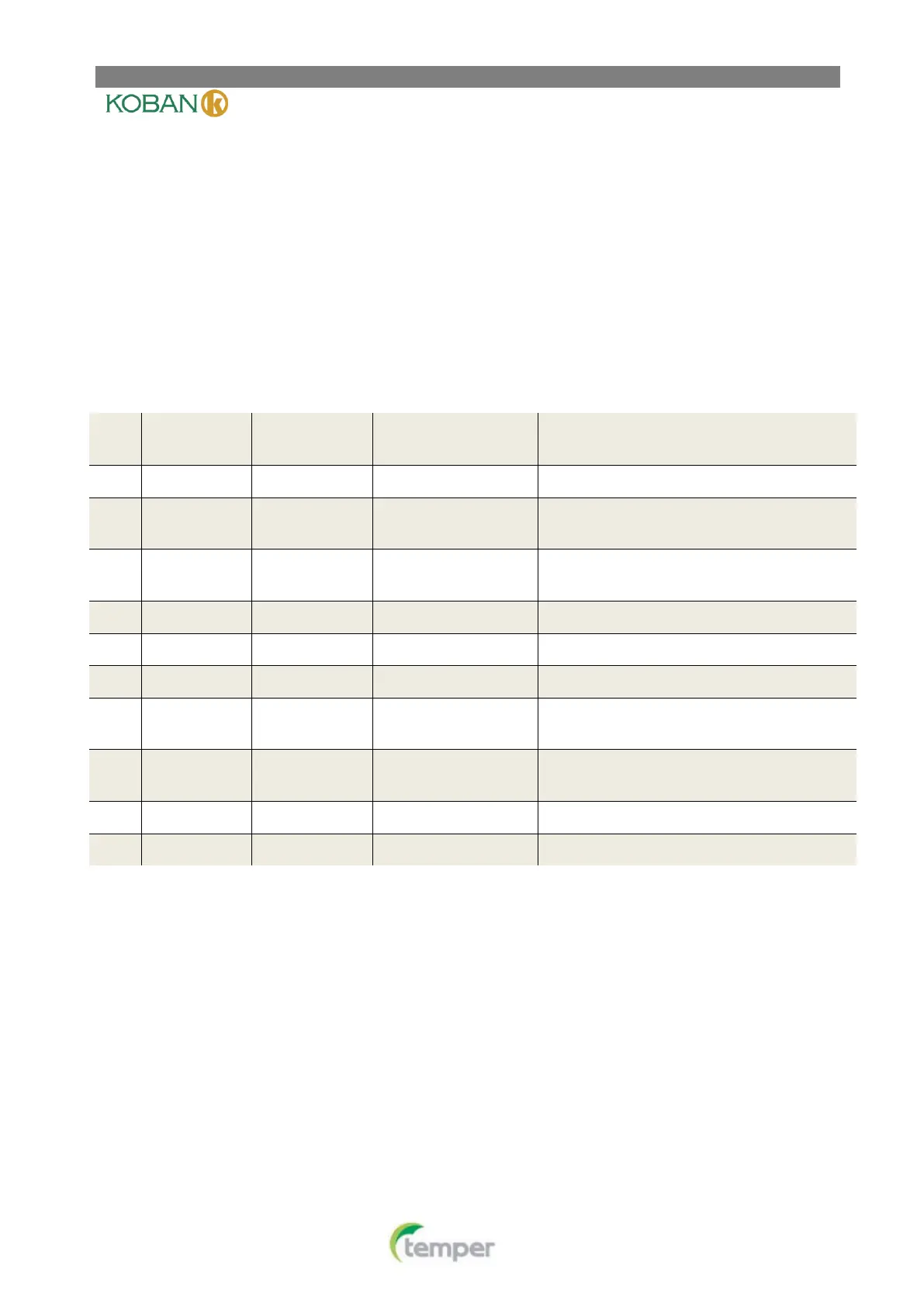
Adjust temperature coefficient.
Select maximum setting temperature limi-
tation.
Select minimum setting temperature limi-
tation.
Memorize option before power loss.
Display backlight option.
Heating mode without room card temper-
ature
Cooling mode without room card temper-
ature
Room Card function mode option
Window Card function mode option
1. Adjust temperature coefficient
You can adjust the room temperature display up to 3 higher or lower. Your thermostat was accurately cali-
brated at the factory but you have the option to change the display temperature to match your previous
thermostat. The factory default setting is “0”.


 To Next Page