Kobo!Touch!eReader!User!Guide!!!!16!
• Click$the$b a r$a t$th e $left $or $righ t $of#the#margins#bar,#and#
drag%it%right&or&left!to#increase (o r(decrease'the'space'
around'the.!
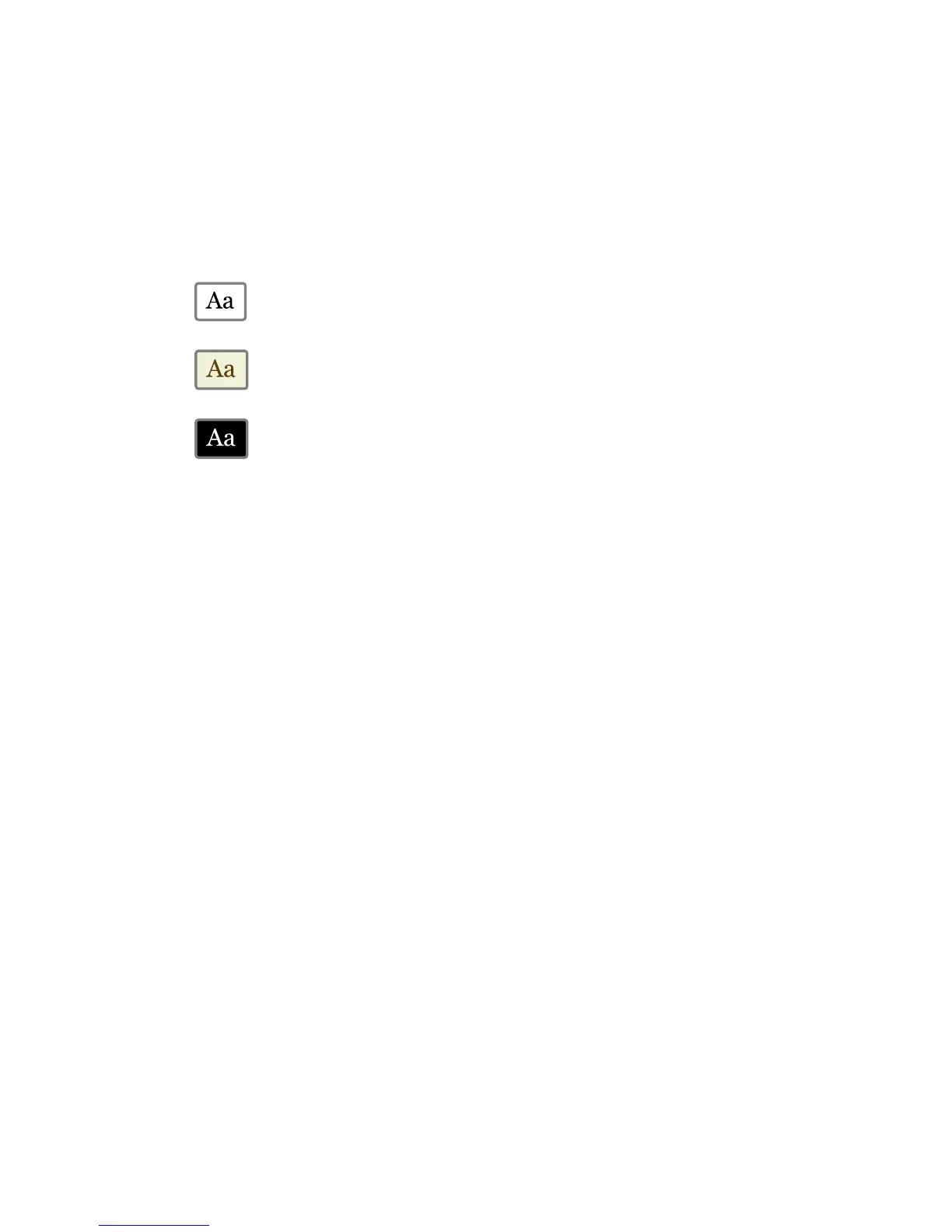
5. To#change#the$theme#on#your#page,"click "the"the me"yo u !
wish!to#use:!
• !Shows!black!text!on!a!white!background.!
• !Show s!black!text!on!a!sepia!background.!
• !!Show s!white!text!on!a!black!background.!!
When!you're!done!customizing!your!book,!click!anywhere!on!the!
page!to!go!back !to !read ing.!
Note:-When!you!change!the!way!text!looks,!Kobo!Desktop!
remem b ers!your!preferre d!text!size!and!style,!and!ap plies!it!to!
other!books!you’re!reading.-



 To Next Page