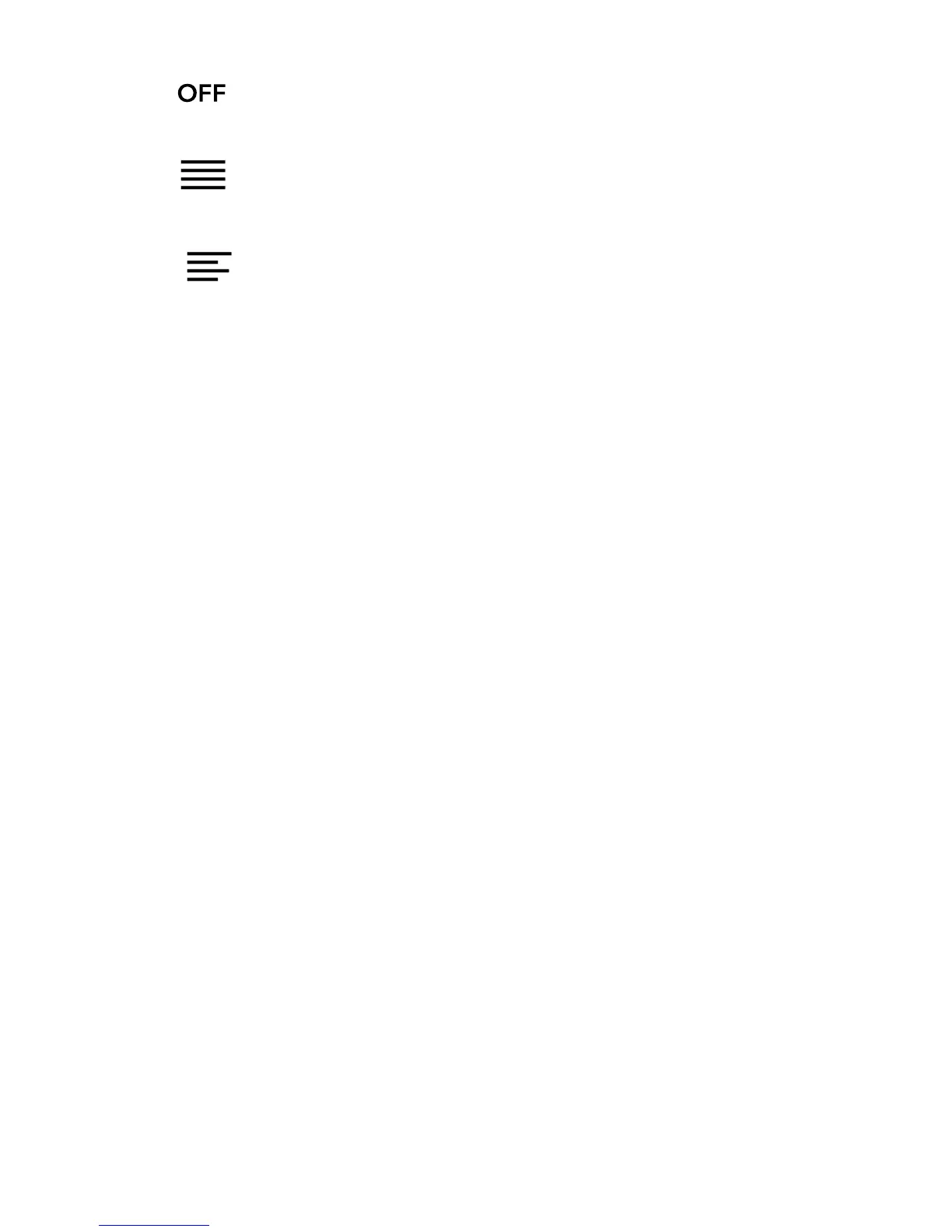
• !!Uses!the!default!publisher’s!settings!fo r!y ou r!b o ok .!
• !Forces!text!to!line!up!on!both!the!left!and! right!sides.!
• ! !Forces!text!to!line!up!w ith!the!left!side!of!the!screen.!
8. When%you're%done%cu stomizing+your+book,+tap+anywh ere+
on#the#screen#to#go#back#to#readin g.!
Notes:!
• When%you%change%the%way%text%looks,%your%eReader%
remem b ers&your&pre ferred&text&size&and&style,&and&
applies'it'to'other'books'you'read.!
• If#you#are#rea din g#a#P D F#yo u#can ’t#cha ng e!the$size$or$style$
of#the#text,#but#you#can#zoom#in#to#make#the#entire#page#
bigger&and&easier&to&read.!
!
! !



 To Next Page