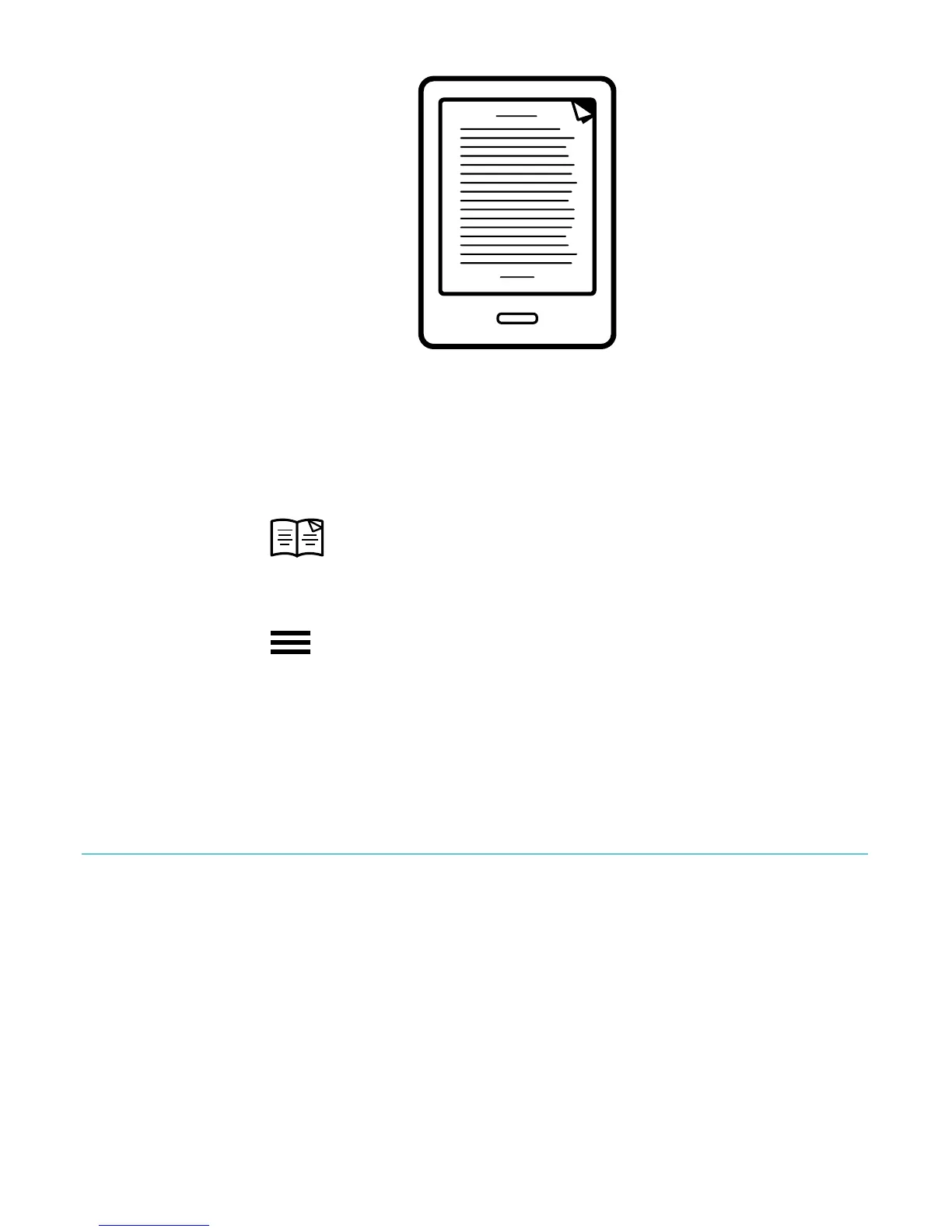
!
To!find!a!dog^ear:!
1. While&reading,&tap&the¢er&of&the&page&to&bring&up&the&
Reading(Menu.!
2. Tap$the$ !Book$ico n .!
3. Tap$Annotations.!
4. Tap$the$ !Menu%icon%beside%the%dog^ear$you$want$to$
see.!
5. Tap$Show%on%Page.!
!
Using!the!dictionary!
Your!Kobo!eReader!has!a!built^in!d ic tio n a ry !th at !yo u !ca n !u se !
while!reading!Kobo!eBooks.!The!dictiona ry !may!n o t!w o r k!if!
you're!readin g!books!from!other!sources,!su ch!as!books!you!get!
from !a!p u b lic!lib ra ry ,!free !eB o o ks !yo u ’ve !fou n d!o n !th e!In te rn e t;!
the!dictionar y! also!does!not!work!with!PDFs.!



 To Next Page