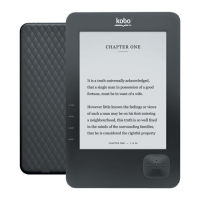
To add books using a Windows computer:
1. Connect your eReader to your computer using the provided USB cable.
2. Tap Connect on your eReader screen.
3. When Window prompts you for an action, select ʻOpen folder to view files.ʼ A window
should open, showing the contents of your eReader.
4. In another window, go to where you stored your eBooks you want to add to your eReader.
5. Drag and drop your eBooks into the eReader window.


 To Next Page