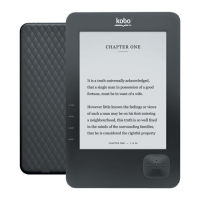
Using the light
You can read in areas with low light or even in the dark using the front light. The front light can be
used for hours without affecting your eReader’s battery life.
To adjust screen brightness:
1. Go to your Home screen.
2. Tap the Menu icon at the top of the screen.
3. Tap Brightness.
4. Drag the slider to adjust screen brightness.



 To Next Page