10
4.3 Connecting the tablet to your PC
When connecting the tablet to your PC through USB, no drivers are needed to access the
tablet’s internal memory or inserted microSD card. However, you do need to confirm the
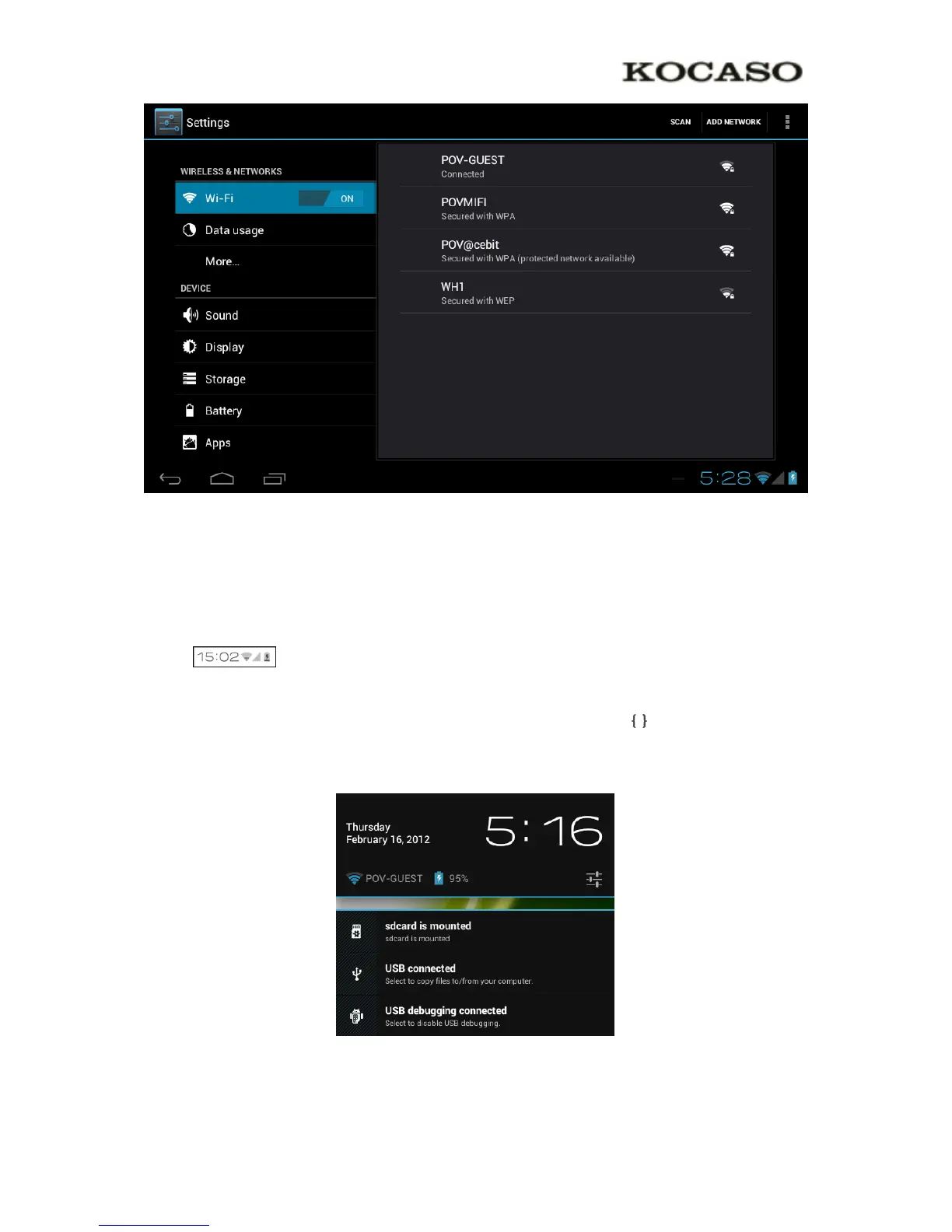
USB connection: click the notification area in the system information bar at the bottom of the
screen . Now select the option ‘Select to copy files to/from your computer’.
If your PC still asks for the device drivers, it may be that the tablet is Android debugging
mode. To change this, please go to the ‘Settings’ menu and open the ‘Developers options’
item. In the right pane you can (un)check ‘USB debugging’.


 To Next Page