7
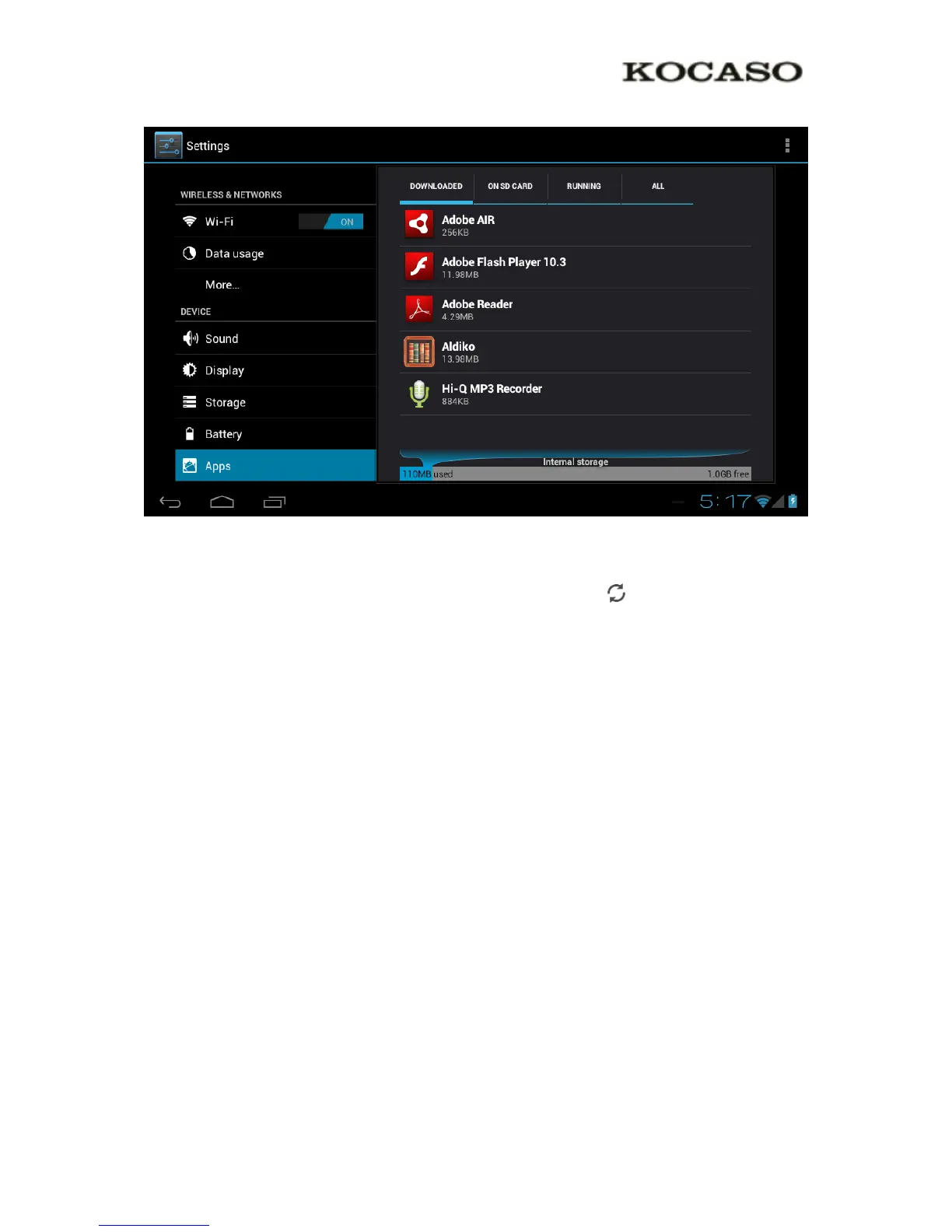
Apps may also be removed in the apps content page of the market / shop application.
3.4 Add an account
The best way to fully make use of your Android tablet is by linking your Google / Gmail
account to your device. Open the ‘Settings’ menu and choose the ‘Accounts & sync’ item.
Without any added accounts the right pane will display nothing. Instead select the option
‘Add account’ in the top right corner. To add a Google / Gmail account please select ‘Google’
in the pop-up and follow the instructions on the screen. After entering your Google username
and password you have the option to automatically back-up your apps, settings (i.e.
bookmarks and WiFi passwords) and other data.


 To Next Page