Troubleshooting
www.kodak.com/go/support
45
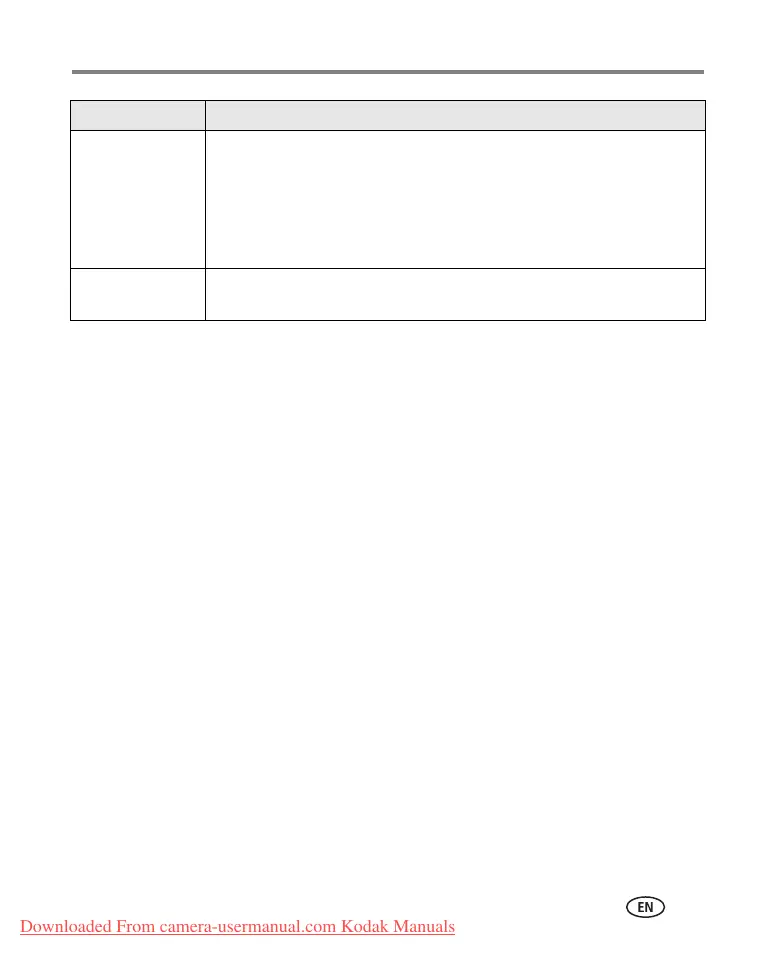
Ready light glows
steady red.
■ Transfer pictures to the computer (page 15), delete pictures from the
camera (page 13), switch image storage locations (page 26), or insert
a card with available memory (page 4).
■ Wait. Resume picture taking when the light turns green.
■ Change the image storage location to internal memory (page 26), or
use a different card.
Ready light glows
steady green.
■ Camera is operating normally.
If... Try one or more of the following
Downloaded From camera-usermanual.com Kodak Manuals


 To Next Page
 Loading...