EasyManua.ls Logo

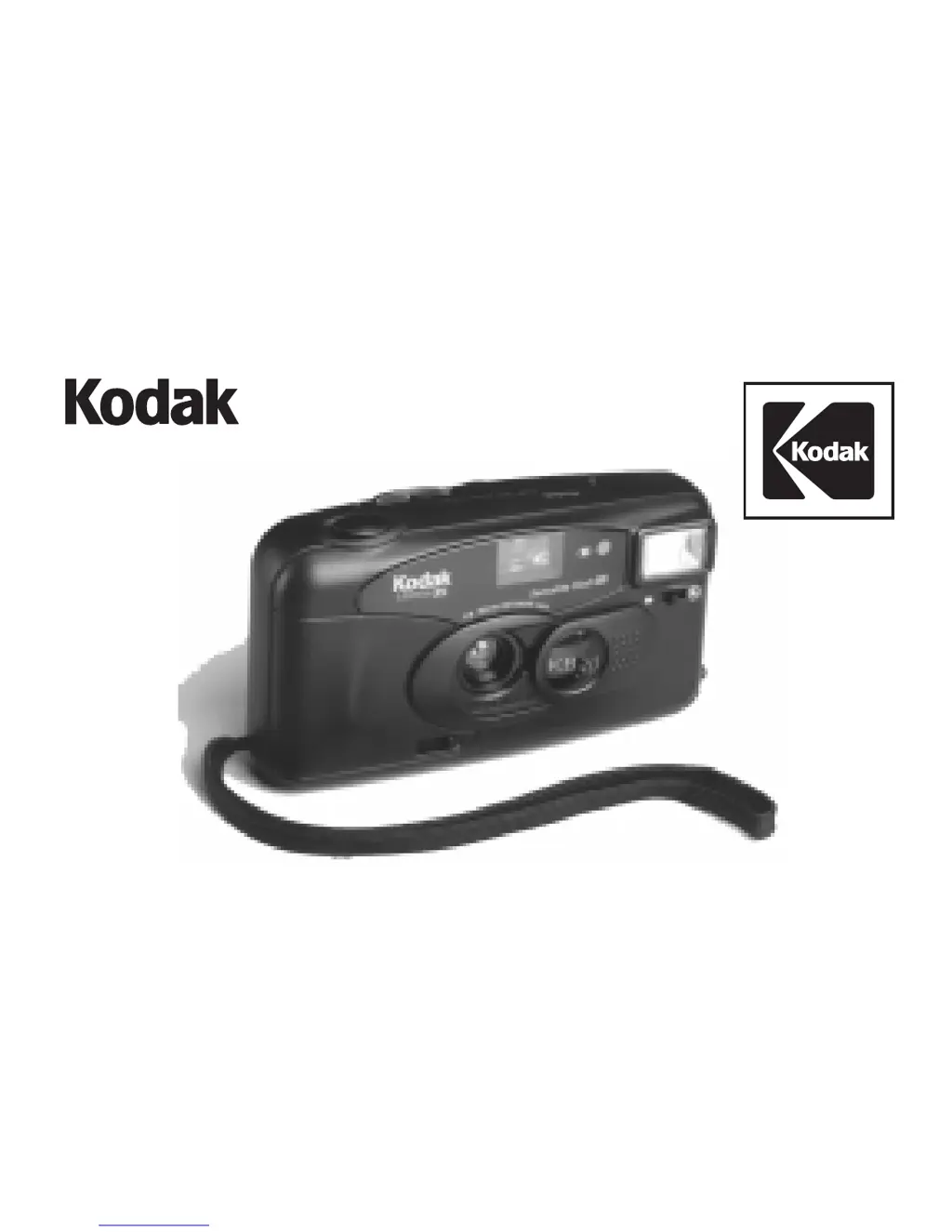
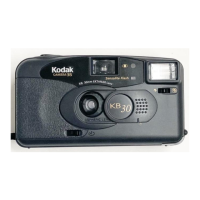
Kodak KB30 - User Manual

Kodak KB30
28 pages
Print Icon
To Next Page IconTo Next Page
Loading...
1
KB30/35
Camera

Questions and Answers

  • C
    Chelsea MitchellJul 31, 2025
    What to do if my Kodak KB30 Film Camera will not operate?
    • T
      Taylor MaxwellJul 31, 2025
      If your Kodak Film Camera isn't working, there are several potential causes: * Ensure the lens cover is fully open. * Verify the batteries are correctly inserted according to the diagram on the battery door. * Wait for the flash-ready light to illuminate, indicating the flash is charged. * Check that the film is loaded correctly. If not, reload the film. * The film may need to be rewound or removed.
  • J
    Joseph AveryAug 13, 2025
    Why is the flash-ready light not glowing on my Kodak KB30?
    • C
      Charles FrenchAug 13, 2025
      If the flash-ready light on your Kodak Film Camera doesn't illuminate within 30 seconds, consider these possibilities: 1. Make sure the flash is turned on by opening the lens cover completely. 2. The batteries may be weak or dead. Replace them with two fresh AA-size alkaline batteries. 3. Confirm that the batteries are correctly inserted as shown on the battery door.

Summary

Need Help with Your Camera

Camera Identification

Specifications

Loading the Batteries

Loading the Film

Taking Pictures

Using the Self-Timer

Instructions for using the camera's self-timer function for delayed picture taking.

Taking Flash Pictures

Red-Eye Reduction

How to use the red-eye reduction feature to minimize red eyes in flash photos.

Using Fill Flash and Off Flash

Guide to using fill flash for shadows and disabling flash when needed.

Unloading the Film

Troubleshooting

For Owners of the Quartz Date Back Model

Kodak KB30 Specifications

General IconGeneral
BrandKodak
ModelKB30
CategoryFilm Camera
LanguageEnglish

Related product manuals