47
1 1:45
Auto
13:00
Stop/Clear
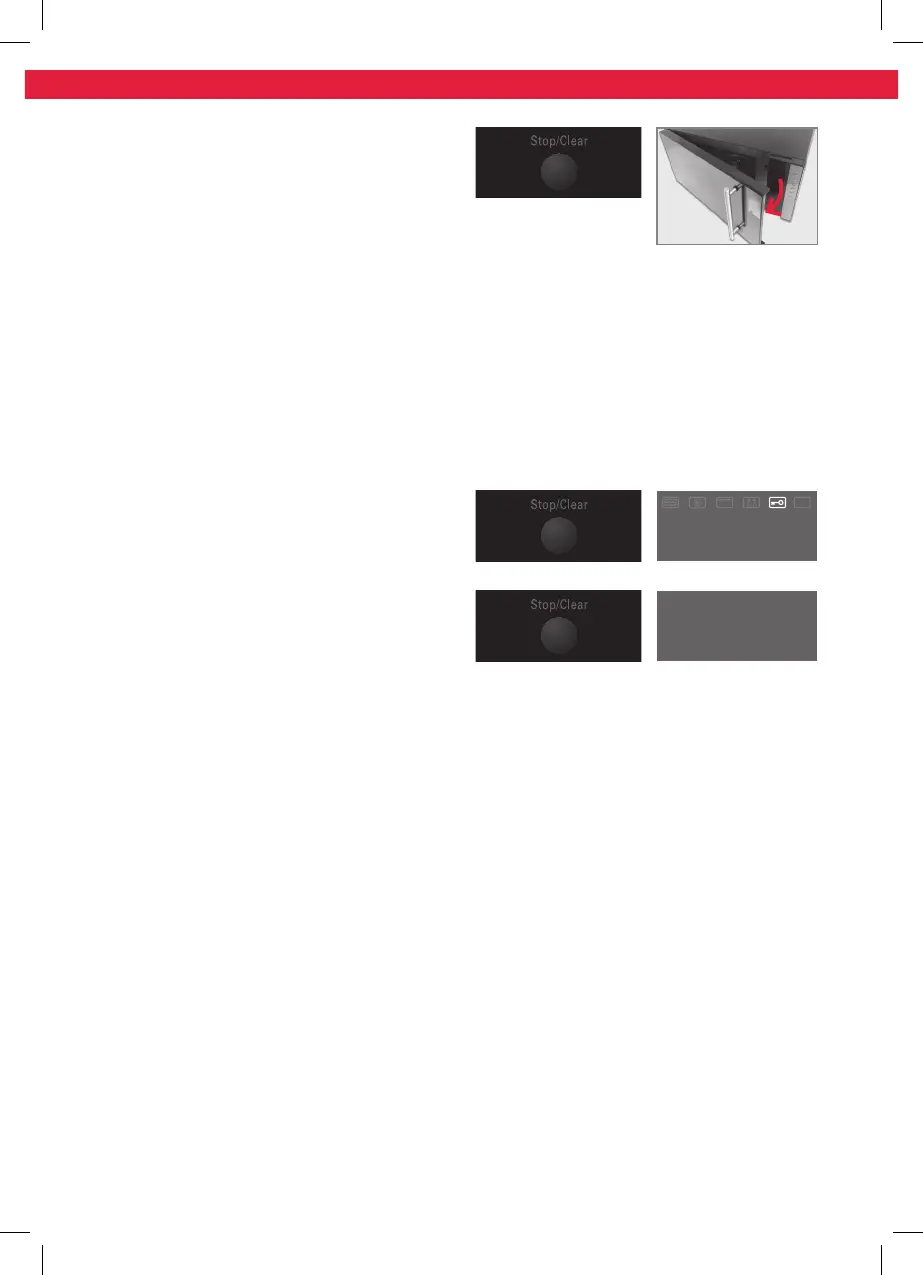
To stop the oven during operation:
Open the microwave door or press Stop/
Clear (e.g. to stir or to turn the food in order
to ensure that the temperature is evenly
distributed), the timer and program functions
are automatically suspended. The program will
automatically resume only after the door is
closed again and the Start/+30Sec./Confirm
key is pressed.
Child Lock and put in “Operation”
This safety lock-out function prevents
children from operating the appliance without
supervision.
Lock
In waiting state, press Stop/Clear for 3
seconds, there will be a long “beep” denoting
entering the children-lock state and screen will
display the locked indicator.
Unlock
In locked state, press Stop/Clear for 3 seconds,
there will be a long “beep” denoting that the
lock is released.
IM_KMW4441DB_141113A_V03_HR.indb 47 13/11/14 3:30 PM


 To Next Page
 Loading...