Display settings
When first using this monitor it will automatically configure the optimal display settings.
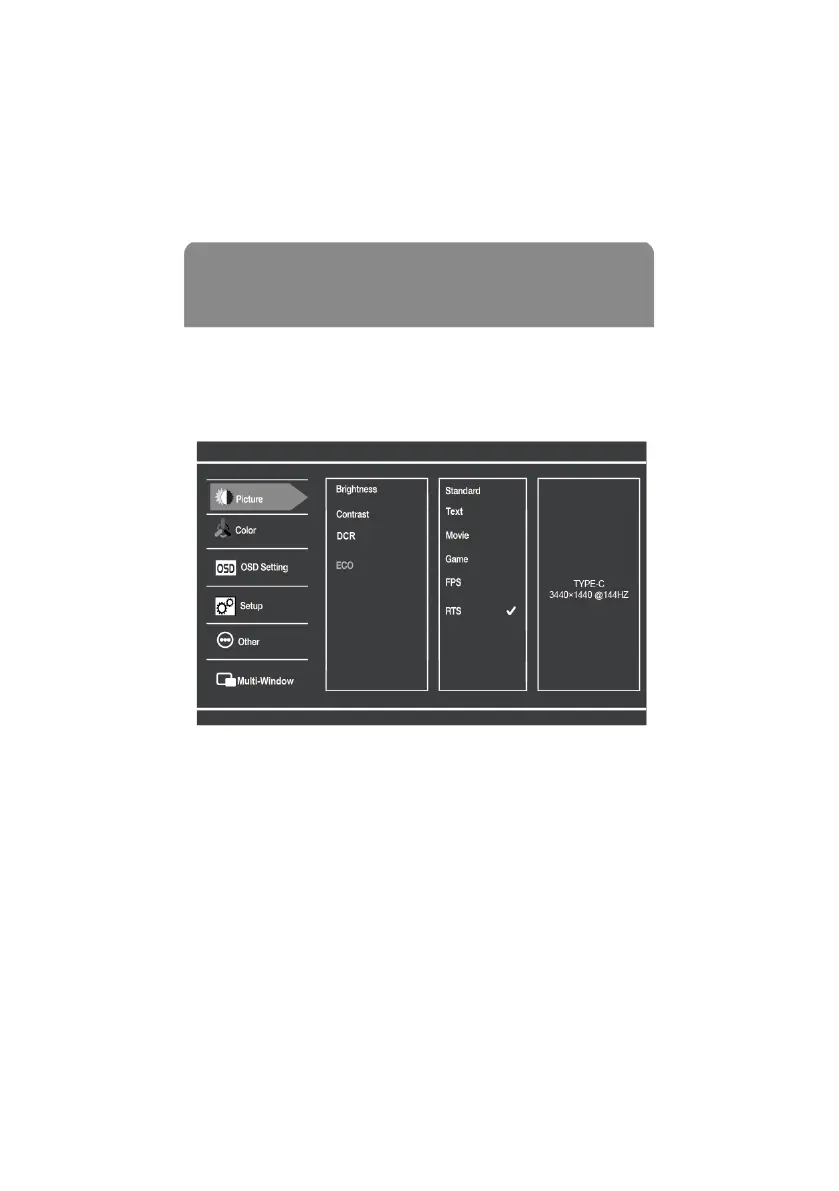
The On-Screen Display (OSD) Menu can be used to adjust your monitor’s display settings to
your liking. To access the OSD:
1. Push the Power button right to activate the navigation window.
2. Press the Power button in to enter the OSD menu.
3. Press the Power button up and down to navigate the functions.
4. With the desired function highlighted, push Power button in to enter the sub-menu.
5. After making your desired adjustments push the Power button in to confirm the
settings and exit the current screen.
6. Press the Power button left to exit the current screen.
7. Refer to the following pages for a detailed list of the OSD menu functions.


 To Next Page