Display modes
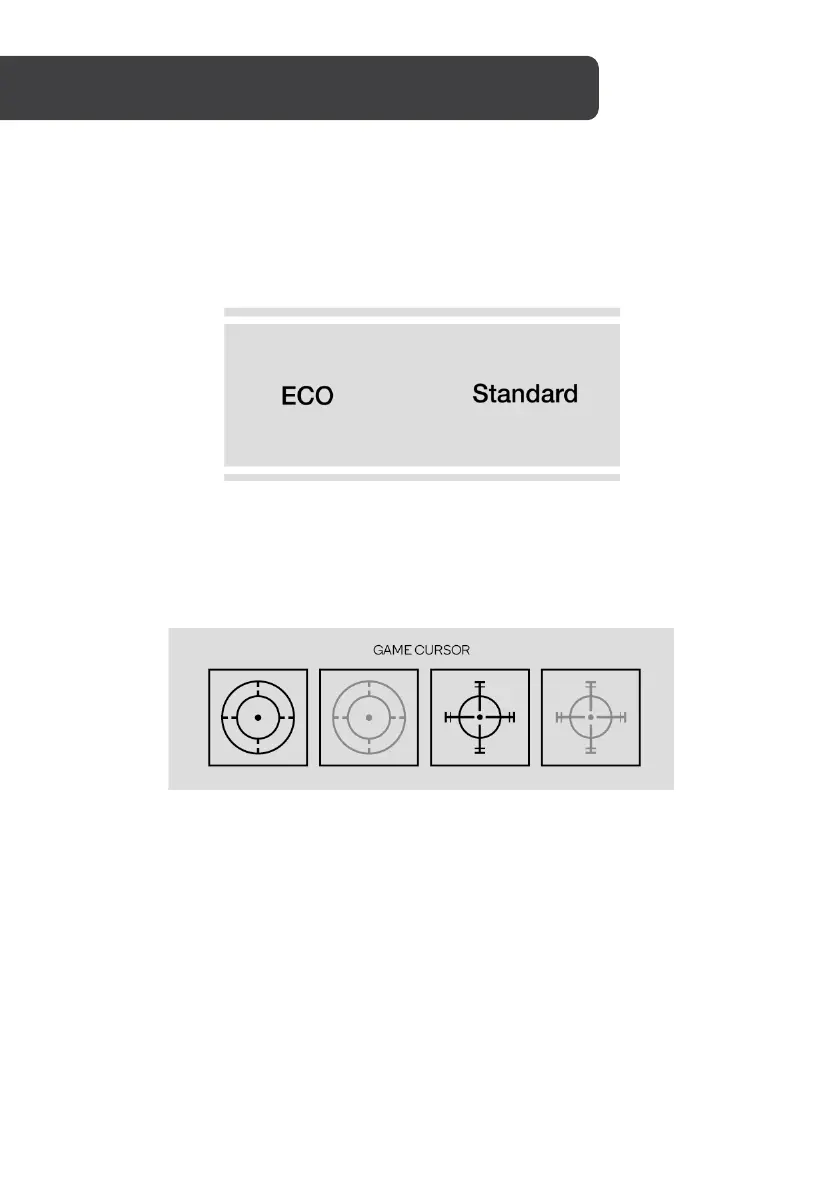
Press the Power button left to switch between the preset display modes. These modes
include: Standard, Text, Movie, Game, FPS and RTS. These modes are designed to optimise
settings according to your activity. Standard mode is suitable for most activities.
Gameplus
Press the Power button down to switch Gameplus modes. These overlay icons are primarily
designed to assist aim during first person shooter games.


 To Next Page