12
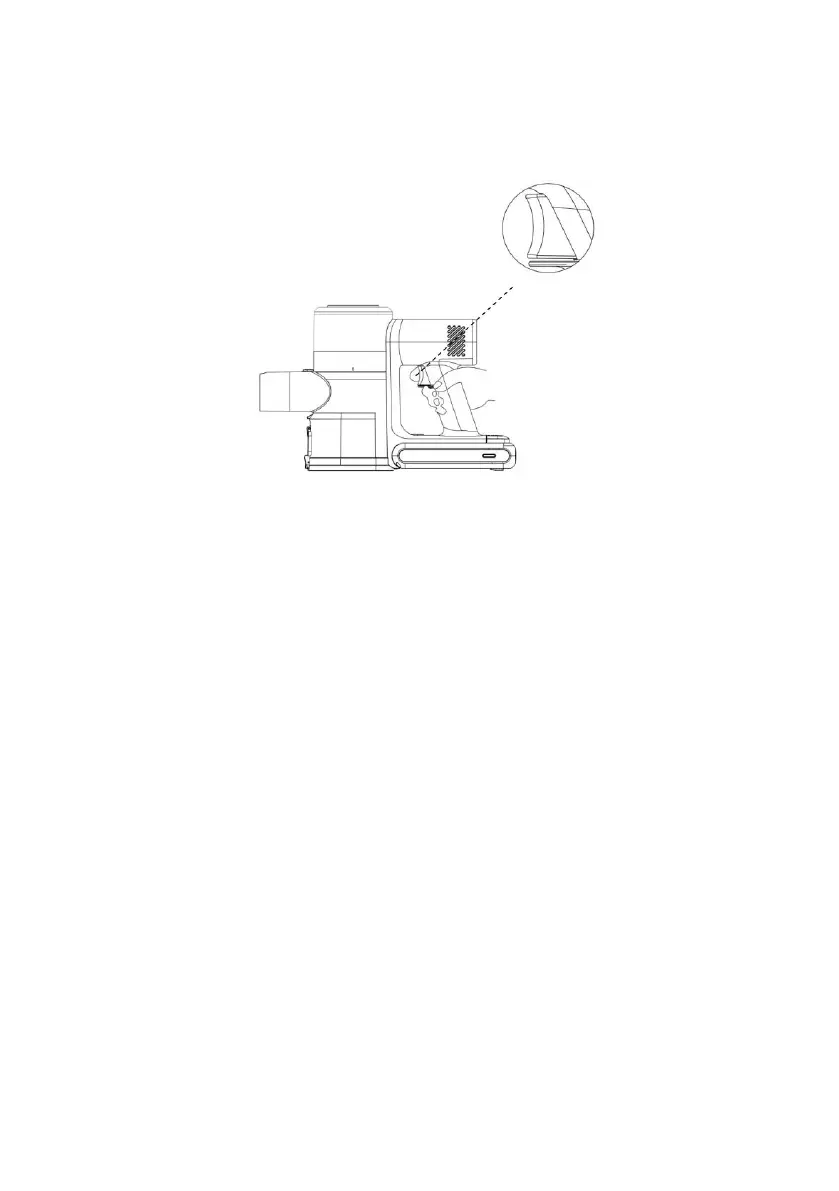
Power On/Off
• Press the switch button to turn the vacuum cleaner on. It will be in auto mode by
default.
• Press the switch button to turn the vacuum cleaner off.
Control Panel
AUTO Mode
• Press the "AUTO" button to turn on Auto mode.
• In this mode, the suction will automatically adjust according to the degree of floor dirt
(the default suction mode is automatic mode).
• Press "AUTO" button again to deactivate automatic mode.
Suction Control
Use the increase and decrease suction control buttons to adjust the suction control. The
vacuum has 3 different suction levels (low, normal & high).
• Decreased Suction Speed:
When the floor has minimal dirt, utilizing the low suction speed not only reduces noise
but also extends the battery life of the vacuum.
• Increased Suction Speed:
In instances of heavy dirt or challenging cleaning tasks, utilizing the high suction speed
enhances cleaning efficiency, ensuring optimal performance. Note: Using the high-
speed setting may result in increased noise levels and slightly reduced battery life
compared to lower speed settings.


 To Next Page