EasyManua.ls Logo

Kogan SMARTERHOME LX16 - User Manual

Kogan SMARTERHOME LX16
44 pages
Print Icon
To Next Page IconTo Next Page
Loading...
KOGAN SMARTERHOME
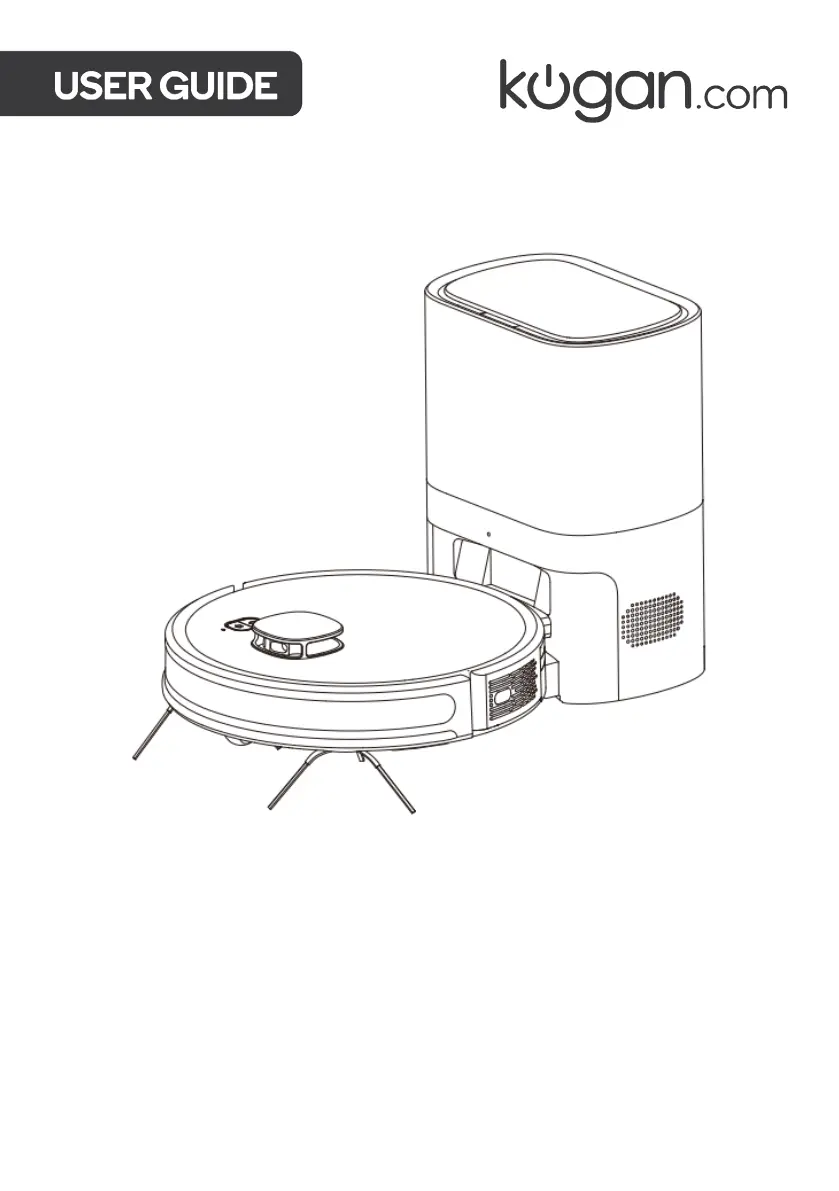
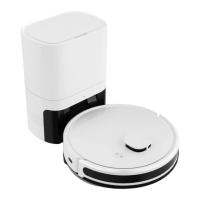
LX16 ROBOT VACUUM AND MOP
WITH AUTO-EMPTY DOCK
KAVACRBL16P

Questions and Answers

  • L
    Luke WoodsAug 20, 2025
    Why won't my Kogan SMARTERHOME LX16 connect to the SmarterHome app?
    • D
      dudleymitchellAug 20, 2025
      If your Kogan Vacuum Cleaner cannot be connected to the Kogan SmarterHome™ app, ensure that the vacuum is in an area with strong Wi-Fi signals. If the Wi-Fi connection is abnormal, reset the Wi-Fi settings, ensure you have the latest version of the Kogan SmarterHome™ app, and try to connect to the Wi-Fi network again. Also, make sure the Wi-Fi network being connected is 2.4GHz.
  • B
    bradymarkAug 22, 2025
    Why has my Kogan SMARTERHOME LX16's cleaning performance degraded?
    • J
      John SalasAug 22, 2025
      If the cleaning performance of your Kogan Vacuum Cleaner has degraded, it may be due to dust build-up in the filter. Try cleaning or replacing the filter. Also, empty the dustbin if it's full, or clean the roller brush if it's entangled with foreign objects.
  • K
    Kimberly BeckerAug 25, 2025
    What to do if Kogan SMARTERHOME LX16 Vacuum Cleaner is not charging?
    • S
      Stephanie LeeAug 25, 2025
      If your Kogan Vacuum Cleaner is not charging, move it away from the auto-empty dock and check whether the indicator is illuminated. Ensure the power cord is well connected. Make sure the charging contacts on the auto-empty dock are connected with the charging contacts on the vacuum, and clean these contacts on both the dock and the vacuum. Also, ensure the side brushes are not covering the charging contacts; if they are, turn the brushes to expose the charging contacts.
  • B
    brownaliciaAug 26, 2025
    Why is my Kogan Vacuum Cleaner making abnormal noises?
    • H
      hernandezedwinAug 26, 2025
      If your Kogan Vacuum Cleaner is making an abnormal noise during cleaning, stop the vacuum and clean the brushes and wheels. The noise could be caused by the brushes or wheels being entangled with foreign objects.
  • N
    Nicole DyerAug 28, 2025
    What does error 5 mean on Kogan SMARTERHOME LX16 Vacuum Cleaner?
    • Y
      Yvette JohnsonAug 28, 2025
      If your Kogan Vacuum Cleaner displays 'Error 5: Low battery; please charge', put the vacuum on the auto-empty dock for charging.
  • C
    Chelsea Smith MDAug 30, 2025
    How to fix error 8 on Kogan Vacuum Cleaner?
    • J
      Jamie NguyenAug 30, 2025
      If your Kogan Vacuum Cleaner displays 'Error 8: Please check whether the rolling brush is stuck', check the rolling brush and remove any foreign material stuck within.
  • C
    Cheryl SmithAug 31, 2025
    What does error 7 mean on a Kogan Vacuum Cleaner?
    • S
      Sean SuttonSep 1, 2025
      If your Kogan Vacuum Cleaner displays 'Error 7: Please check whether the wheel is stuck', check the universal wheel and remove any foreign material stuck within.
  • H
    Hunter WhiteSep 2, 2025
    How to resolve error 6 on Kogan SMARTERHOME LX16?
    • C
      Christina StarkSep 3, 2025
      If your Kogan Vacuum Cleaner displays 'Error 6: The machine is trapped', move the vacuum to an open area and restart it.
  • A
    Alexandria RobinsonSep 5, 2025
    How to fix error 4 on Kogan SMARTERHOME LX16?
    • T
      Terry GonzalesSep 5, 2025
      If your Kogan Vacuum Cleaner displays 'Error 4: Please check whether the front bumper is stuck', push the bumper left and right to confirm that it is not stuck.
  • A
    Andrea LewisSep 7, 2025
    What to do if Kogan Vacuum Cleaner shows error 9?
    • B
      Betty HarrisonSep 7, 2025
      If your Kogan Vacuum Cleaner displays 'Error 9: Please check whether the side brush is stuck', check the side brushes and remove any foreign material stuck.

Summary

Safety & Warnings

Components

Overview

Robot vacuum - Top view

Details the top view of the robot vacuum cleaner and its controls.

Robot vacuum - Side view

Details the side view of the robot vacuum cleaner, highlighting sensors and components.

Robot vacuum - Bottom view

Details the bottom view of the robot vacuum cleaner, showing brushes, wheels, and sensors.

Auto-empty dock

Description and illustration of the auto-empty dock and its components.

Dustbin;water tank

Details the dustbin/water tank and its internal filters and water plug.

Assembly

Before Use

Checks to the area

Ensures the cleaning area is clear of hazards before operation.

Charging

Instructions for charging the robot vacuum cleaner for the first time.

Connect to SmarterHome App

Install App

Guide to downloading and installing the Kogan SmarterHome app.

Set device in pairing mode

Instructions on how to put the device into Wi-Fi pairing mode.

Add device through network

Steps to add the robot vacuum to the SmarterHome app via Wi-Fi.

Using EZ Mode to add device

Alternative method for connecting the device to the app using EZ mode.

Google Home Control

Linking to Google Home

Steps to link your Kogan SmarterHome account with Google Home.

Amazon Alexa Control

Linking to Alexa

Steps to link your Kogan SmarterHome account with Amazon Alexa.

Operation

App interface

Explains the interface of the SmarterHome app for controlling the vacuum.

Powering

Instructions on how to turn the robot vacuum on and off.

Mapping and general cleaning

Details the initial mapping process and general cleaning operation.

Designating rooms

How to set up areas on the map as rooms within the app.

Cleaning selected rooms

Instructions on selecting specific rooms for the vacuum to clean.

Cleaning custom areas

How to define and clean custom areas using the app's zone feature.

Restricting cleaning areas

How to set up 'forbidden' zones that the vacuum should avoid.

Settings

Overview of various adjustable settings for the robot vacuum.

Cleaning & Care

Rolling brush

Instructions for cleaning the robot vacuum's rolling brush.

Side brushes

Instructions for cleaning the robot vacuum's side brushes.

Dustbin

Steps for cleaning the dustbin and its filters.

Infrared receiver sensor

Guide to cleaning the infrared receiver sensor on the vacuum.

Cliff sensors

Instructions for cleaning the cliff sensors on the vacuum.

Charging contacts

Guide to cleaning the charging contacts on the vacuum.

Dock charging and infrared sensor

Cleaning the charging contacts and infrared sensor on the auto-empty dock.

Dust filter on auto-empty dock

How to clean the dust filter located on the auto-empty dock.

Firmware updates

Information about checking and performing firmware updates for the device.

Storage

Recommendations for storing the vacuum when not in use.

Troubleshooting

Specifications

Notes

Kogan SMARTERHOME LX16 Specifications

General IconGeneral
CategoryVacuum Cleaner
Battery TypeLithium-ion
Charging Time4-5 hours
ConnectivityWi-Fi
Auto RechargeYes
Anti-Drop SensorsYes
Anti-Collision SensorsYes
Dustbin Capacity600mL
Water Tank Capacity350mL
App CompatibilityKogan SmarterHome App
Voice ControlYes
Cleaning ModesAuto, Spot, Edge
Filter TypeHEPA
ModelSMARTERHOME LX16

Related product manuals