15
Emptying the Base Station Dust Bag
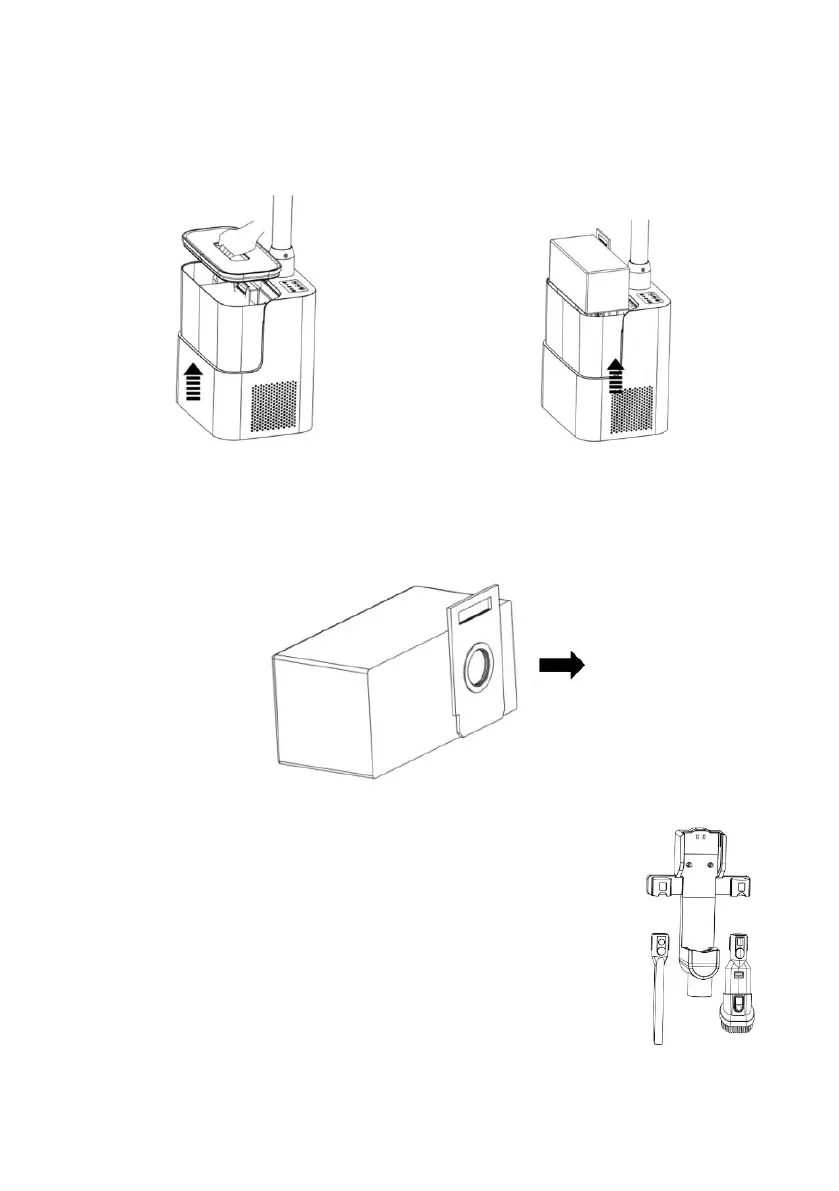
1. Grasp the handle of the dust bin lid with your palm and lift the dust bin lid.
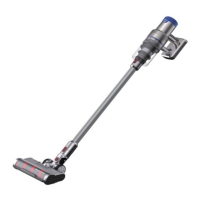
2. Hook the dust bag handle with your fingers and lift it upwards.
3. Empty the contents of the dust bag into a bin. Note: Even if the dust full indicator is
not on, ensure the dust bag is emptying ever 3-5 days.
Storage Method
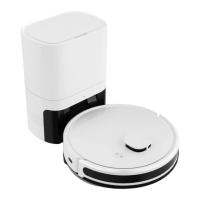
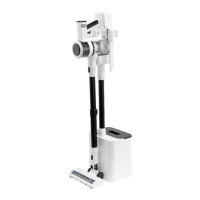
After the main body assembly of the charging dock/metal tube/dust
collection station is completed, place the vacuum on the charging
dock and put the accessories into the left and right slots of the
charging dock.


 To Next Page