
 Need help?
Do you have a question about the Kohler Veil K-5402T and is the answer not in the manual?
Review manual for tools, materials, and installation procedures before starting.
List of essential tools and materials needed for proper installation.
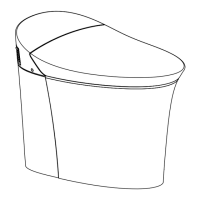
Technical drawings illustrating product dimensions and component layouts.
Detailed diagram showing the overall dimensions of the toilet unit.
Technical specifications and performance data for the 5402T model.
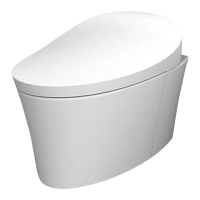
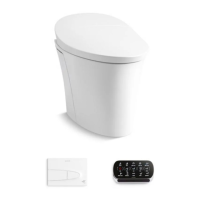
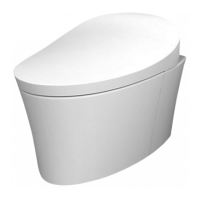
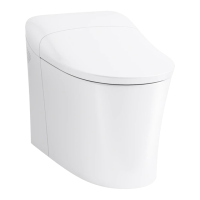
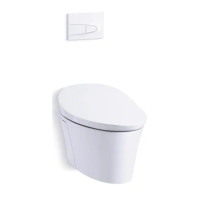
A general visual representation of the toilet assembly and its main components.
Step-by-step guide for safely removing an existing toilet.
Critical safety warnings and precautions to be observed during installation.
Detailed procedure for installing the concealed in-wall water tank.
Instructions for connecting the toilet to a floor-based drainage system.
Guidance for installing the toilet with a side-to-side discharge configuration.
Steps for physically mounting and connecting the toilet unit.
Procedure for installing the flush control panel and its wiring.
Instructions for mounting the top flush buttons and associated components.
Steps for mounting the docking station for the remote control.
 General
| Type | One-Piece |
|---|---|
| Depth | 28.5 inches |
| Material | Vitreous China |
| Seat Height | 16.5 inches |
| Bowl Shape | Elongated |
| Flush Rate | 1.28 GPF |
| Trapway | 2-1/8 inches |
| Seat Included | Yes |
| Flush Valve Size | 3 inches |
| Rough-In Size | 12 inches |
| ADA Compliant | Yes |
| Color | White |
| Water Consumption | 1.28 GPF |
| Color Options | White, Biscuit, Dune |
| Flush Type | Gravity |
| Warranty | One-Year Limited Warranty |




 To Next Page