Innovative technology only for a better vision world
Hunan Bowan Technology Co.,Ltd. www.kommander.com.cn/en/
2.11Save a KV
What is a KV?
Main Background, which means that KV is a special plan, because it will be used
quiet frequently, so we specially designed it so it can be found and called easily.
KV after all is just a special plan.
How to save one?
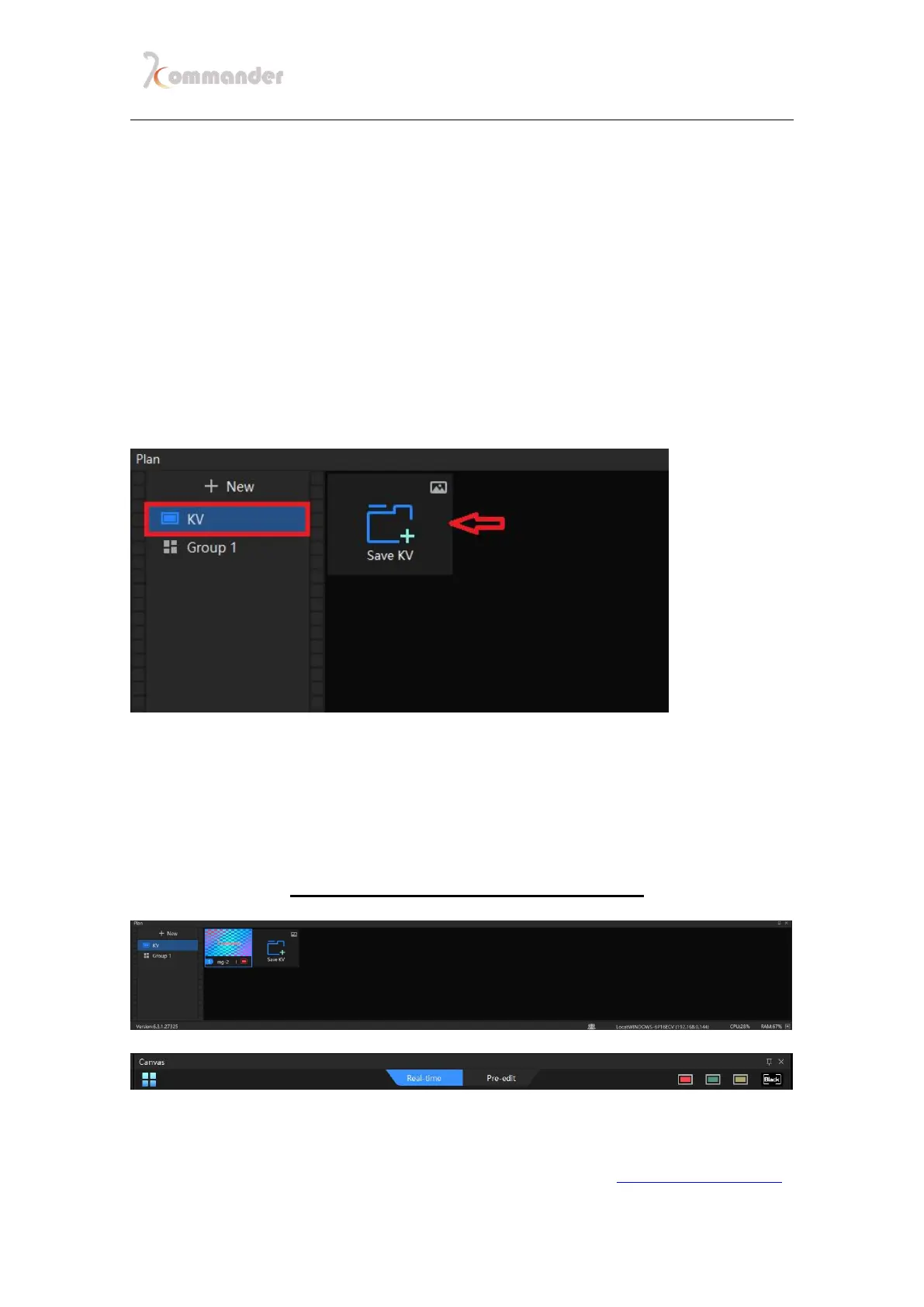
1.After you have edited the materials the way you wanted, go to plan; Click KV,
and the Save
2.After KV is saved, there will be a thumbnail, as you can see there is a red button at the
left lower corner, it stands for its shortcut key [RED KEY], which can be seen on
canvas, there are three in total, by right click the KV thumbnail, you can link it to
another key of color. Call them just by click the button on Canvas



 To Next Page