Innovative technology only for a better vision world
Hunan Bowan Technology Co.,Ltd. www.kommander.com.cn/en/
3.2 Playlist
Introduction
In Playlist you can easily add video and picture files for loop playback, and the playback time of each
file can be changed
Setting method
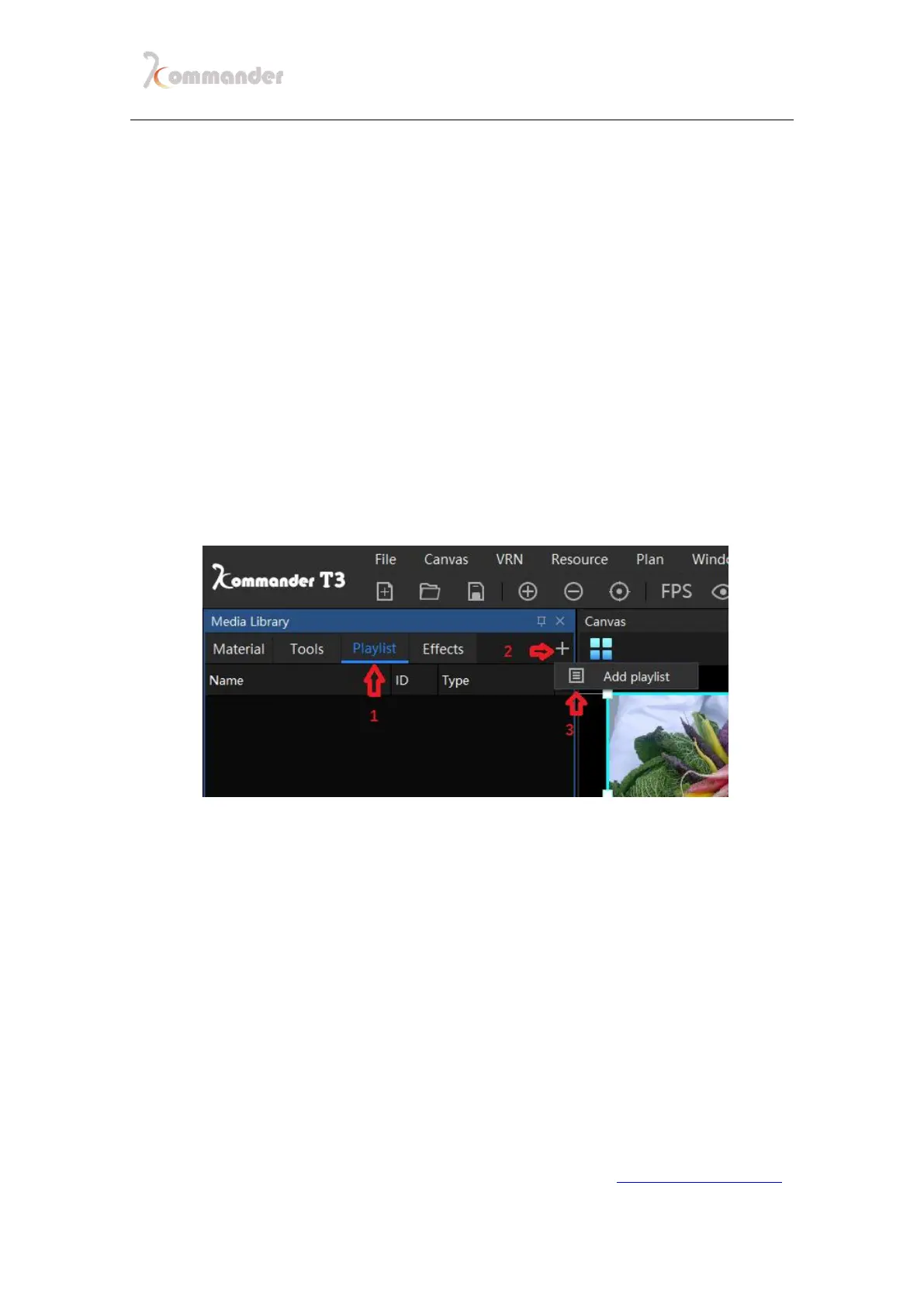
1. Click "Playlist" in the material column, then click the "" sign on the
right and click "Add Playlist"
2. Select the materials that needed to be added in the resource list, and
click in the middle of the window to move the selected materials to the
list (<< can move the materials in the list; the selected materials in the
list can be moved up and down)


 To Next Page