82 DATA-TRANSFER MODE
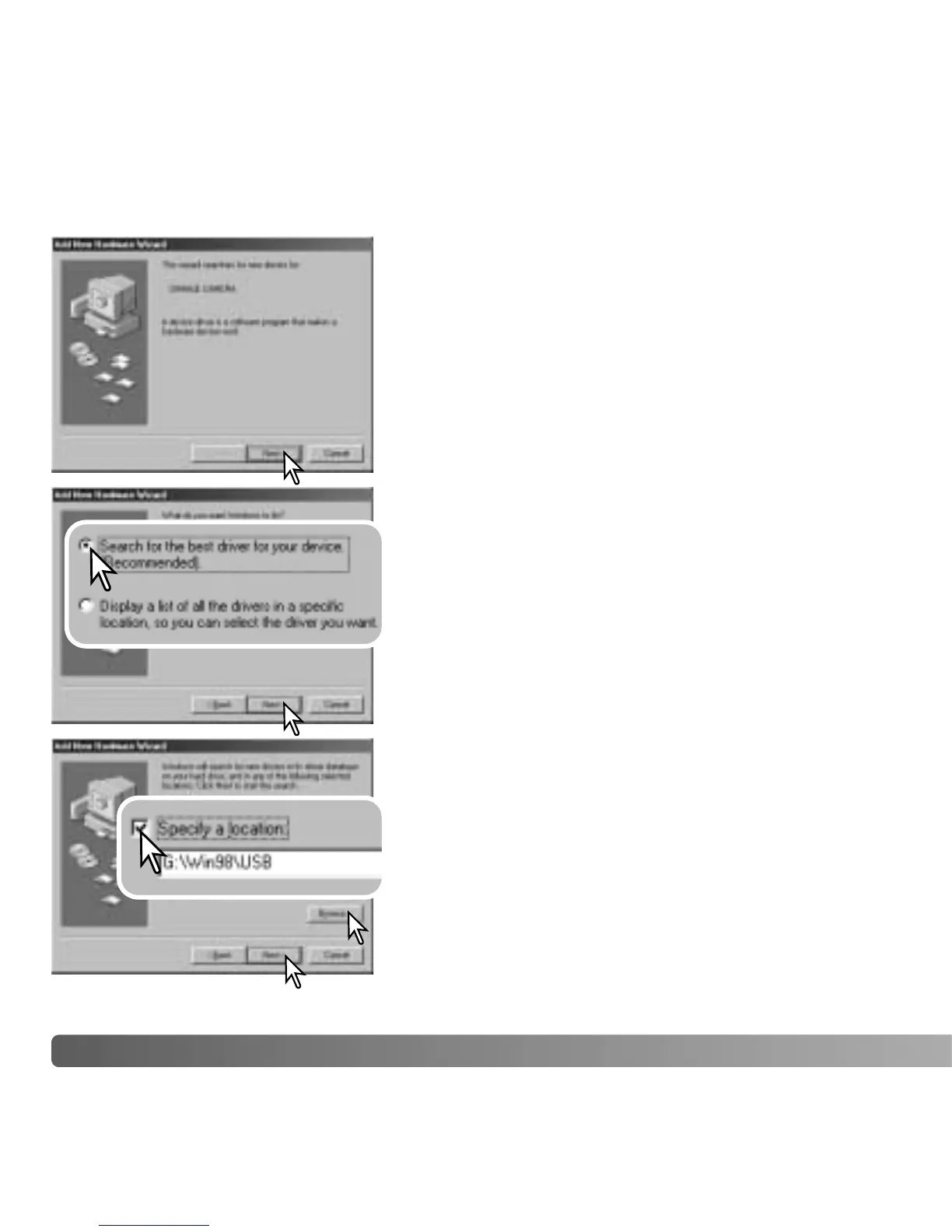
Choose the recommended search for a suitable
driver. Click “Next.”
Choose to specify the location of the driver. The
browse window can be used to indicate the driver
location. The driver should be located in the CD-
ROM drive at :\Win98\USB. When the location is
shown in the window, click “Next.”
Manual Installation
To install the Windows 98 driver manually, follow the
instructions in the connecting-the-camera-to-a-
computer section on page 80.
When the camera is plugged into the computer, the
operating system will detect the new device and the
add-new-hardware-wizard window opens. Place the
DiMAGE Viewer CD-ROM in the CD-ROM drive. Click
“Next.”



 To Next Page
 Loading...










