97
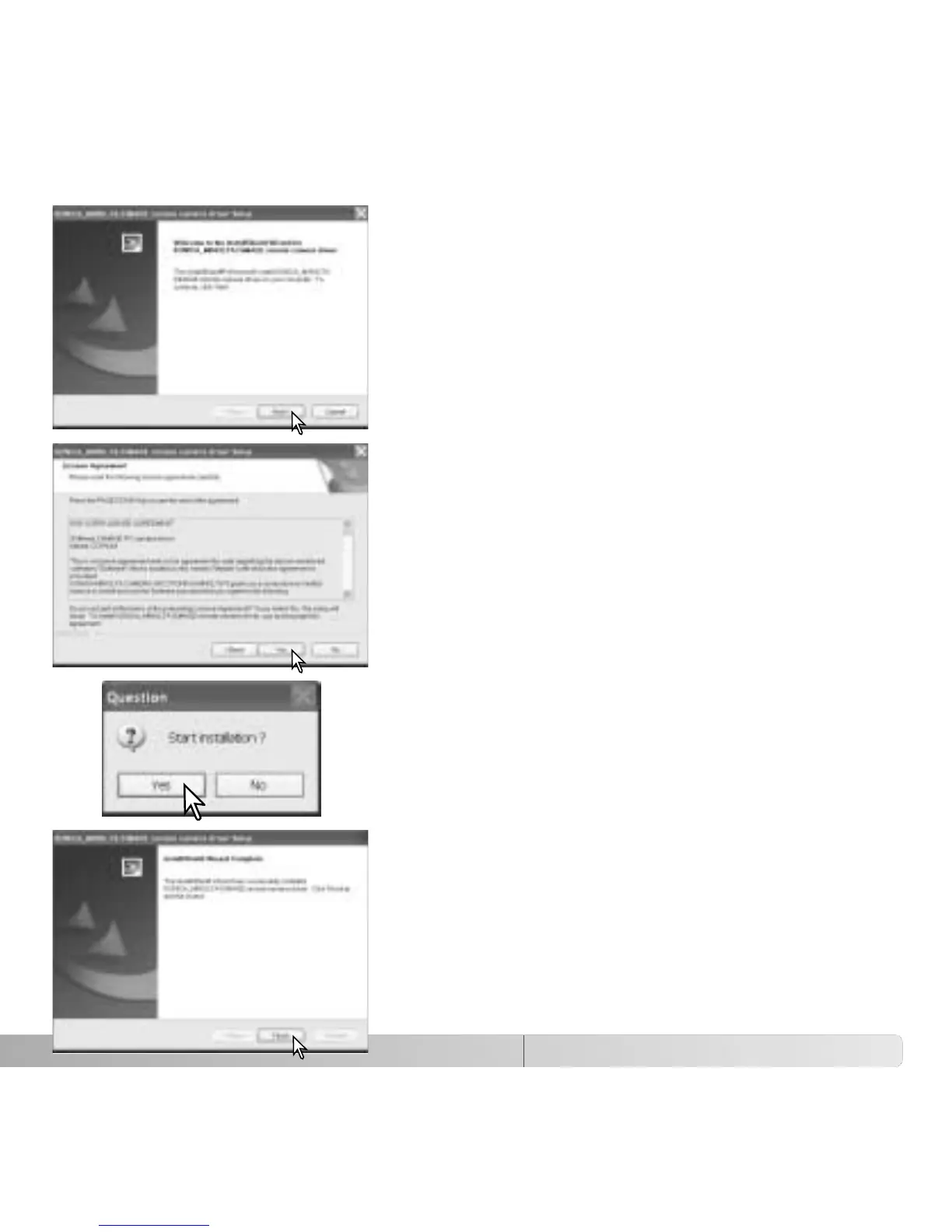
The InstallSheild Wizard window is displayed. Click the
“Next >” button to continue.
The license agreement is displayed. if you accept the
agreement, click the “Yes” button to continue.
Read the entire agreement carefully before continuing.
If you do not agree to the terms, click the “No” button
to exit the installation program.
An installation confirmation screen appears. To install
the remote camera driver, click “Yes.’ The “No” button
cancels the operation without installing the driver.
When the driver installation has been completed, a
message is displayed. Click the “Finish” button to
complete the operation.



 To Next Page
 Loading...










