8
1. General 8
2. Safety Notes 8
3. Connecting the ProgUNIT to an ESC 8
4. Updates 8
4.1 Updating an ESC 8
4.2 Updating the ProgUNIT 9
5. PC Program K-KONFIG 10
6. Warranty 12
7. Service, Technical Support, Hotline 13
8. Recycling 13
1. General
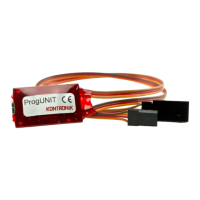
Thank you for choosing a KONTRONIK ProgUNIT
With the ProgUNIT you have a device to programm
and update all online updatable KONTRONIK ESCs.
2. Safety Notes
Do not connect the ProgUNIT to the main
electrical supply. Danger of one's Life!
➢ The ProgUNIT issued exclusively for configuring
KONTRONIK ESCs. ESCs made by other
manufacturers cannot be configurated by the
ProgUNIT.
➢ The ProgUNIT cannot be used as an ESC.
➢ Operation of a model with the ProgUNIT is not
possible.
➢ Operation of the ProgUNIT is only allowed in
situations in which no harm to others can occur.
➢ The ProgUNIT can only be used in environments in
which no discharge of static electricity occurs.
➢ Under no circumstances the ProgUNIT should be
opened or modified.
➢ Do not throw the ProgUNIT into open fire.
➢ While connecting the ESC to a battery pack ensure
the correct polarity of the connectors!
3. Connecting the ProgUNIT to an ESC
Connect the KONTRONIK ProgUNIT to the
KONTRONIK ESC by the BEC cable (Master port)
and the female plug on the ProgUNIT.
After connecting the ProgUNIT with an ESC, power
up the ESC by connecting a charged flight battery to
the ESC. Without powering up adjustments to the
ESC cannot be made. If the BEC of the ESC is
deactivated, please connect a 4 cell Ni-XX battery to
male plug of the ProgUNIT.
4. Updates
4.1 Updating an ESC
For the implementation of an update are required:
• online updatable KONTRONIK ESCs
• KONTRONIK ProgUNIT
• PC with Windows ™ operating system
• Internet connection
• Battery
1. Disconnect the KONTRONIK ESC from the
receiver (Master and Slave Port) and connect the
Master Port with the female connector of the
ProgUNIT.
2. Download the latest software version for your
KONTRONIK ESC from our homepage
(www.kontronik.com).
3. Connect the ESC to a suitable battery. When the
connection between ESC and ProgUNIT is
established the LEDs of the ESC and the
ProgUNIT starts flashing.
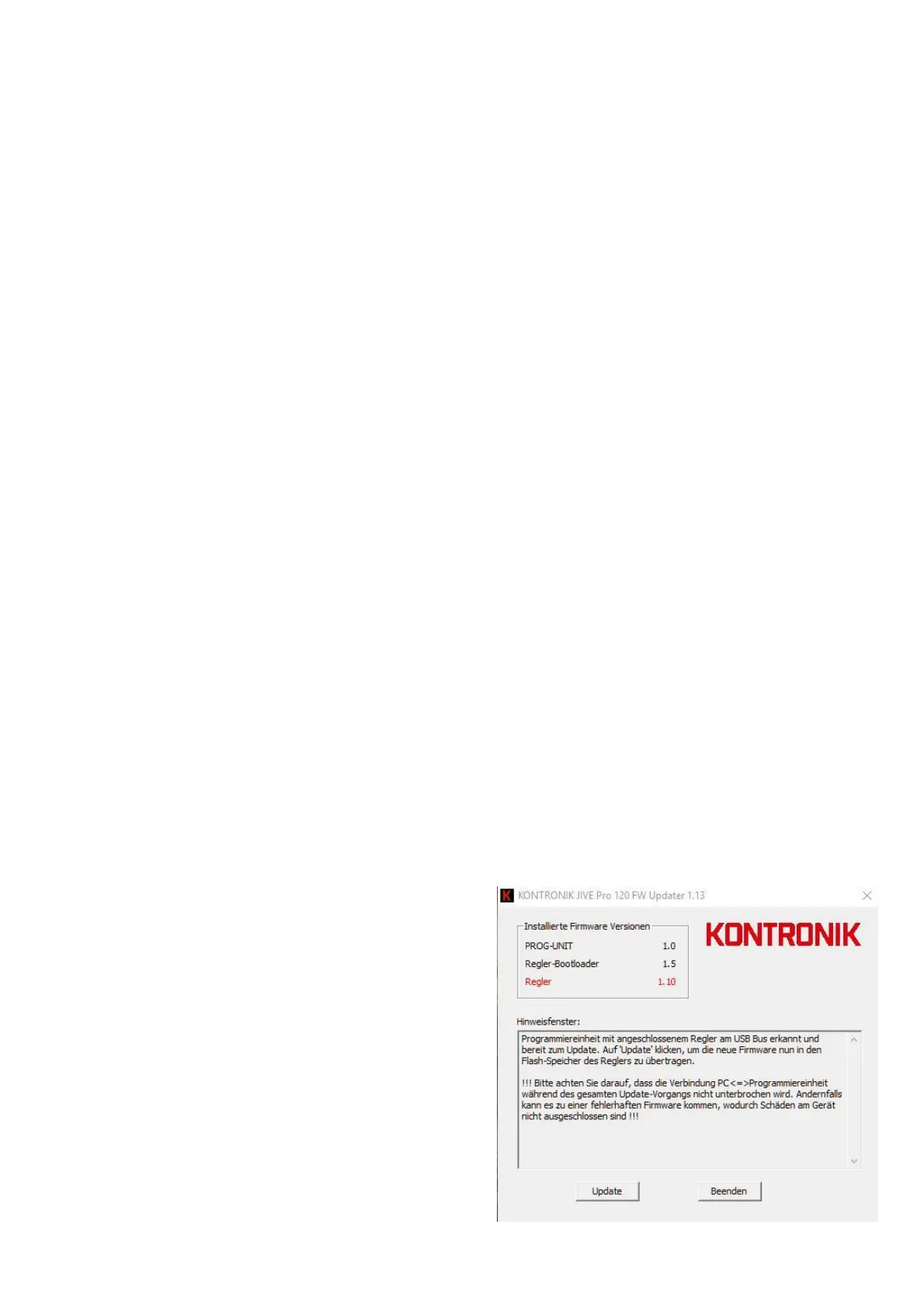
4. Launch the downloaded software version on your
Windows™ PC.


 To Next Page
 Loading...