9
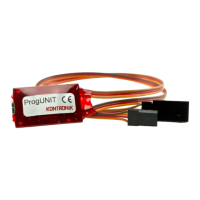
5. Now connect the ProgUNIT with the supplied
USB cable to your PC.
6. When connecting the ProgUNIT to the PC, the
currently installed software version is shown in
the window. The Update button is now
selectable. Run the update from your PC by
clicking the update button.
7. The update will be executed automatically.
8. Do not disconnect anything of the items during
the update process: PC / ProgUNIT, ProgUNIT /
KONTRONIK ESC, KONTRONIK ESC / battery.
9. During the update no additional work should be
done on the PC, otherwise the progress bar may
appear to be frozen. Nevertheless, the update is
still running, but it can be faulty.
10. When the update has been completed
successfully a confirmation of the new software
version appears in the software update screen.
11. After a successfully completed update all con-
nections can be disconnected. The KONTRONIK
ESC should be reset to Mode 1 (factory default).
After this the KONTRONIK ESC is ready for
standard mode programming.
WARNING: all previously made preferences
will be reset; the mode programming must be
redone.
4.2 Updating the ProgUNIT
Before updating the software of your ProgUNIT
please read the currently installed software version
via the PC programm.
Please visit our homepage (www.kontronik.com) for
checking out the latest software of your ProgUNIT. If
a later software version is available, please download
and save the file on your local Windows™ PC and
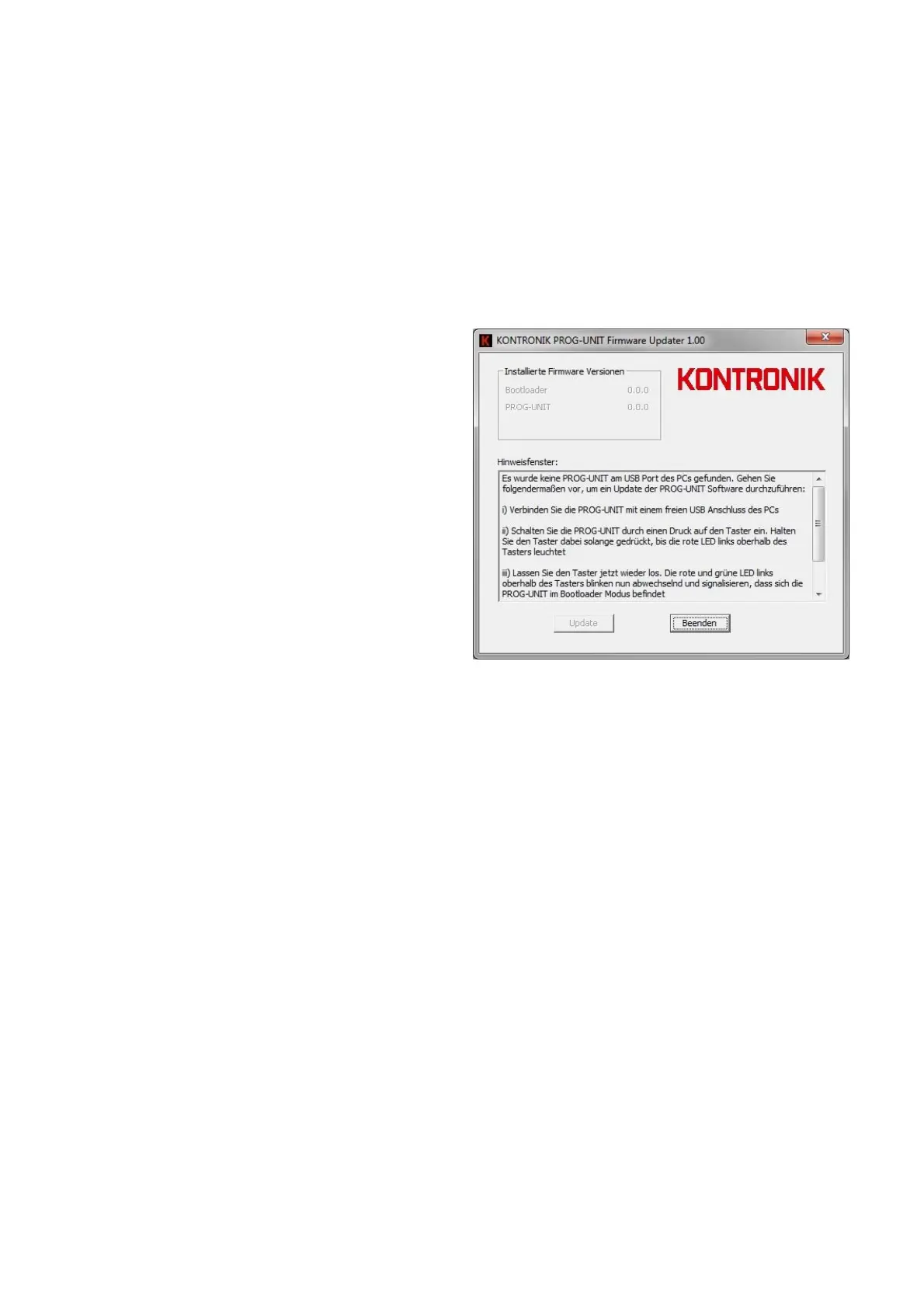
execute the file afterwards. The screen below will be
displayed.
Press the button on the backside of the ProgUNIT
and hold it during the following steps. Connect the
USB port of the ProgUNIT with the included USB
cable to your PC. The green LED is shining. Wait and
still hold the button pressed until the red LED
beginns to shine also . This procedure may take up to
six seconds. After the red LED beginns to shine,
release the button and both LEDs will flash
alternately.
Click on the button Update on your PC to install the
new software version.
After finalizing the update, the ProgUNIT can be
disconnected from the PC.
This procedure can be repeated if desired.


 To Next Page
 Loading...