9
OPERATION USING THE CONTROL PANEL
COOLING
1. Properly install the exhaust hoses.
2. Plug the power cord into a grounded outlet.
3. Turn on the unit by pressing the On/Off button on the control panel.
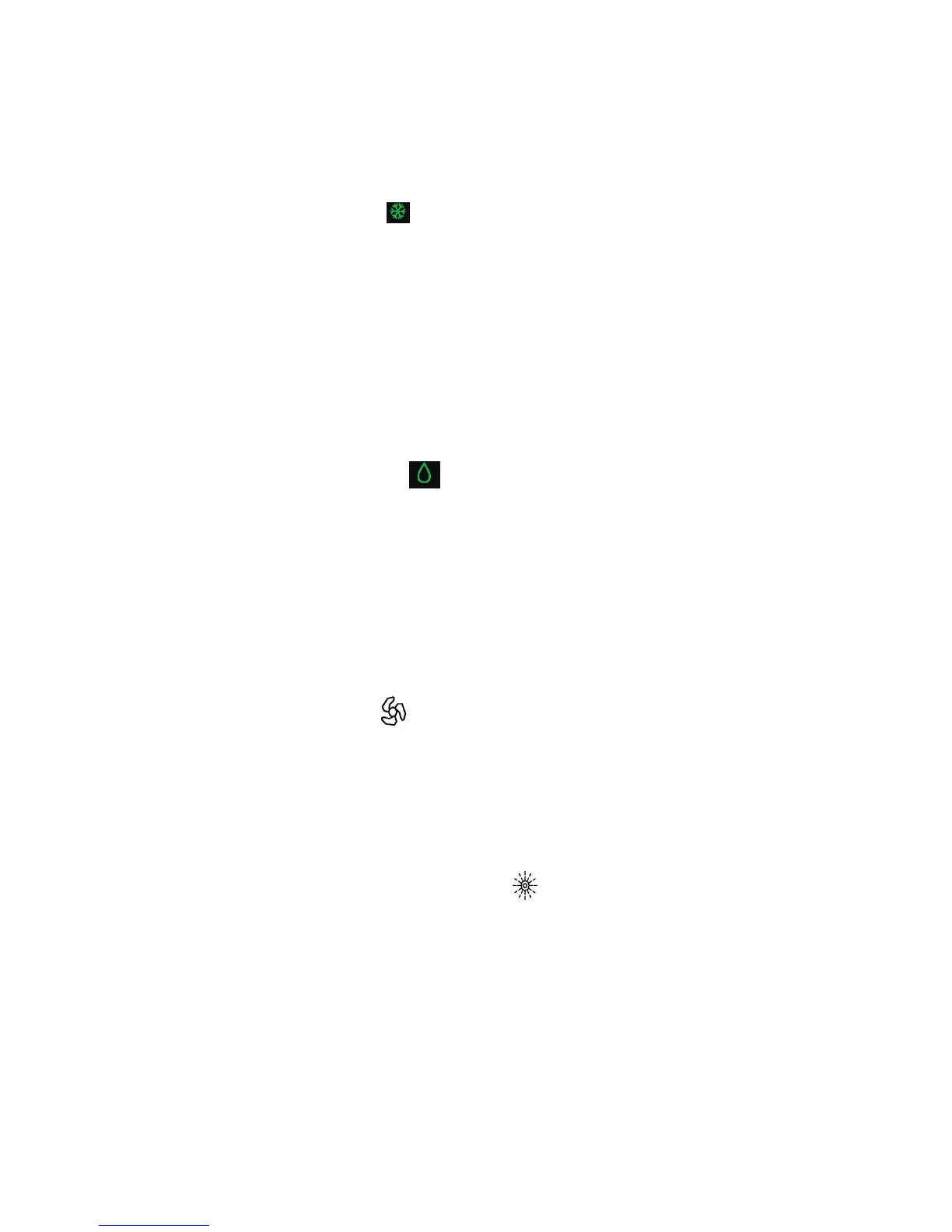
4. Press the Mode button until “ ” icon appears on the multi-color display.
5. Turn the Knob until the desired temperature appears on the multi-color display.
The temperature ranges from 61
°
F - 88
°
F (16
°
C - 31
°
C).
6. Select the fan speed by pressing the Fan button.
NOTE: During hot days, the unit will cool off the room most efficiently by setting the temperature at the
lowest and the fan speed at the highest. Reducing the length of the exhaust hoses, insulating the exhaust
hoses, and keeping direct sunlight to a minimum will also improve the cooling efficiency.
DEHUMIDIFYING
1. Properly install the exhaust hoses.
2. Plug the power cord into a grounded outlet.
3. Turn on the unit by pressing the On/Off button on the control panel.
4. Press the Mode button until the “ ” icon appears on the multi-color display.
NOTE: The unit operates at low fan speed during dehumidifying. The unit cools the room slightly
during dehumidification.
Keep the windows and the doors closed to aid in the effectiveness of the unit in removing the moisture
from the room.
NOTE: The unit will not dehumidify when the room temperature is lower than 61
°
F.
FANNING
1. Plug the power cord into a grounded outlet.
2. Turn on the unit by pressing the On/Off button on the control panel.
3. Press the Mode button until “ ” icon appears on the multi-color display.
4. Select the fan speed by pressing the Fan button.
NOTE: When the unit is running on fan mode, the exhaust hoses are inoperative and are not required.
HEATING
1. Plug the power cord into a grounded outlet.
2. Turn on the unit by pressing the On/Off button on the control panel.
3. Press the Mode button until “ ” icon appears on the multi-color display.
4. Turn the Knob until the desired room temperature appears
on the multi-color display. The temperature ranges from 16
°
C
- 31
°
C.
5. Select the fan speed by pressing the Fan button. It is
recommended to use the low fan speed.
NOTE: When the unit is running on heating mode, the exhaust hoses are inoperative and are not
required.


 To Next Page