5
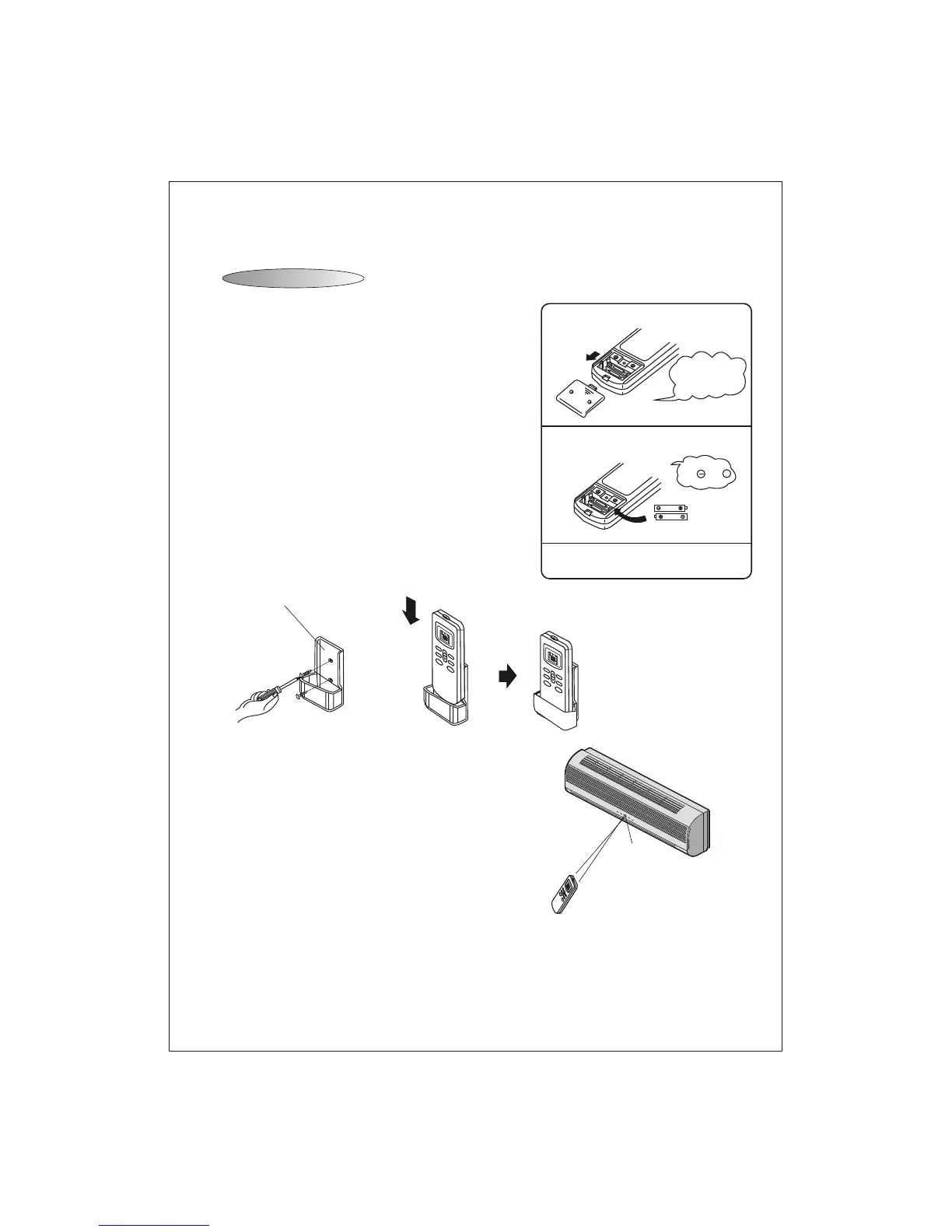
How to Insert the Batteries
How to Use
Remove the battery cover according to the arrow direction.
Insert new batteries making sure that the (+) and (-) of
battery are matched correctly.
Re-attach the cover by sliding it back into position.
Note:
Use 2 LR03 AAA(1.5volt) batteries. Do not use
rechargeable batteries.Replace batteries with new
ones of the same type when the display becomes dim.
Storage and Tips for Using the Remote Controller
The remote controller may be stored mounted on a wall with
a holder.
Note: The remote controller holder is an optional part.
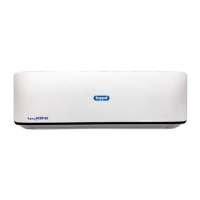
To operate the room air conditioner, aim
the remote controller to the signal receptor.
The remote controller will operate the air
conditioner at a distance of up to 7m when
pointing at signal receptor of indoor unit.
Remote controller holder
Signal receptor
Remote Controller
Remote Controller
Please slide and remove the cover.
Exchange the batteries.
Install the cover.
1
2
3
Attention to
the and +
marks.
Slide the cover
upwardly in the
direction of the
arrow.
M
E
D
A
U
T
O
D
R
Y
F
A
N
HE
A
T
C
OO
L
F
E
E
L
S
L
E
E
P
T
IME
R
O
N
H
I
G
H
TM
I
E
R
O
FF
S
LEE
P
F
AN
TI
M
ER
S
WI
N
G
ON
/O
F
F
M
O
D
E
S
W
I
NG
L
O
W
M
ED
AU
T
O
D
R
Y
F
A
N
H
E
A
T
C
O
O
L
F
E
E
L
S
L
E
E
P
T
I
M
E
R
O
N
H
I
G
H
T
M
I
E
R
O
F
F
S
L
E
E
P
F
A
N
T
I
M
E
R
S
W
I
N
G
O
N
/
O
F
F
MO
D
E
S
W
I
N
G
L
O
W
M
E
D
A
U
T
O
D
RY
F
A
N
H
E
A
T
C
O
O
L
F
EEL
S
L
E
E
P
T
I
M
E
R
O
N
HI
G
H
T
MI
E
R
OF
F
S
L
E
E
P
F
A
N
T
IM
E
R
S
W
IN
G
O
N
/
OF
FMO
D
E
S
W
I
NG
L
O
W



 To Next Page