26
3. Basic operation (Quick Start)
○○○○○○○○○○○○○○○○○○○○○○○○○○○○○○○○○○
MIDI cable
MIDI IN
MIDI OUT
MIDI IN
MIDI cable
MIDI THRU
Powered monitor
Powered monitor
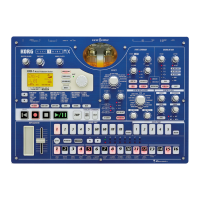
ES-1mk
II
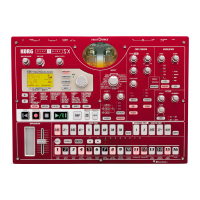
EA-1mk
II
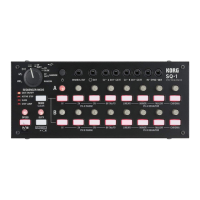
ER-1mk
II
!
!
ES-1mk
II
EA-1mk
II
ER-1mk
II
"
!
Synchronizing with an EA-1mk
II
or ER-1mk
II
By synchronizing the ES-1mk
II
with other ELECTRIBE models such as the
EA-1mk
II
or ER-1mk
II
, you can obtain an even wider range of expressive pos-
sibilities. Here we will explain how you can make the EA-1mk
II
and ER-1mk
II
play back in synchronization with the tempo of the ES-1mk
II
.
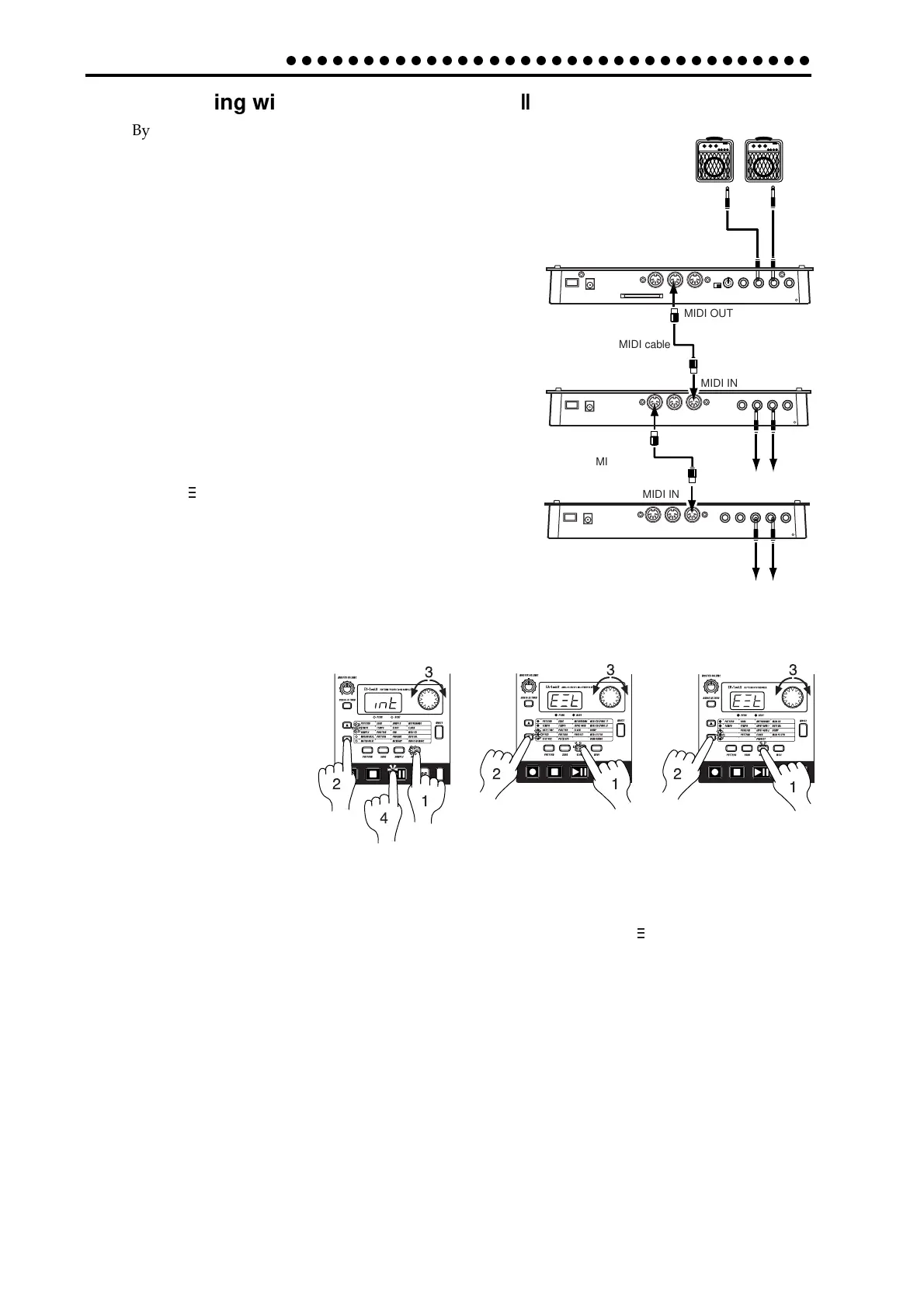
Use MIDI cables to connect the MIDI OUT connector of
the ES-1mk
II
to the MIDI IN connector of the EA-1mk
II
,
and the MIDI THRU connector of the EA-1mk
II
to the MIDI
IN connector of the ER-1mk
II
. Also connect the line out
jacks of the ES-1mk
II
and ER-1mk
II
, and the part out jacks
of the EA-1mk
II
, to your mixer or powered monitors
(speakers with built-in amp).
1. Press the Global mode key to enter Global mode.
2. Use the cursor keys [▲][▼] to make the parameter se-
lect LED indicate CLOCK.
3. Set the ES-1mk
II
to “Int” and the EA-1mk
II
and ER-1mk
II
to “E t” (☞p.38 “Synchronizing the ES-1mk
II
with an
external MIDI device”).
4. Press the Play/Pause key of the ES-1mk
II
to start the
pattern or song (the Play/Pause key will light). The
EA-1mk
II
and ER-1mk
II
will play the pattern or song in
synchronization with the tempo of the ES-1mk
II
.
If you want the ES-1mk
II
to play the identically-numbered pattern in synchronization,
make the following settings.
• Set the ES-1mk
II
to “int” (master), and the EA-1mk
II
and ER-1mk
II
to “E t” (slave).
• Select the same MIDI channel for the ES-1mk
II
, EA-1mk
II
, and ER-1mk
II
. (For example,
select “01” for all three.)
• On the EA-1mk
II
and ER-1mk
II
, set the MIDI Filter parameter “P” to “O.” (☞ the EA-
1 and ER-1 owner’s manuals.)
• On the ES-1mk
II
, set the MIDI Note Number parameter to C-1—A-1 or A
8—G9 so
that no conflict occurs. (☞p.54 “MIDI note number settings for each part (Note No.)”).
*This will prevent the EA-1mk
II
and ER-1mk
II
from being sounded unintentionally
when note- on messages are transmitted.
Another easy way to obtain synchronized playback is to connect the ES-1mk
II
to a se-
quencer or synthesizer that can transmit and receive MIDI Clock messages.


 To Next Page