E 27
E
1. To play music CDs, press to open the disc tray.
2. Load disc on the tray with label side facing upward.
3. Press to close the tray. The disc will start playing automatically. There may be a short delay before playing
while the player reads menu from the disc.
Playing Music CDs
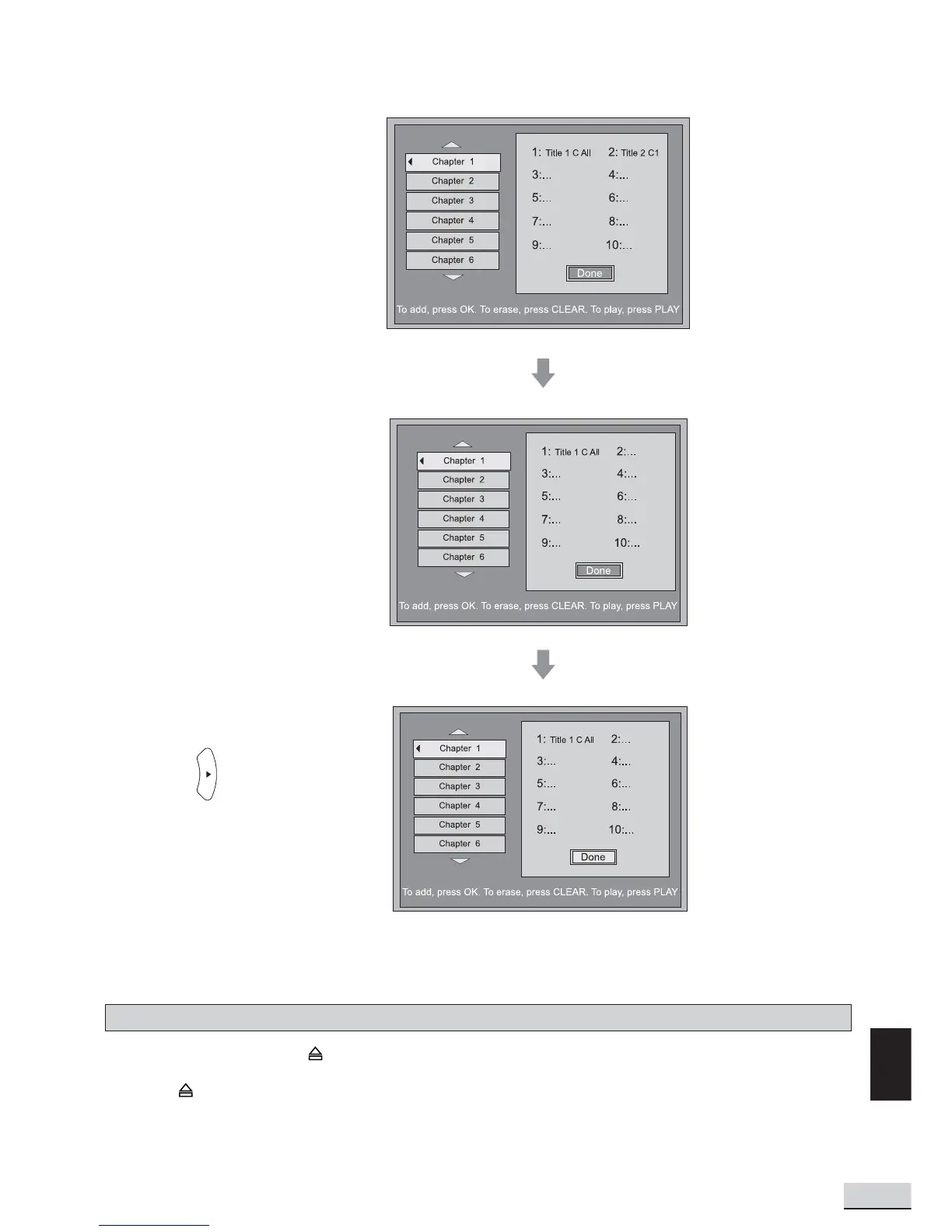
Edit Program - Example shows how to delete the last selection from the program.
Press “Clear” to delete
the last selection
Press to select “Done”
to save the “Program List”



 To Next Page