EasyManua.ls Logo

Kowa SIX Version II - Setting Kowa Six for 120 or 220 Film; Remove the Back Cover; Understanding 120 and 220 Roll Films

Kowa SIX Version II
46 pages
Print Icon
To Next Page IconTo Next Page
To Previous Page IconTo Previous Page
Loading...
SETTING
FOR
120
OR
220
FILM
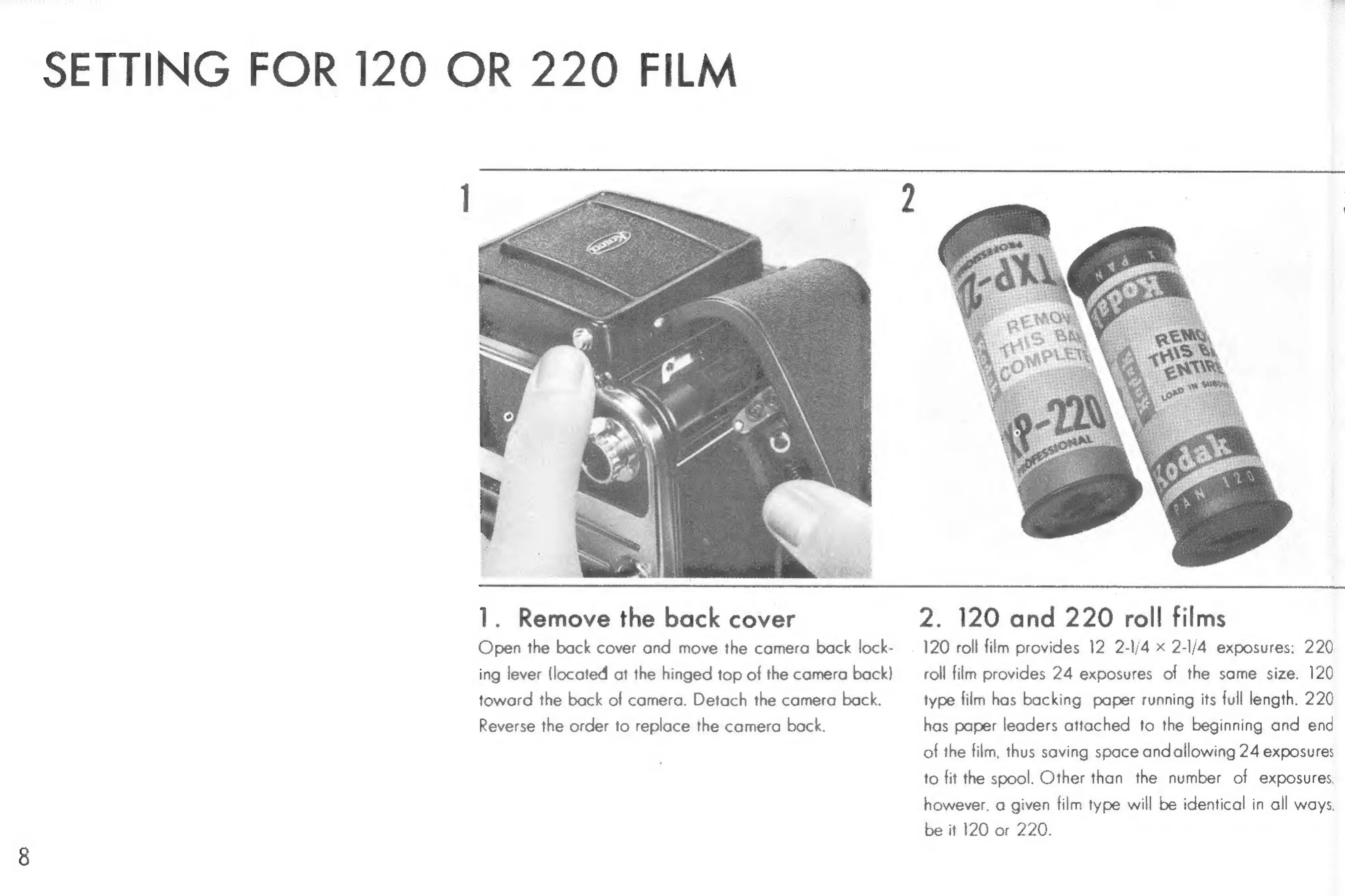
1.
Remove
the
back
cover
2.
120
and
220
roll
films
Open
the
back
cover
and
move
the
camera
back
lock-
120
roll
film
provides
12
2-1/4
x
2-l/4
exposures:
220
ing
lever
(located
at
the
hinged
top
of
the
camera
back)
roll
film
provides
24
exposures
of
the
same
size.
120
toward
the
back
of
camera.
Detach
the
camera
back.
type
film
has
backing
paper
running
its
full
length.
220
Reverse
the
order
to
replace
the
camera
back.
has
paper
leaders
attached
to
the
beginning
and
end
of
the
film,
thus
saving
space
andallowing
24
exposure:
to
fit
the
spool.
Other
than
the
number
of
exposures
however.
a
given
film
type
will
be
identical
in
all
ways.
be
it
120
or
220.

Related product manuals