EasyManua.ls Logo

KOWO K3041-12 - User Manual

KOWO K3041-12
14 pages
Print Icon
To Next Page IconTo Next Page
Loading...
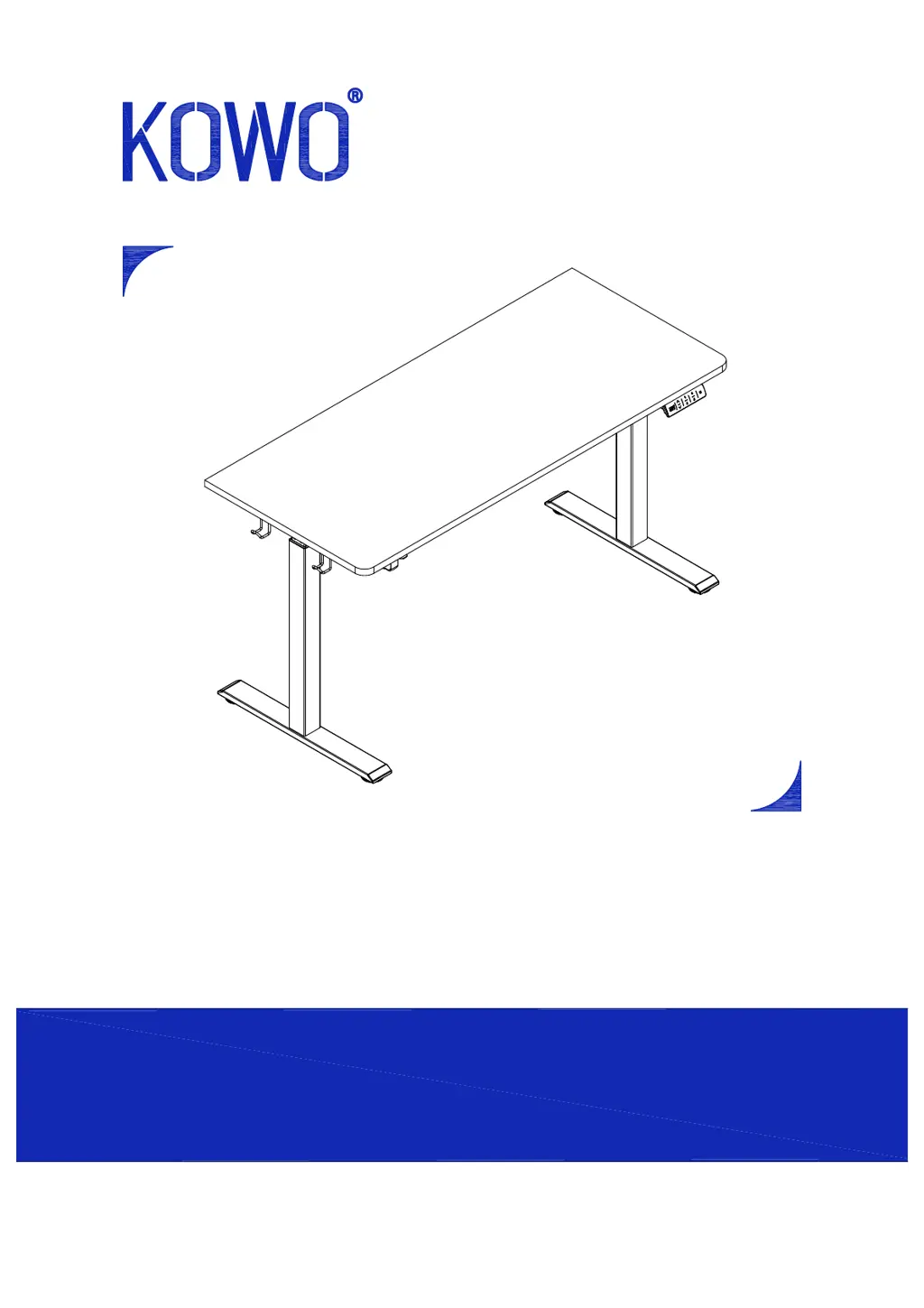
Standing Desk
Any questions or issues please contact us
Tel : 020-8187-1190
Email:service.uk@kowohome.com
9:00 AM - 5:00 PM GMT Monday - Friday
Model#K3041-12/14

Questions and Answers

  • S
    Steven RobbinsAug 7, 2025
    What to do if KOWO Indoor Furnishing display indicates RES?
    • B
      Brittany PayneAug 7, 2025
      If your KOWO Indoor Furnishing display shows 'RES', it means the desk needs to be reset to accurately display the height. A factory reset is required, especially after the first initialization or if power was interrupted due to electrical issues. Perform a factory reset to resolve this.
  • M
    Mary PowellAug 13, 2025
    What to do if KOWO Indoor Furnishing display indicates E2?
    • T
      Thomas SanchezAug 13, 2025
      If the display on your KOWO Indoor Furnishing shows 'E2', this could be due to two reasons. First, the top load might be too heavy; reduce it to a maximum of 45.4 kg (100 lbs). Second, the motor might be stuck. Inspect for any foreign objects obstructing the motor or its shaft. Unplug the power cord for 5 minutes, plug it back in, and then perform a factory reset.
  • A
    Allison MartinezAug 19, 2025
    What to do if KOWO Indoor Furnishing display indicates E1?
    • K
      Kevin MillerAug 19, 2025
      If your KOWO Indoor Furnishing display shows 'E1', it indicates that the motor has overheated. To resolve this, unplug the power cord, wait 18 minutes, and then plug it back in. A factory reset is also required.
  • E
    erika26Aug 26, 2025
    What to do if KOWO Indoor Furnishing display indicates E4?
    • P
      Patricia PorterAug 26, 2025
      If your KOWO Indoor Furnishing display shows 'E4', it means the motor voltage is too low. Ensure the power adapter is properly connected and that the power supply is within the range of AC100V-240V. Unplug the power cord for 5 minutes, then plug it back in. A factory reset is also required.
  • C
    Christopher AustinAug 31, 2025
    What to do if KOWO Indoor Furnishing display indicates E3?
    • V
      Virginia BoydAug 31, 2025
      If your KOWO Indoor Furnishing display shows 'E3', it indicates that the motor is not powered. Unplug the unit and check for loose electrical connections between the power cord and the adapter, and from the adapter to the motor. Unplug the power cord for 5 minutes, plug it back in, and then perform a factory reset.

Summary

Specifications and Accessories

Product Specifications

Key performance and dimension details including weight capacity, speed, voltage, and height range.

Accessory Package Contents

Comprehensive list and identification of all included hardware and components for assembly.

Assembly Guide

Component Identification Diagram

Visual guide to identify all parts of the standing desk assembly before starting.

Step 1: Initial Component Attachment

Attaching the control box, power adapter, and cup holder to the desktop surface.

Step 2: Frame Assembly

Connecting the crossbar between the two leg columns to form the desk frame.

Step 3: Frame Reinforcement

Continuing the assembly by securing the frame components and leg structure.

Step 4: Attaching Legs to Desktop

Mounting the assembled leg and frame structure onto the underside of the desktop.

Step 5: Installing Desk Feet

Attaching the stabilizing foot base plates to the bottom of the desk legs.

Step 6: Cable Management

Securing and organizing all electrical cables using provided self-adhesive straps.

Step 7: Adjusting Levelers and Hooks

Installing accessory hooks and adjusting the foot levelers for desk stability.

Step 8: Power Connection

Connecting the power adapter and preparing the desk for its first use.

Operation, Troubleshooting, and Disposal

Control Panel Operation

Explanation of the LED display, memory buttons, sedentary settings, and height presets.

Troubleshooting Common Errors

Solutions for display error codes (E1-E12) and instructions for performing a factory reset.

Recycling and Disposal Guidelines

Information on environmentally responsible disposal of the product and its components.

Safety and Compliance Information

Important Safety Precautions

Critical warnings regarding power, working environment, cleaning, children, and potential hazards.

FCC Compliance Statement

Regulatory information detailing compliance with FCC Rules for device operation.

KOWO K3041-12 Specifications

General IconGeneral
BrandKOWO
ModelK3041-12
CategoryIndoor Furnishing
LanguageEnglish

Related product manuals