EasyManua.ls Logo

KOWO K3041-14 - User Manual

Default Icon
14 pages
Print Icon
To Next Page IconTo Next Page
Loading...
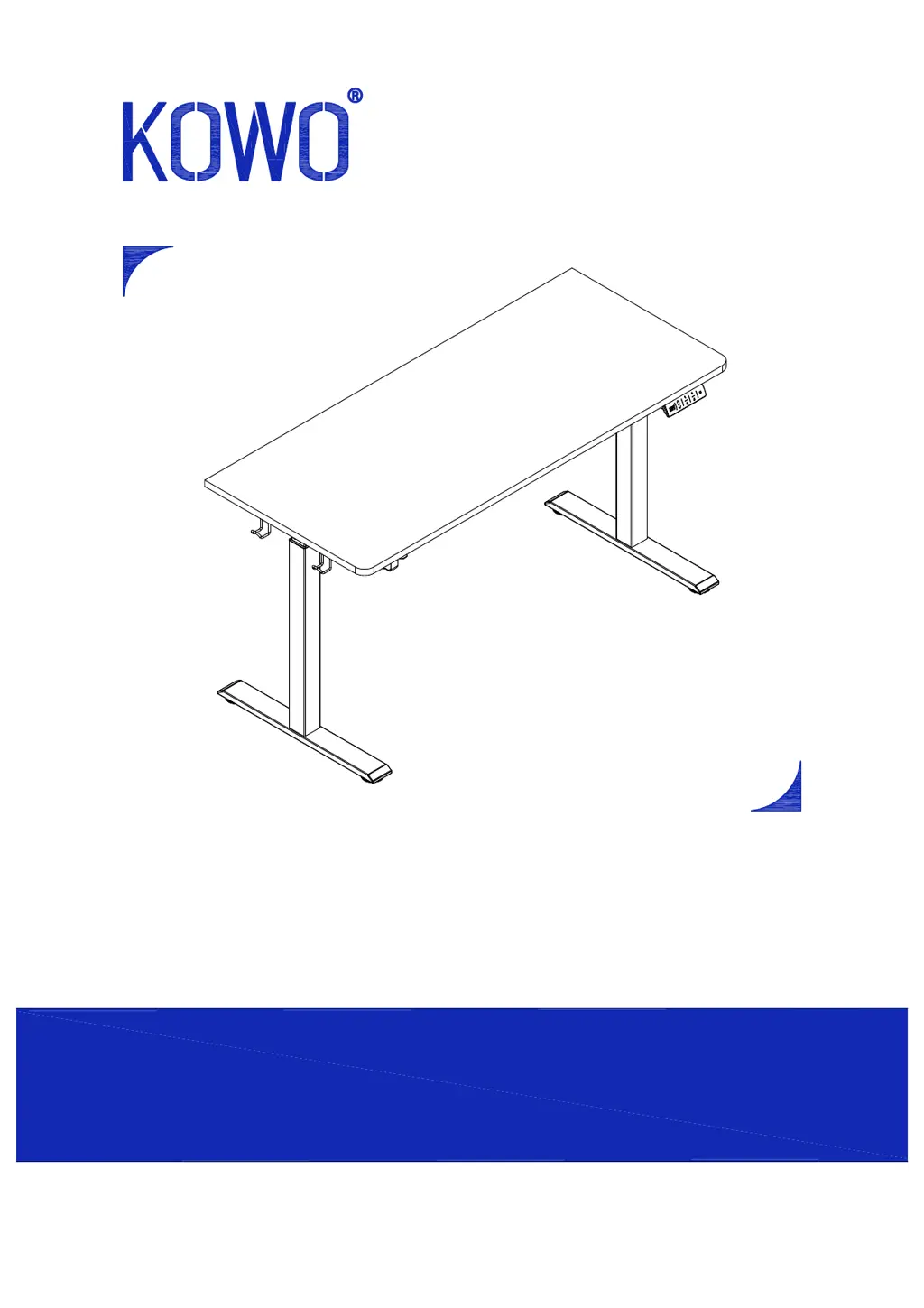
Standing Desk
Any questions or issues please contact us
Tel : 020-8187-1190
Email:service.uk@kowohome.com
9:00 AM - 5:00 PM GMT Monday - Friday
Model#K3041-12/14

Questions and Answers

Summary

Accessory Package Contents

Assembly Step 1: Initial Attachments

Attach Power Adapter and Control Box

Attaches power adapter, control box, and cup holder to the desktop using screws.

Assembly Step 2: Frame Connection

Connect Crossbar to Leg Assemblies

Connects the main frame crossbar to the leg assemblies using screws.

Assembly Step 3: Frame Reinforcement

Secure Crossbar to Second Leg

Secures the frame crossbar to the other leg assembly, mirroring Step 2.

Assembly Step 4: Desktop Securing

Attach Frame to Desktop Underside

Attaches the assembled frame structure to the underside of the desktop.

Assembly Step 5: Leg Attachment

Assembly Step 6: Cable Management

Assembly Step 7: Final Touches

Assembly Step 8: Power Up and Reset

Operating the Standing Desk

Troubleshooting Common Issues

KOWO K3041-14 Specifications

General IconGeneral
BrandKOWO
ModelK3041-14
CategoryIndoor Furnishing
LanguageEnglish

Related product manuals