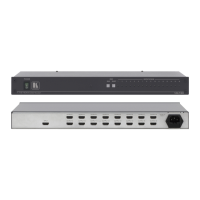
6 Connecting the VM-8H 1:8 HDMI Distributor
To connect the VM-8H 1:8 HDMI distributor
1
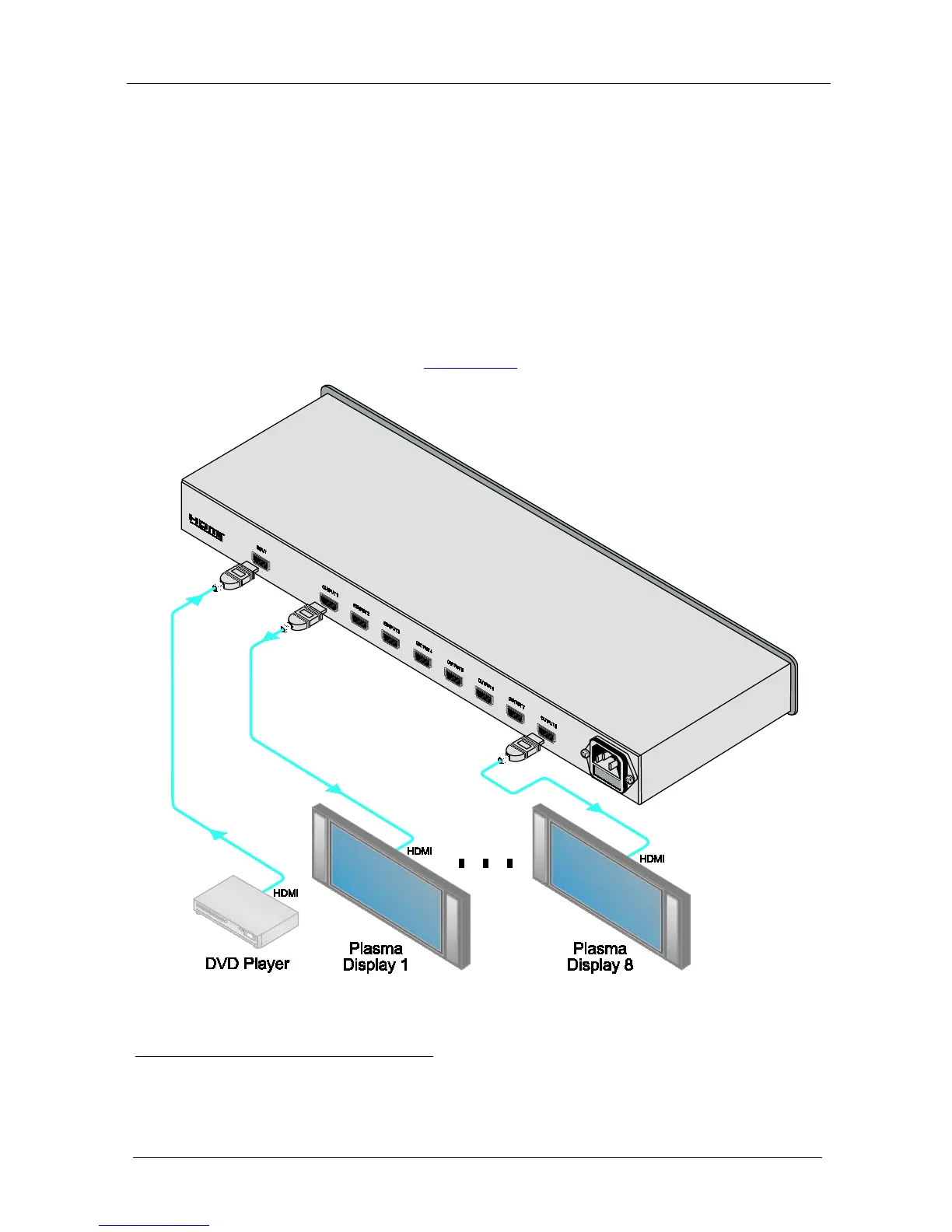
1. Connect an HDMI source (for example, a DVD player) to the INPUT
connector.
, do the following:
2. Connect the eight OUTPUT connectors to eight
2
3. Connect the power cord to the mains electricity.
HDMI acceptors (for
example, plasma displays).
4. Turn ON the POWER.
5. Acquire the EDID (see
Section 6.1).
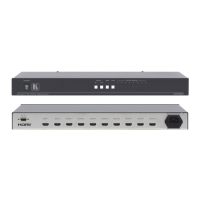
Figure 3: Connecting a VM-8H 1:8 HDMI Distributor
1 From this section on, all the information is relevant to both the VM-8H and the VM-16H, unless noted otherwise
2 As required. Up to 8 outputs can be connected on the VM-8H and up to 16 outputs can be connected on the VM-16H. Not
all outputs need to be connected


 To Next Page