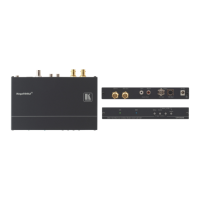
VP-470 - Connecting the VP-470
4 Connecting the VP-470
Always switch off the power to each device before connecting it to your
VP-470. After connecting your VP-470, connect its power and then
switch on the power to each device.
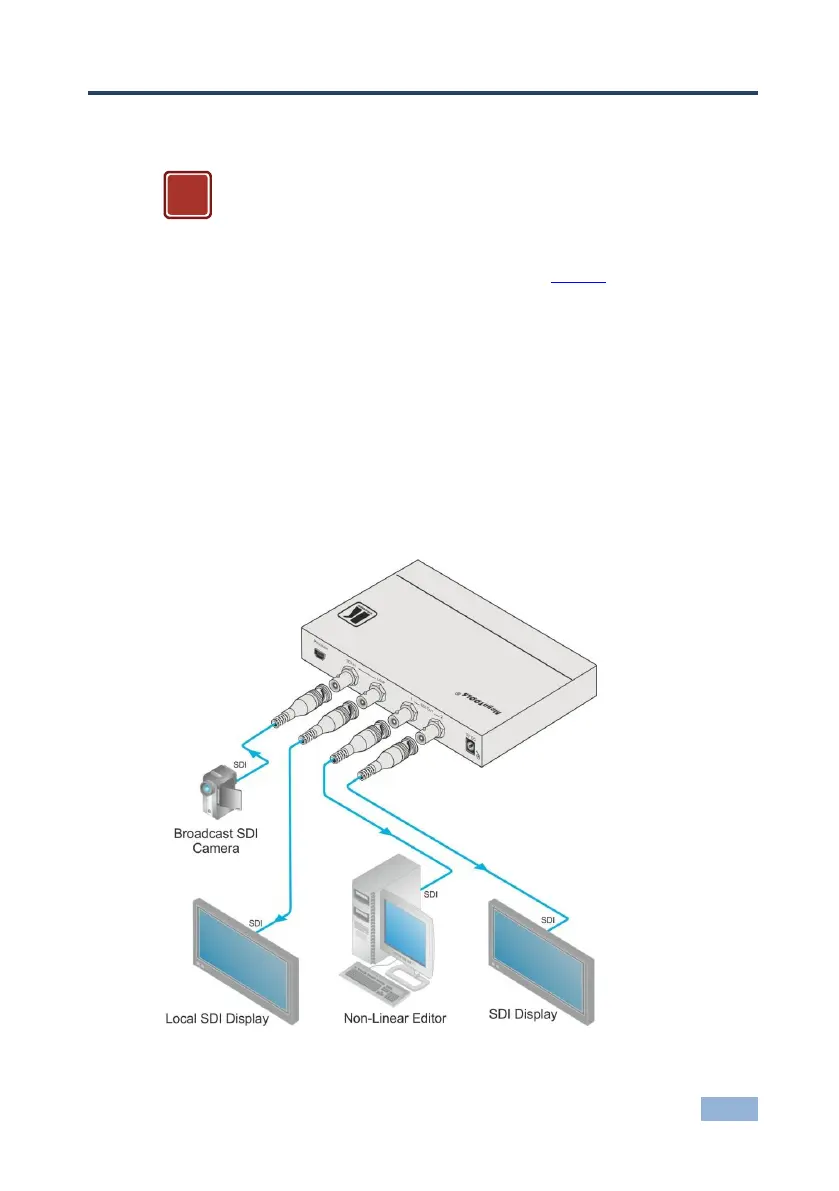
To connect the VP-470 as illustrated in the example in Figure 2:
1. Connect a broadcast SDI camera to the SDI IN BNC connector.
2. Connect the LOOP BNC connector to a local display.
3. Connect the SDI OUT 1 BNC connector to a non-linear editor.
4. Connect the SDI OUT 2 BNC connector to an SDI display.
5. Connect the 5V DC power adapter to 5V DC power socket and to the mains
electricity (not shown in the illustration).
Figure 2: Connecting the VP-470 SD / 3G HD-SDI Scaler


 To Next Page