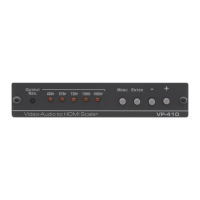
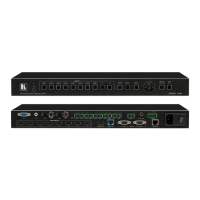
A factory reset can also be applied when pressing the factory reset key combination at power up. The
keys have to be kept pressed for about 10 seconds until the RGB(S) input LEDs stop flashing. If the
keys are released during that 10 seconds period the system will get into Updater mode (see section 5)
since the Menu key is part of this key combination.
2 – YPbPr and RGB(S) video input
3 – DVI-I connector featuring a DVI-D input and a VGA input
4 – DVI-I output connector (only the digital DVI-D is supported, HDMI receivers can be connected with a
DVI/HDMI adapter cable)
5 – TCP/IP port
6 – USB port
7 – RS232 port
8 – Power supply connector



 To Next Page