ASPEN-32UFX, ASPEN-1616UX, VS-8UFX – Configuring ASPEN-32UFX, ASPEN-1616UX, VS-8UFX
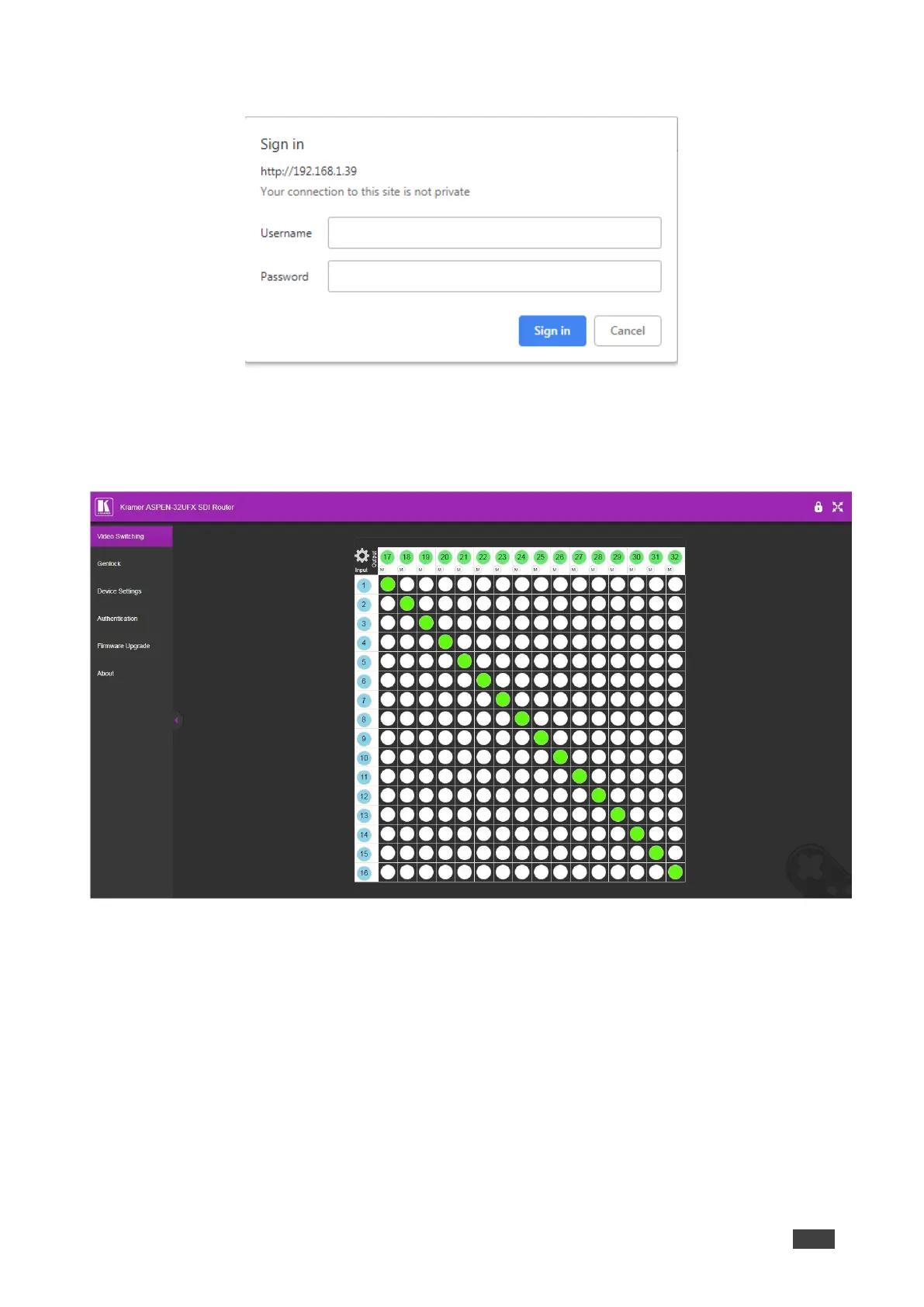
The Login page window appears.
Figure 7: Embedded Web Pages Login Window
2. Enter the Username (default = Admin) and Password (default = Admin) and click
Sign in.
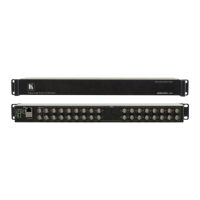
The embedded web pages appear with the Video Switching page open.
Figure 8: Embedded Web Pages with Video Switching Page Open
3. Use the navigation pane on the left to open the desired web page.



 To Next Page