EasyManua.ls Logo

KRATOS 68K-759HC - User Manual

KRATOS 68K-759HC
20 pages
Print Icon
To Next Page IconTo Next Page
Loading...
12/10/2020 PK
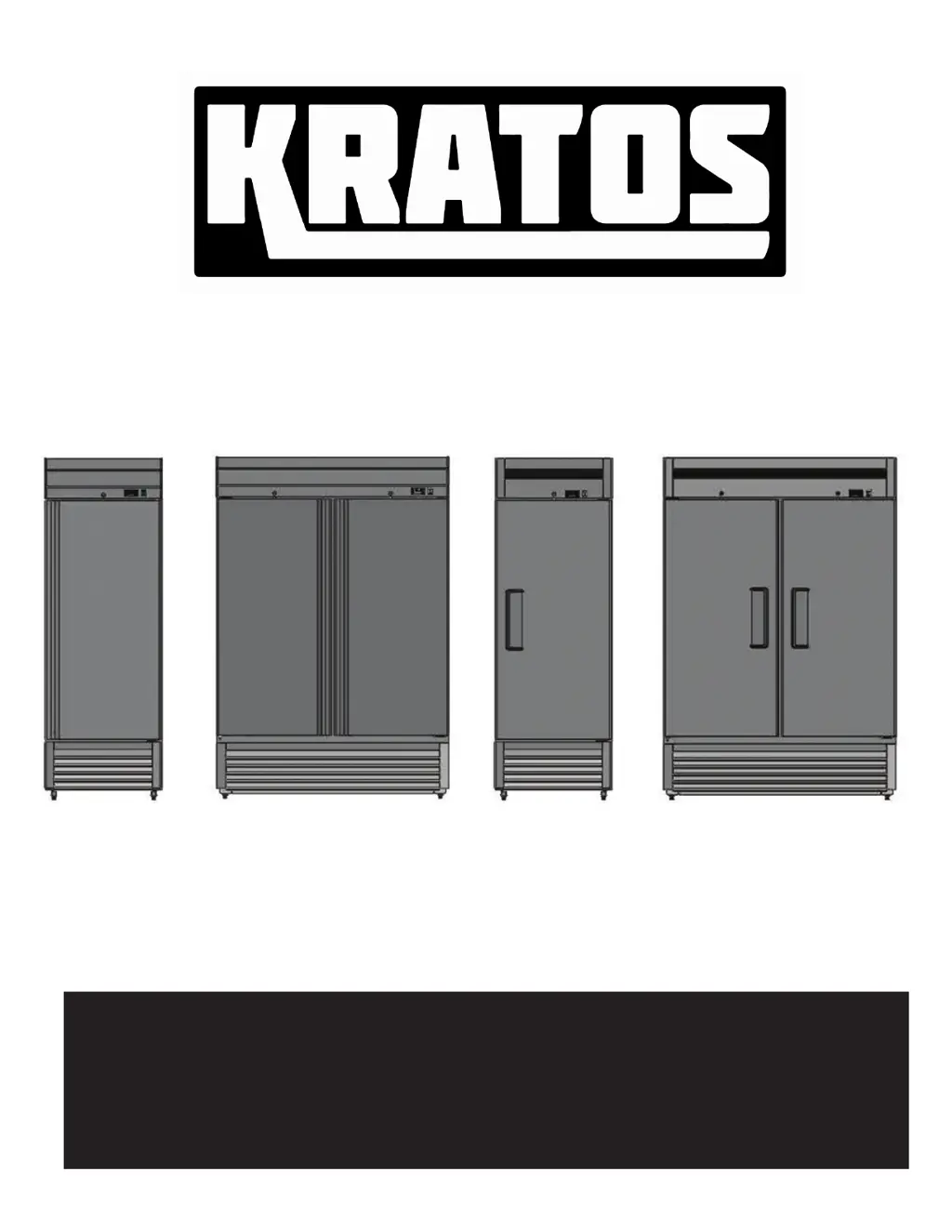
SERVICE, INSTALLATION AND INSTRUCTION MANUAL
68K-759HC, 68K-773HC
69K-887HC, 69K-888HC
REACH-IN REFRIGERATOR
PLEASE READ CAREFULLY

Questions and Answers

  • H
    hogancatherineAug 6, 2025
    Why is the compressor not running on my KRATOS 68K-759HC?
    • W
      William PayneAug 6, 2025
      If the compressor of your KRATOS Refrigerator isn't running, there are several potential causes: * A fuse may be blown, or the circuit breaker may have tripped. In this case, replace the fuse or reset the circuit breaker. If this doesn’t fix the problem, contact a qualified service technician. * The power cord might be unplugged. Ensure the power cord is plugged in and check that the relevant breaker isn’t tripped. * The thermostat may be set too high. Try setting the thermostat to a lower temperature. * A ground fault protector may have tripped. Reset or eliminate the GFI breaker or receptacle.
  • B
    Bonnie WarrenAug 13, 2025
    What to do if the KRATOS 68K-759HC Refrigerator cabinet temperature is too warm?
    • M
      Mary WalkerAug 13, 2025
      If the cabinet temperature of your KRATOS Refrigerator is too warm, consider the following: * The thermostat may be set too high. Adjust the thermostat to a lower temperature. * Airflow might be blocked. Re-arrange the products inside to allow for proper air flow, ensuring at least four inches of clearance from the fan. * Low refrigerant levels could be the issue. Contact a qualified service technician to check refrigerant levels. * The door may be slightly ajar. Ensure the door is completely closed.
  • R
    Reginald LawrenceAug 20, 2025
    Why is my KRATOS Refrigerator making a loud noise?
    • A
      Antonio JonesAug 21, 2025
      If your KRATOS Refrigerator is making a loud noise, here are a few possible reasons: 1. The floor may be too weak, or the unit isn't level. Check the installation to confirm the unit is level and adjust the tray position. 2. The back of the unit could be too close to the wall. 3. The tray might not be in the correct position. 4. The fan blade may be obstructed or unbalanced. Clear any obstruction from the fan blade or replace the fan.
  • J
    Joseph BrownAug 27, 2025
    How to fix an iced over evaporator in KRATOS 68K-759HC Refrigerator?
    • C
      Christopher BrockAug 28, 2025
      If the evaporator in your KRATOS Refrigerator is iced over, it might be due to excessive moisture or an incorrectly set auto defrost cycle. You can run the manual defrost cycle or unplug the unit and open the door.

Summary

Introduction

Serial Number Information

Receiving and Inspecting the Equipment

Appliance Safety

Safety Alert Symbol Definitions

Explains DANGER, WARNING, and CAUTION terms.

Important Safety Instructions

Key precautions to reduce risk of fire, electric shock, or injury.

Important Safeguards

DANGER

Critical safety warnings for severe injury or death.

WARNING

Safety warnings for extensive product damage or serious injury.

Important Safeguards (continued)

Electrical Connection

Proper grounding and outlet requirements for safe operation.

Power Surges

Advice on voltage, circuit protection, and GFI breakers.

Refrigerant Disposal

Guidelines for safe disposal of refrigerants.

Appliance Disposal

Instructions for safely disposing of the appliance.

Appliance Installation

Remove Packaging Materials

Instructions for safely removing packaging and labels.

Location Requirements

Guidelines for choosing an appropriate installation location.

Inside cabinet

Airflow considerations within the unit.

Outside cabinet

Clearance and environmental requirements around the unit.

Appliance Installation (continued)

Installation Clearance

Specifies required clearances for doors and ventilation.

Leveling

Procedures for ensuring the unit is properly leveled.

Stabilizing

Advice on casters and repositioning the unit.

Reversing The Door (Single Door Models Only)

Steps to change door swing direction.

Electrical Connection

Guidance on connecting the unit to power.

Operation

Refrigerated cycle

Explains the cooling process and defrost cycle.

Power Switch

Location and indication of the unit's power switch.

Solid-State Thermostat Descriptions

Overview of the thermostat controls and display.

Operation (continued)

Main Functions

Detailed explanation of primary operational features.

Alarm Signalling

Identifies alarm messages and their causes/outputs.

Tips for Proper Operation, Cleaning and Maintenance

Cleaning and Maintenance

Exterior and Interior Cleaning of Appliances

Methods for cleaning the unit's surfaces.

Cleaning the Condenser Coil

Instructions for cleaning the condenser for optimal performance.

Cleaning and Maintenance (continued)

Stainless Steel Care and Cleaning

Proper methods for cleaning and maintaining stainless steel.

Gasket Maintenance

How to clean and maintain door gaskets.

Doors;Hinges

Maintenance tips for doors and hinges.

Drain Maintenance

Steps for ensuring proper drain function.

Troubleshooting Guide

Troubleshooting Chart

A chart listing faults, probable causes, and actions.

Troubleshooting (continued)

Service and Troubleshooting Tips

Advice on warranty and common service issues.

Dimensions and Technical Information

Component Information

Refrigeration Diagram

Illustrates the refrigeration system layout.

Wiring Diagrams

Parts

Reference Material

KRATOS 68K-759HC Specifications

General IconGeneral
BrandKRATOS
Model68K-759HC
CategoryRefrigerator
TypeTop Freezer
Energy Star CertifiedYes
Defrost TypeFrost-Free
Ice MakerNo
Reversible DoorYes
Freezer Capacity5 cu ft

Related product manuals