Wireless-N Network Adapter
300Mbps / 2T2R - USB
www.kraun.it
8
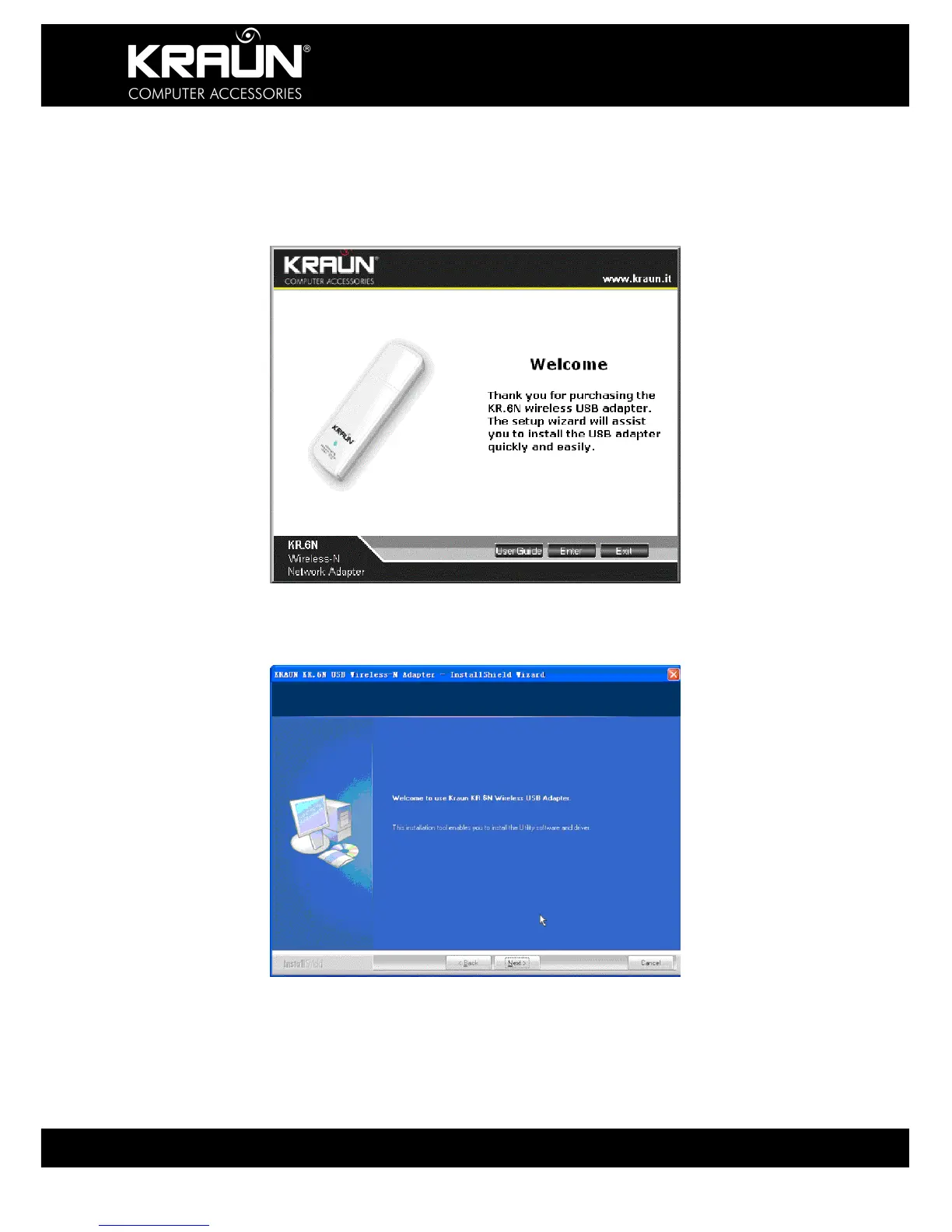
3. Insert the included CD-ROM into the CD-ROM drive of your computer.
If ‘Autorun’ is enabled on your PC then the Welcome Screen appears.
(If it does not, navigate to the Setup program on the CD-ROM and
double-click the “Setup.exe” icon.)
4. Click “Enter”.
5. Click “Next” to start the installation.


 To Next Page