Wireless-N Network Adapter
300Mbps / 2T2R - USB
www.kraun.it
7
Chapter 2 Installation Guide
This chapter is to assist you to install the device using the Setup Wizard
and the Client Utility Interface located on the CD-ROM that came with your
device.
The following steps using the Setup Wizard take Windows XP as example.
With minor variations these instructions also apply to other Windows based
operating systems
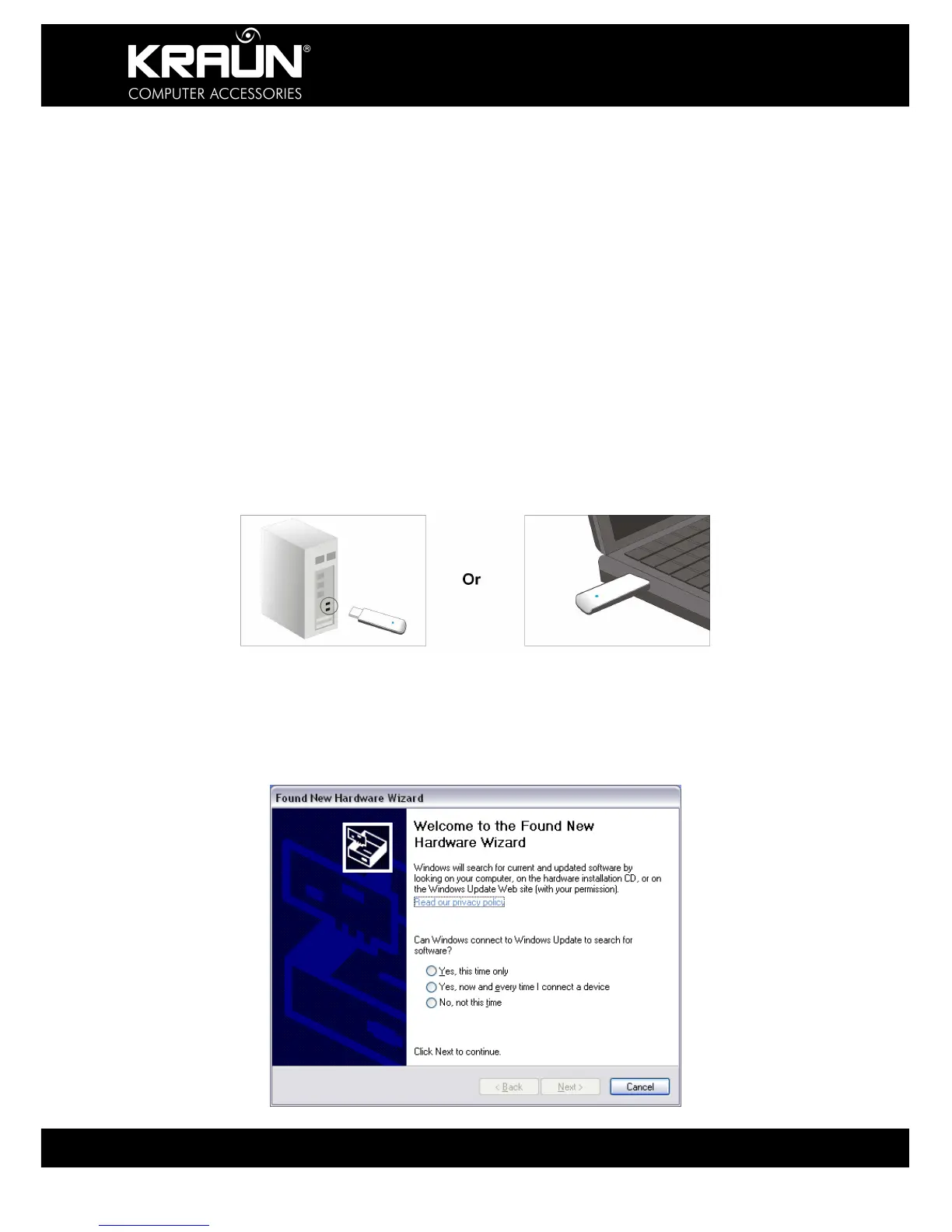
1. Insert the Wireless USB Adapter into an available USB port of your
computer.
2. The “Found New Hardware” system dialogue appears. Select “Cancel”
to use the included Setup Wizard for fast installation. You may also
select “Next” for manual installation.


 To Next Page