6 www.kraun.it
Quick Guide
OSD Menu Sub-Menu & Function Description
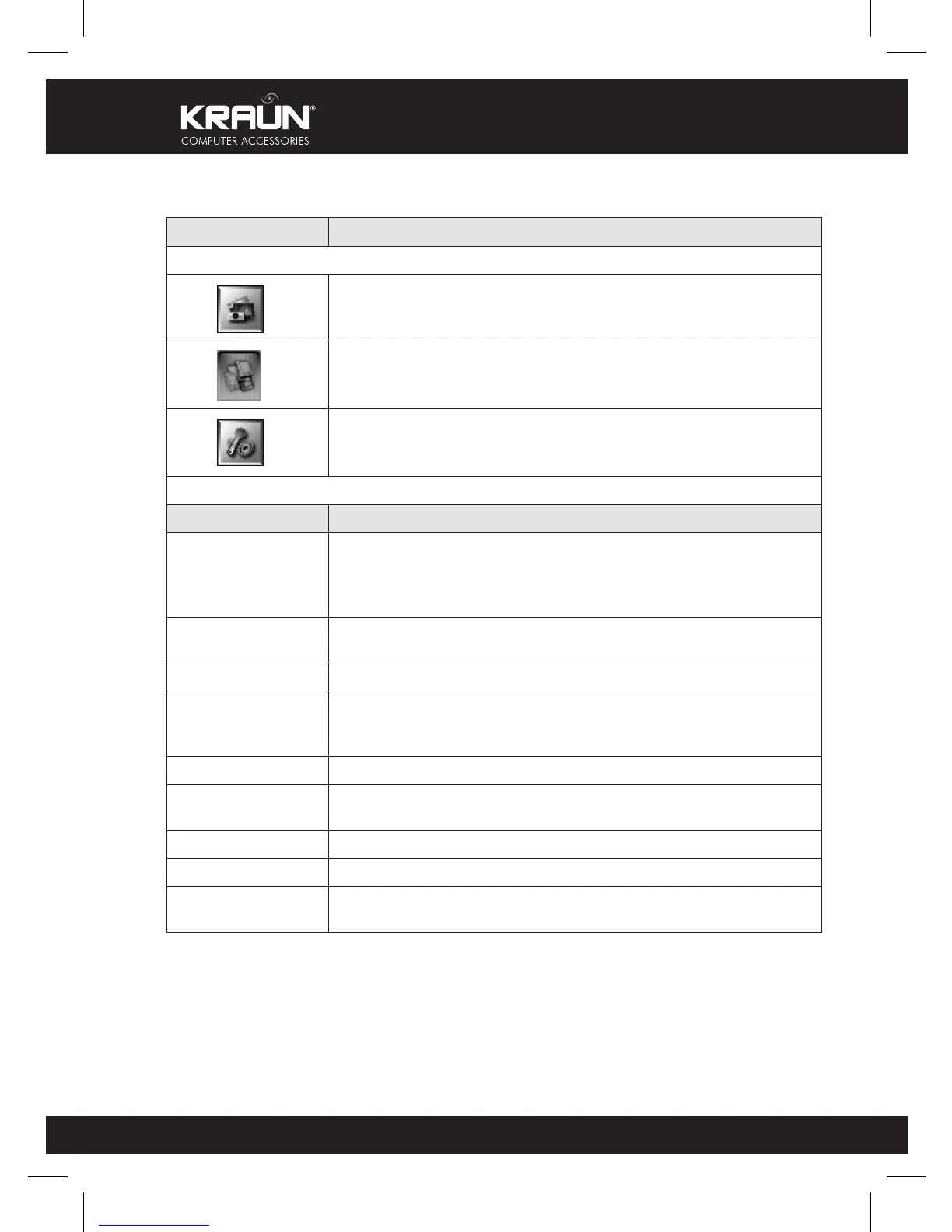
Function Menu
Photo display
Memory device
(CF/XD/SD/SM/MMC/MS/NAND FLASH)
Set up system
Setting
Menu item Description
Language
OSD language:
English/Traditional Chinese/Simple Chinese/Deutsch(German)/
Français(France)/Español(Spanish)/Italiano(Italy)/
Nederlands(Holland)/Portugues(Portugal)/Dansk(Danish)
Slide Interval
Adjust 5/10/30/60 seconds time interval for all photos in the slide
show
File Description Show or hide file information, file name or photo resolution
Folder Mode
Show or hide folders
Open: all directories are placed before all files
Close: show all files but not directories
Aspect Ratio Normal/Smart/Zoom
LCD Power
Saving
OFF/15Min./30Min./60Min.
Display Setting Select the brightness/contrast
Default Setting All set values return to the original setting
System
Information
Software version
5. OSD MENU FUNCTION



 To Next Page